
{{ getFeatureName(action_mode) }} your image
Drop your image here.
Our popular AI tools
Enhance Photo
Automatically enhance the blurry photo's resolution and increase the overall quality.
Remove Objects
AIPhotor's One-Touch AI simply detects and removes unwanted details in your picture.
Remove Background
Seamlessly remove background from photos. Edit background with 100+ well-designed templates.
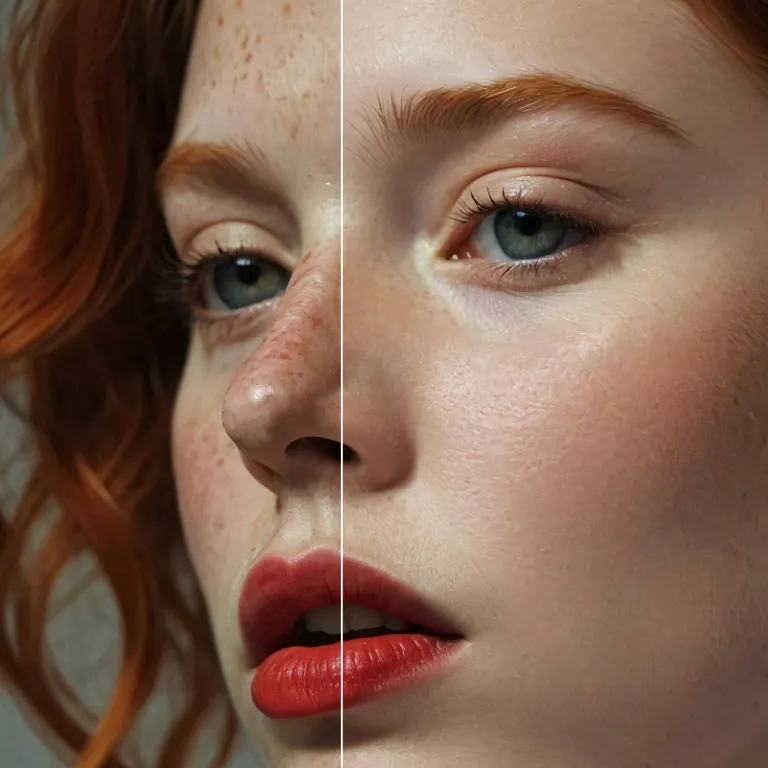
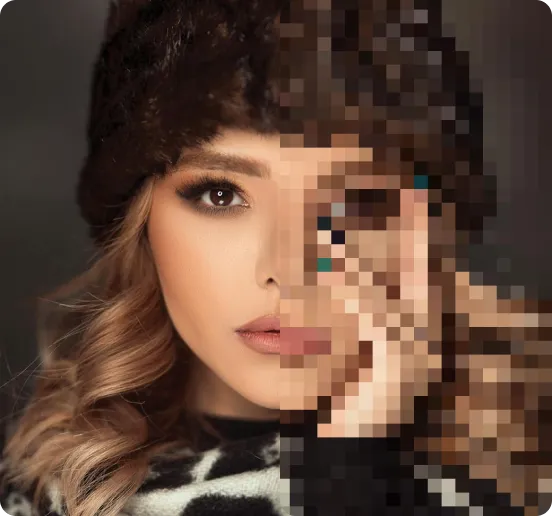
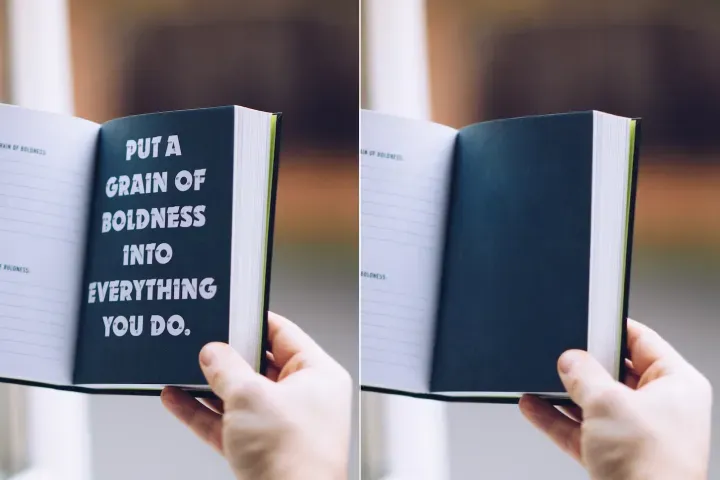
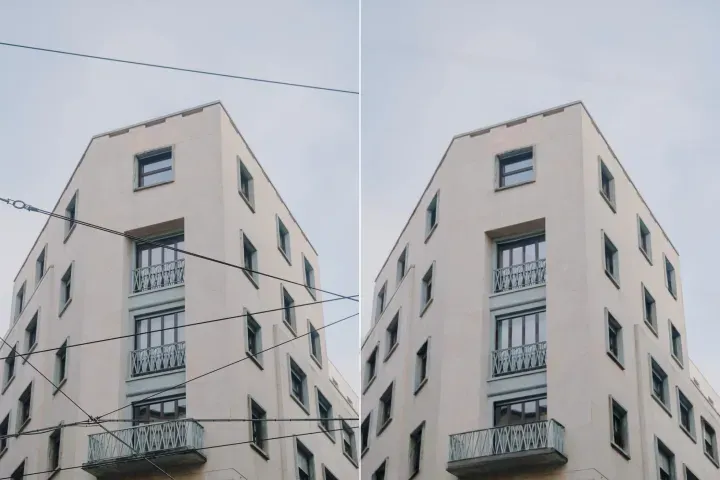
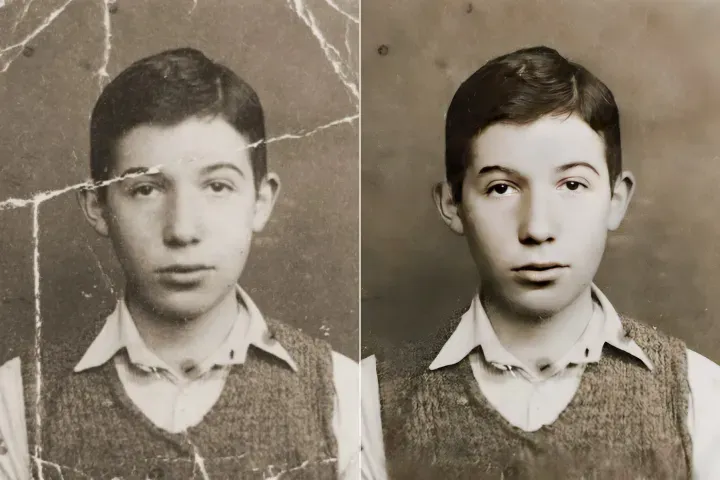
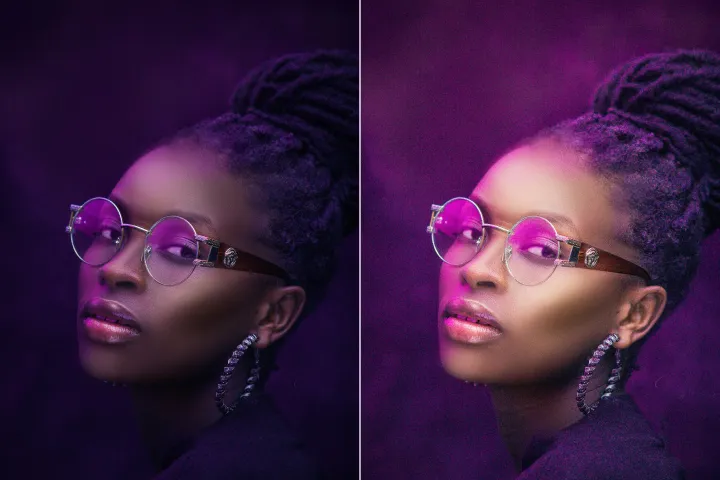
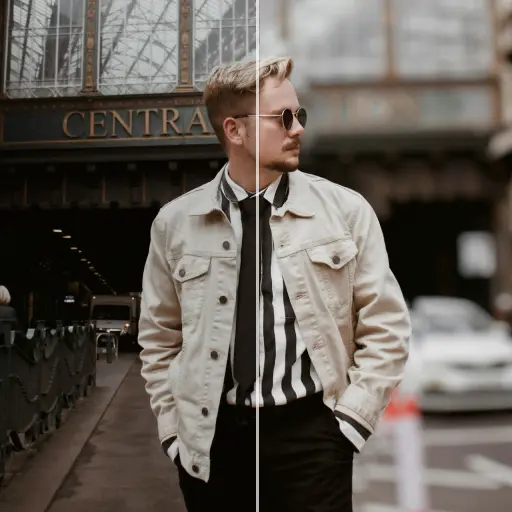
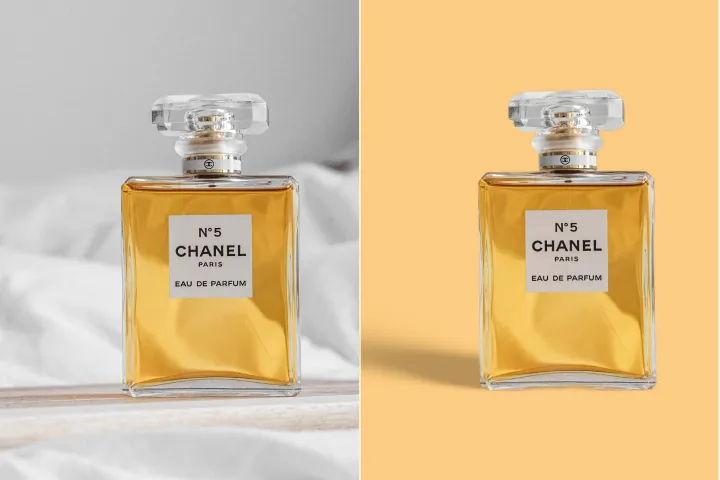
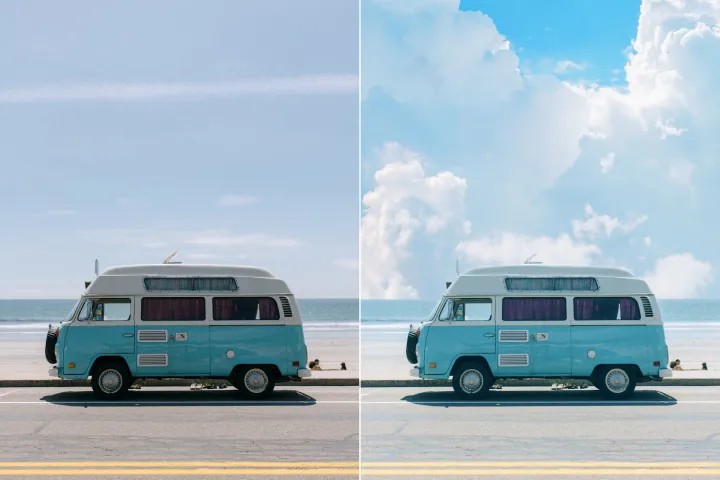
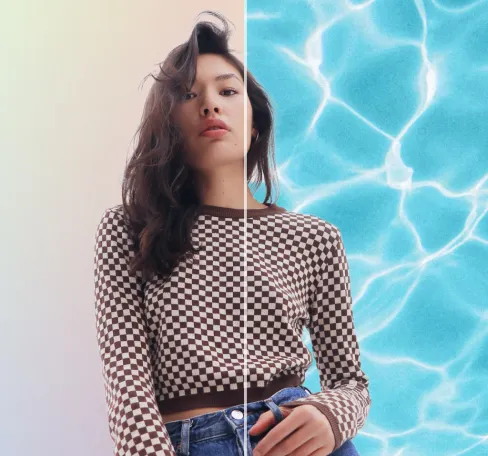
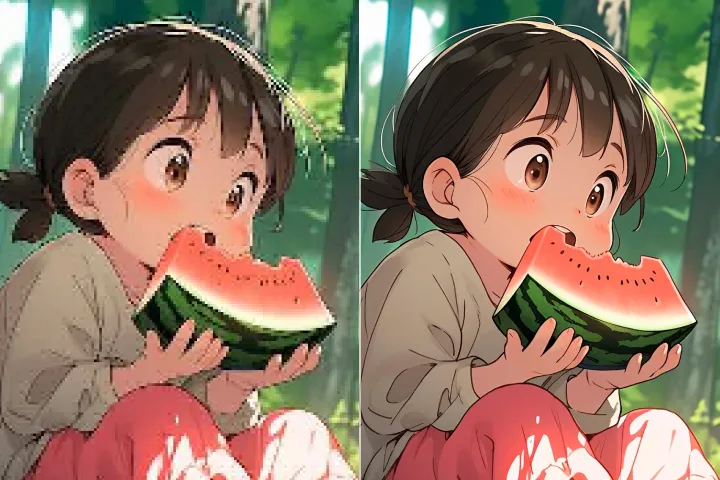
تمويه خلفية الصور مجاناً
اصنع صورًا مميزة باستخدام أداة تمويه الخلفية السهلة من AIPhotor—سريعة ومتاحة ومجانية.
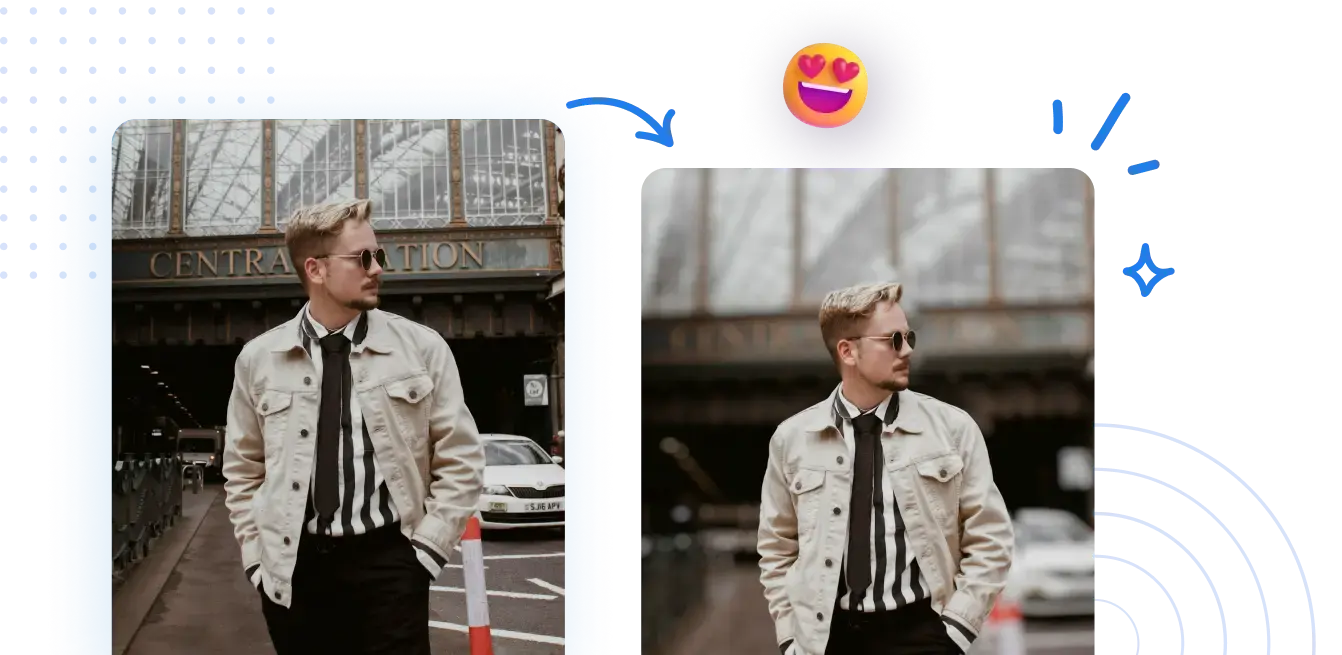
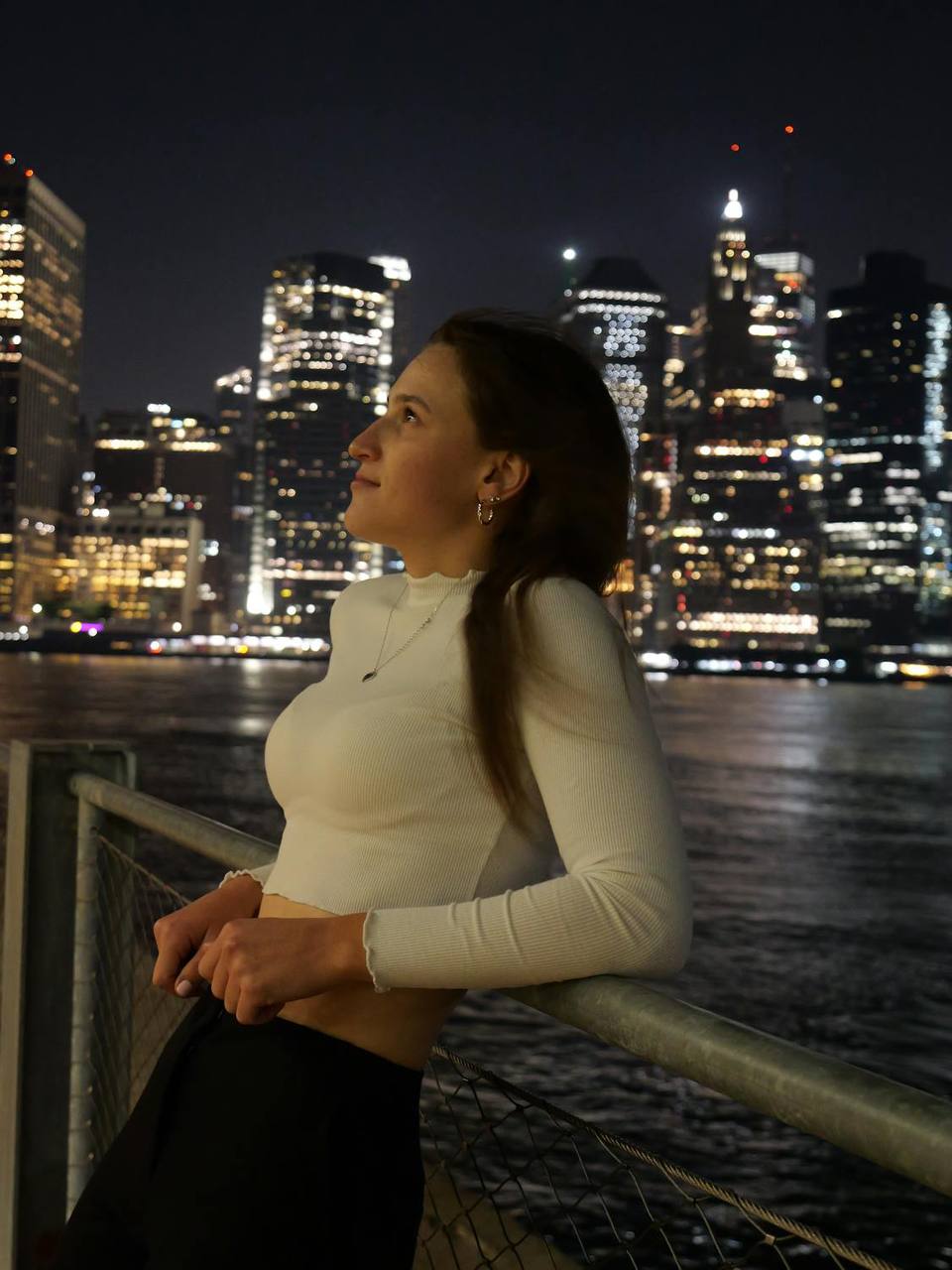



تعلم كيفية طمس خلفيات الصور عبر الإنترنت بخطوات سريعة وسهلة
لا حاجة لإعدادات معقدة. حقق خلفية ضبابية بمظهر احترافي في بضع نقرات فقط.
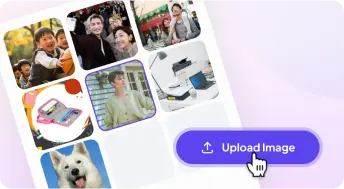
1 تحميل صورة
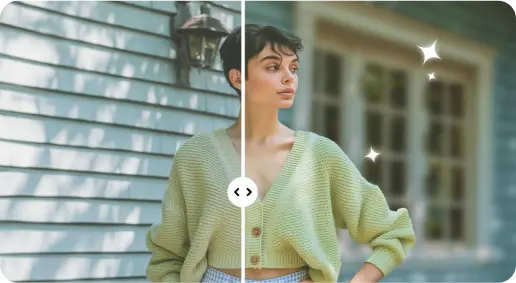
2 تشويش الخلفية بتأثيرات مدعومة بالذكاء الاصطناعي

3 احفظ الصورة الجديدة
حافة مثالية أداة تمويه الخلفية
إضافة عمق إلى صور البورتريه
استخدم تشويش الخلفية لإضفاء عمق على البورتريهات، مع إبراز ملامح الوجه وشخصية الموضوع.
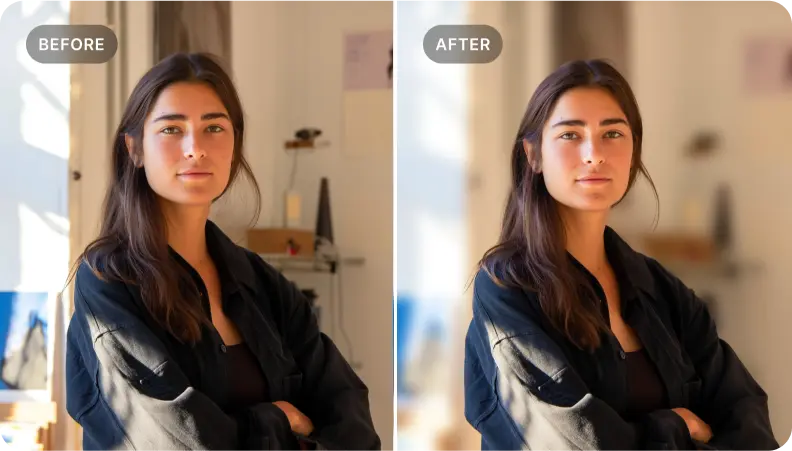
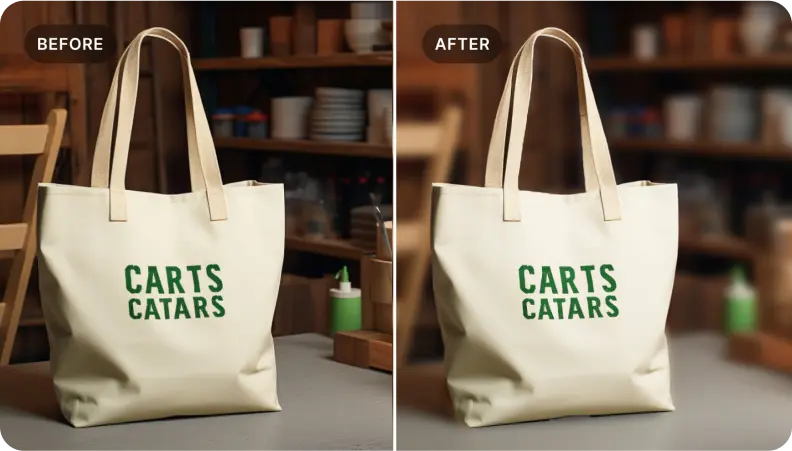
إبراز المنتجات في صور التجارة الإلكترونية
طبق تشويش الخلفية على صور المنتجات لإبراز التفاصيل، مما يخلق صورًا جذابة بصريًا تزيد من التفاعل والمبيعات.
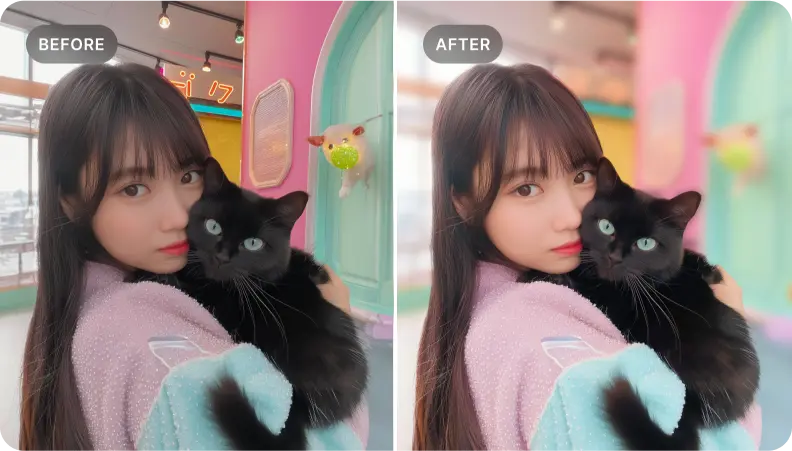
عزل عناصر محددة داخل المشهد
مثالي لعزل العناصر المهمة. قم بطمس المناطق المحيطة لصناعة صور قوية تروي القصة.

Free to Try
AIPhotor is free to try for 3 days, after which you can subscribe to one of our incredible value plans.

Free to Try
We automatically sharpen and transform your images with AI to create multiple final looks. But you can also adjust and add a prompt to customize the results. Choose what works best for you!

Quick & Easy
Screen, edit, resize and download your photos lightning fast.

Compatible with all devices
AIPhotor is available on the iOS and Android stores. Our app works seamlessly across mobile, desktop, and tablet devices.
Frequently Asked Questions
-
What is AIPhotor Photo Editor?

 AIPhotor is a visual online photo editing website that leverages AI technology to help automatically remove objects/people from images; retouch, enhance, colorize, correct, cartoonize, and animate photos in a snap, replacing other photo editing tools Photoshop, Pixlr editor, or Photopea.
Or just drag & drop image here, upto 50 images at once
Or just drag & drop image here, upto 50 images at once
Frequently Asked Questions
-
What is AIPhotor Photo Editor?
AIPhotor is a visual online photo editing website that leverages AI technology to help automatically remove objects/people from images; retouch, enhance, colorize, correct, cartoonize, and animate photos in a snap, replacing other photo editing tools Photoshop, Pixlr editor, or Photopea.
