
{{ getFeatureName(action_mode) }} your image
Drop your image here.
Our popular AI tools
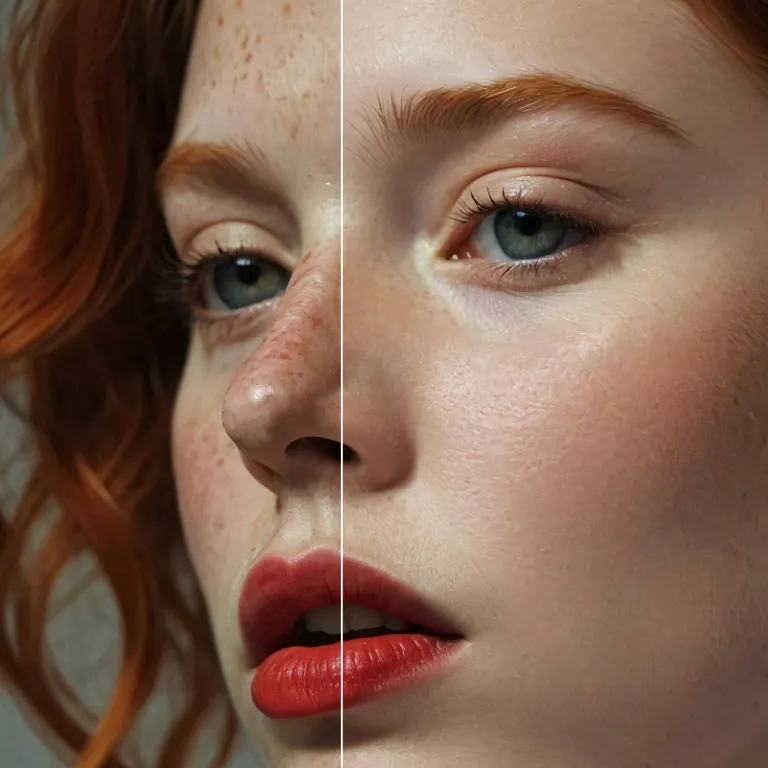
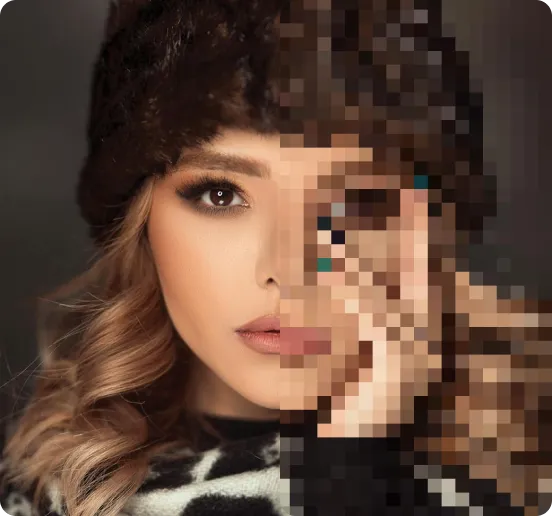
Enhance Photo
Automatically enhance the blurry photo's resolution and increase the overall quality.
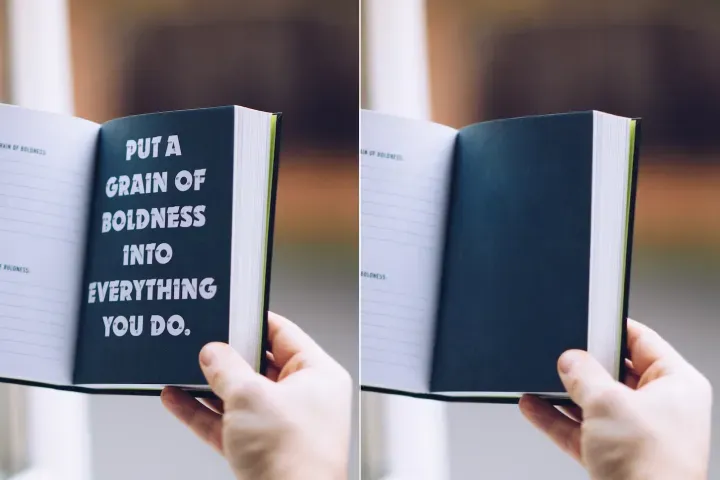
Remove Objects
AIPhotor's One-Touch AI simply detects and removes unwanted details in your picture.
Remove Background
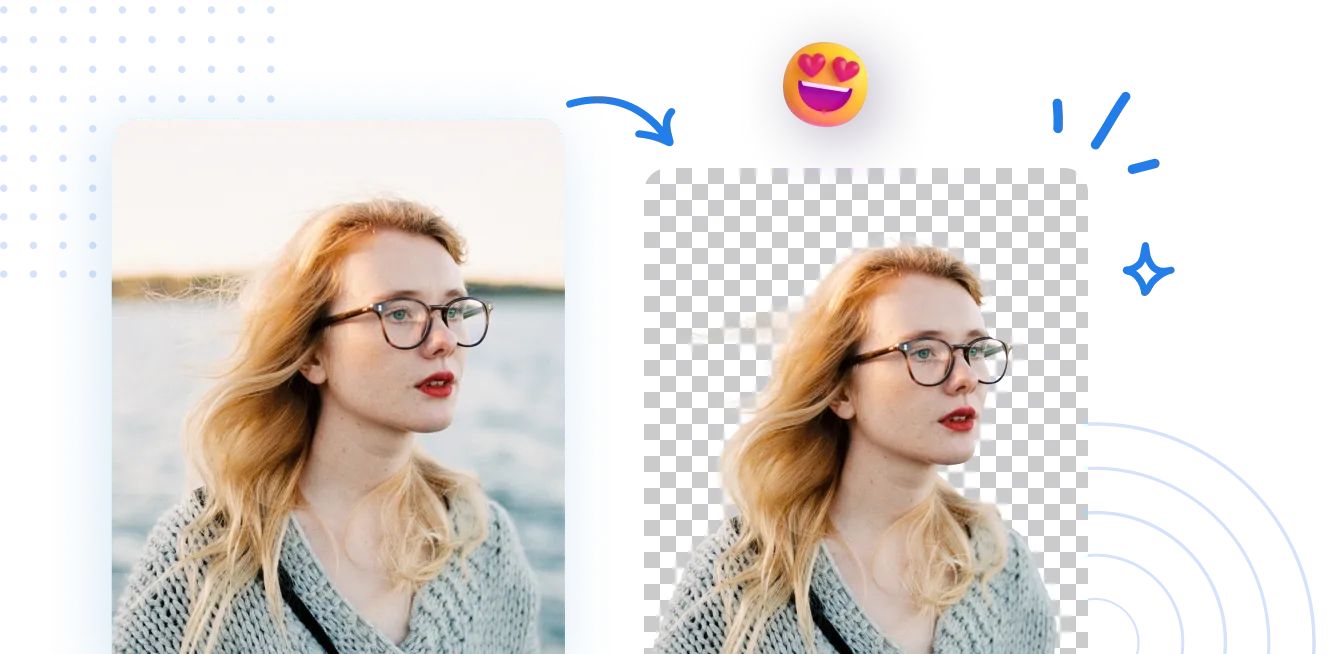
Seamlessly remove background from photos. Edit background with 100+ well-designed templates.
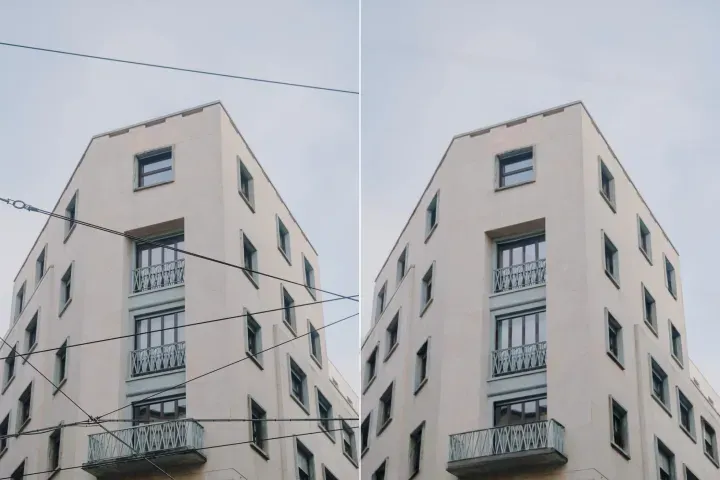
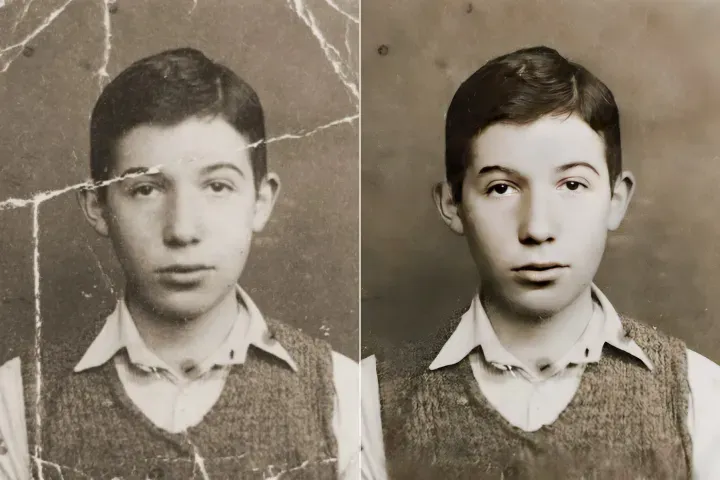
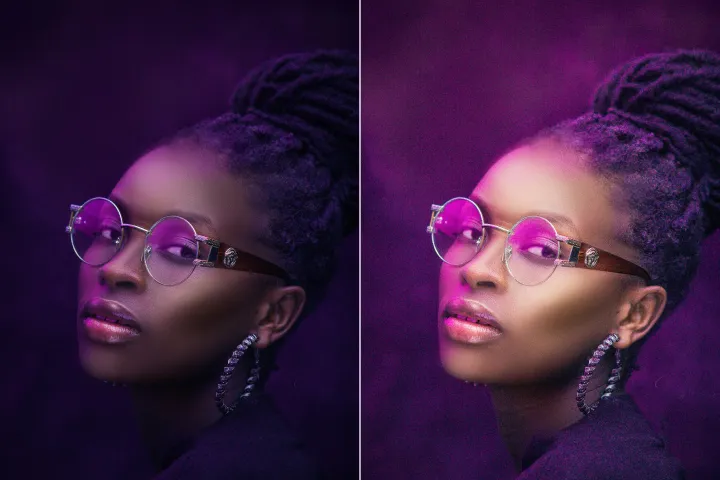
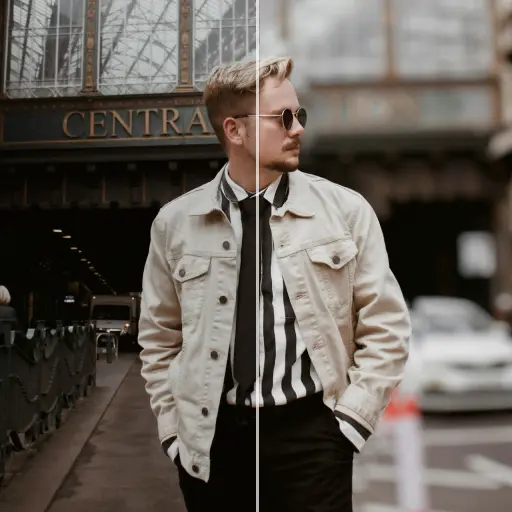
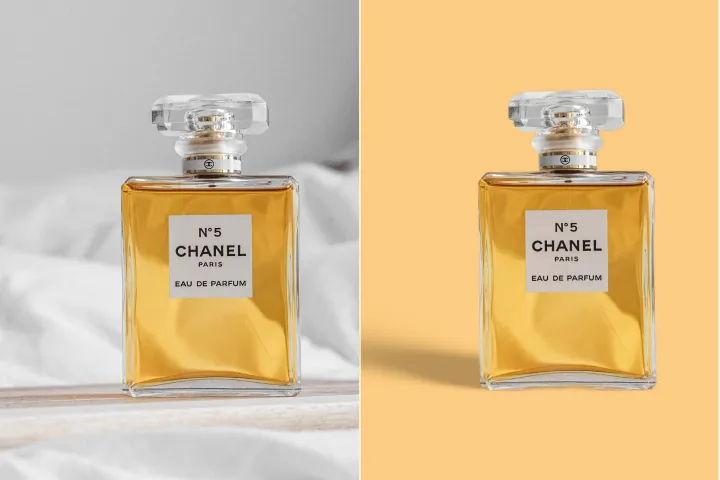
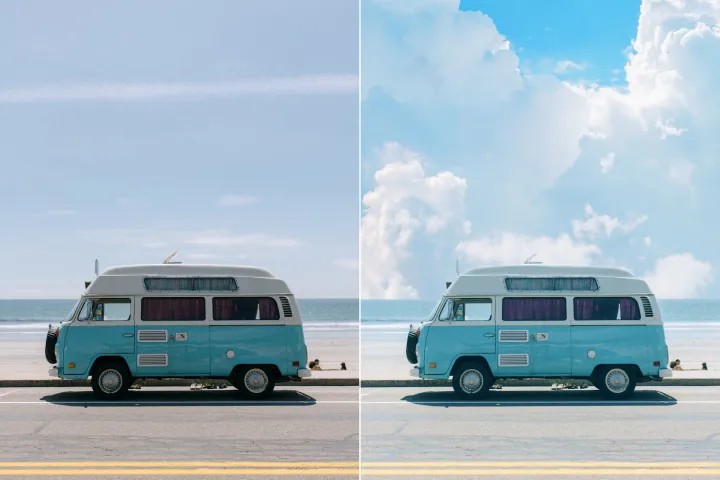
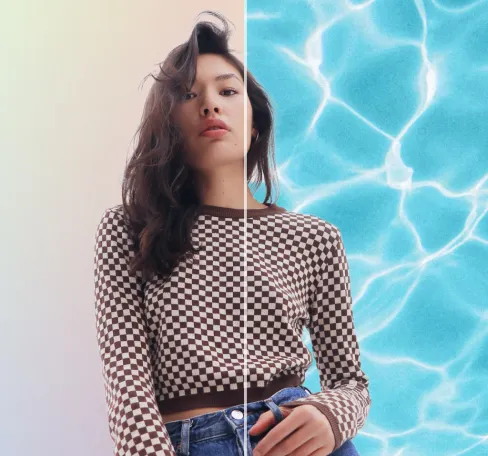
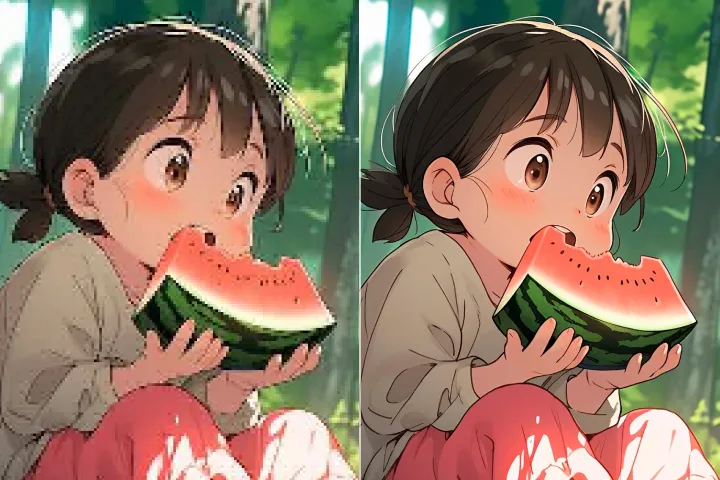
Suppression d'arrière-plan d'image
avec IA
Supprimez rapidement et avec précision les arrière-plans, puis modifiez librement — ajustez les couleurs, ajoutez des graphiques ou remplacez les arrière-plans en quelques clics seulement sur la plateforme AIPhotor.
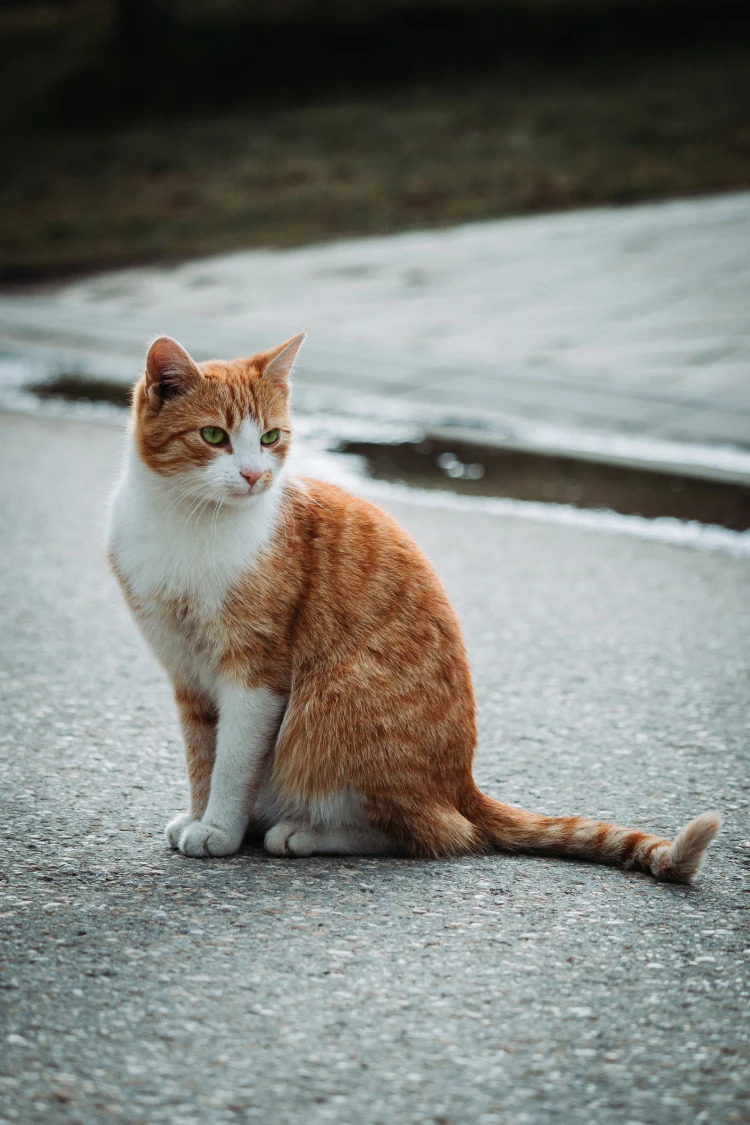
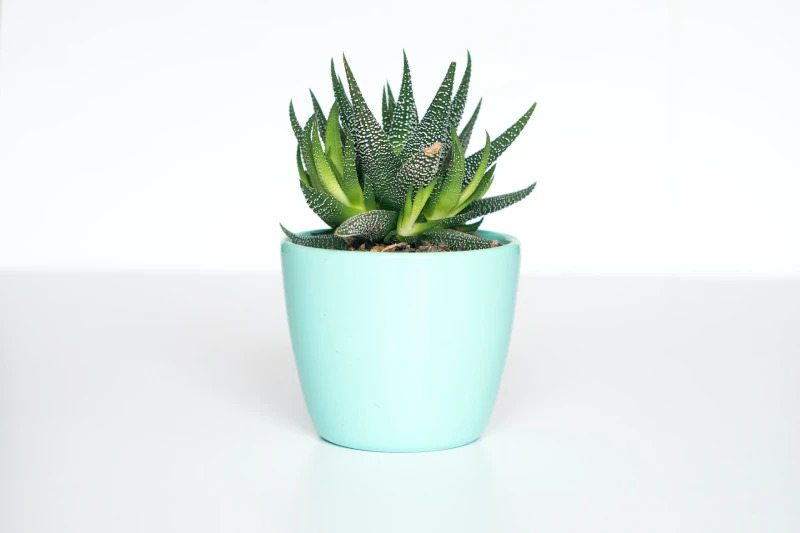
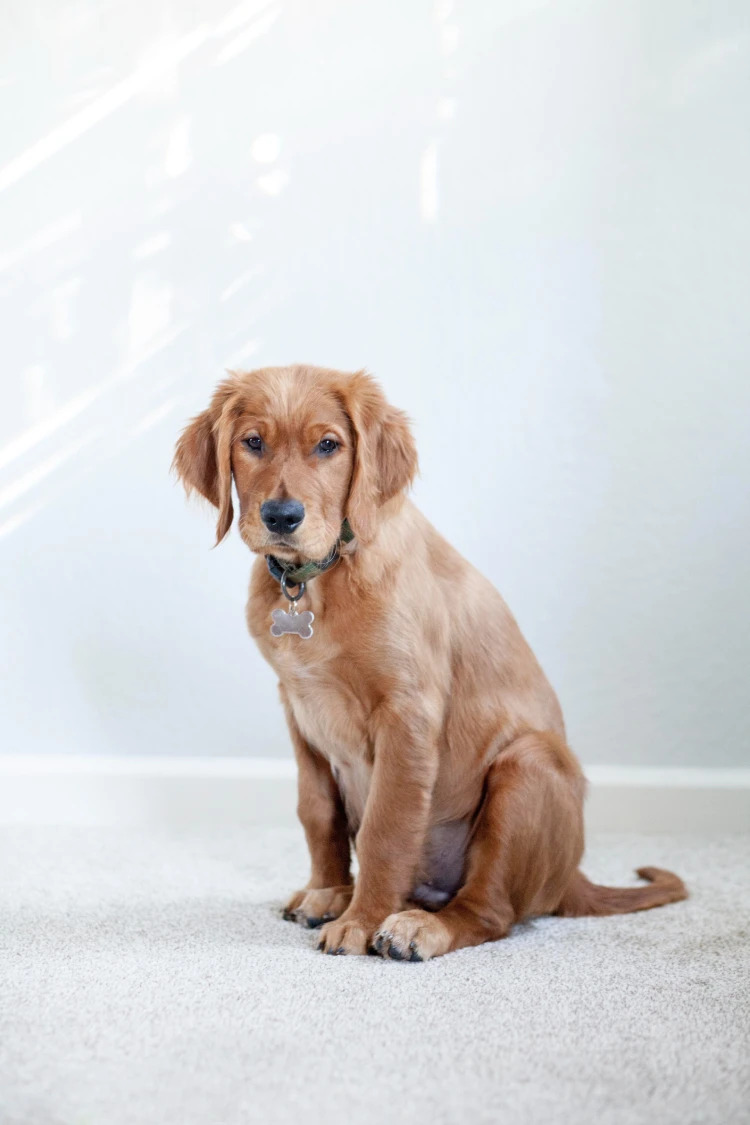
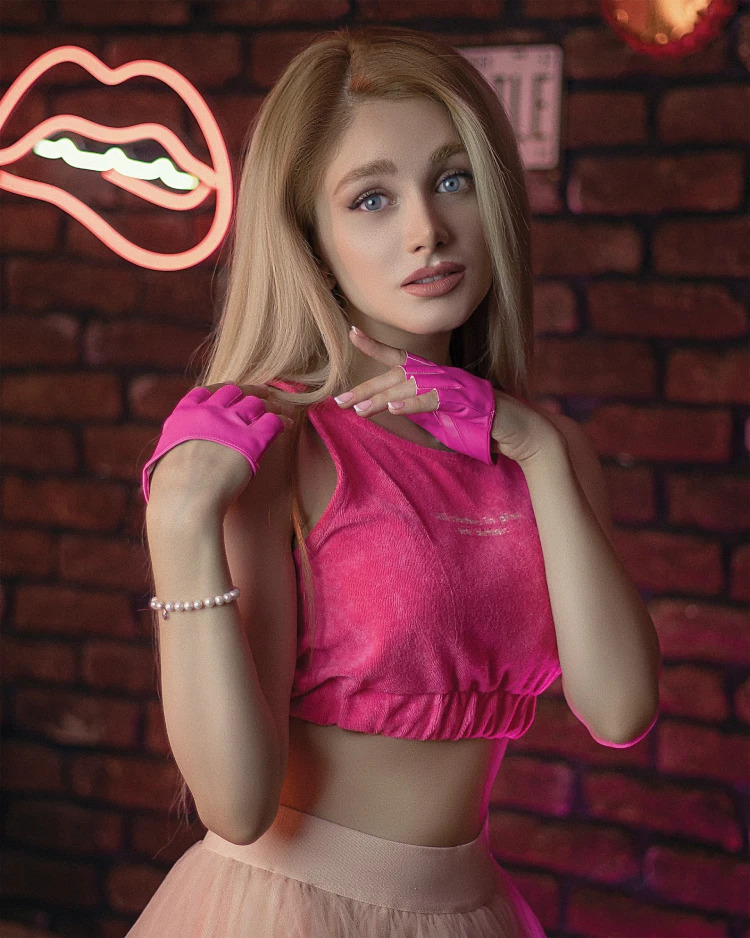
Comment supprimer l'arrière-plan d'une photo ?
Accédez au Background Remover d'AIPhotor en trois étapes simples : ouvrez la fonctionnalité, suivez les invites guidées et appliquez le résultat.
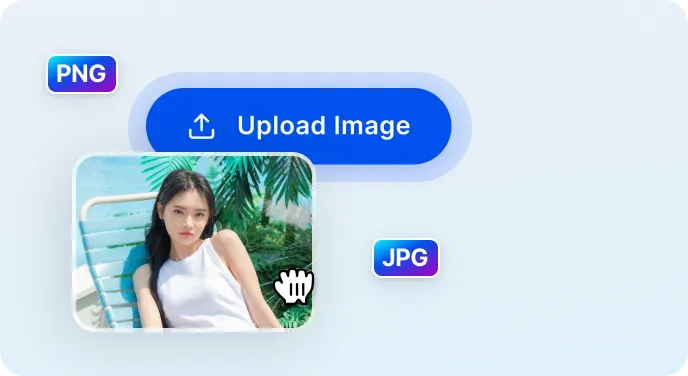
1 Importer l'image
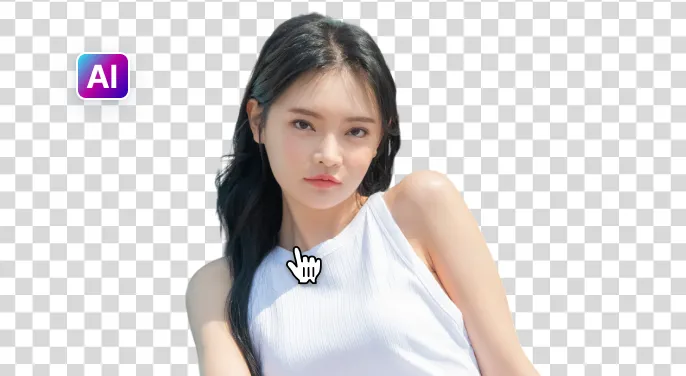
2 Attendez que l'IA retire l'arrière-plan
3 Télécharger l'image
Retirez l'arrière-plan de l'image plus facilement avec IA
Effaceur d'arrière-plan rapide et précis
AIPhotor identifie et supprime les arrière-plans en moins de cinq secondes tout en préservant les détails de l’image pour un rendu propre et professionnel.
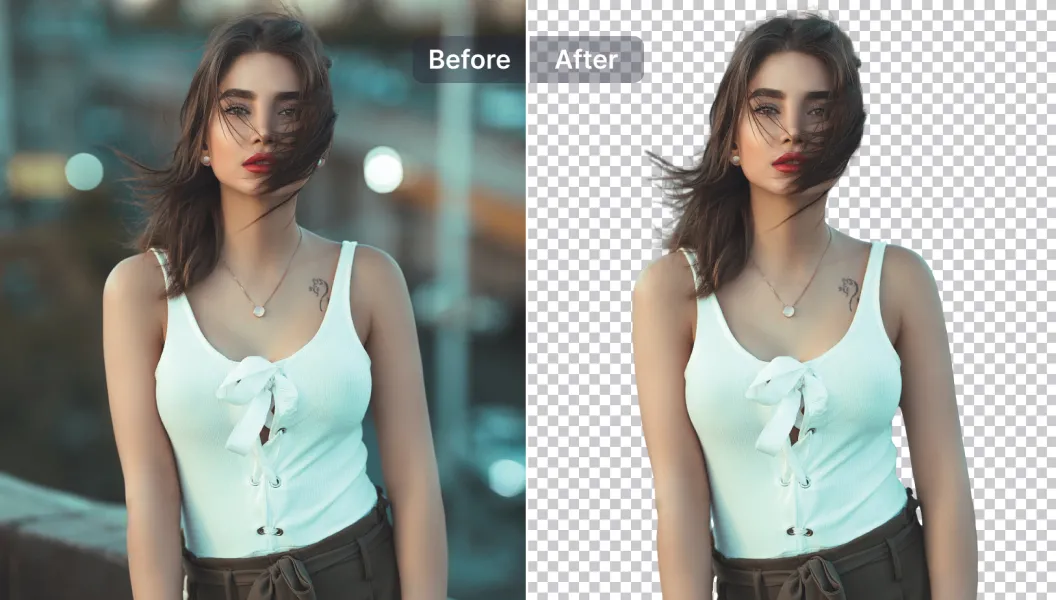
Options d’édition puissantes
Améliorez vos images grâce à des outils d’édition alimentés par l’IA — ajoutez ou supprimez du texte et des objets, redimensionnez, améliorez la qualité et bien plus encore, le tout sur la plateforme.
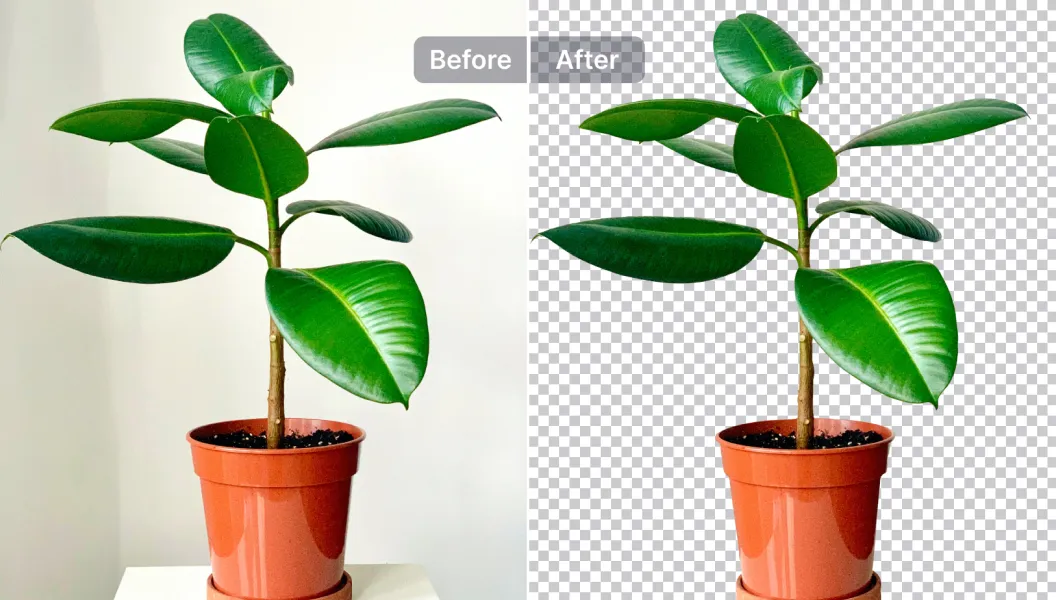
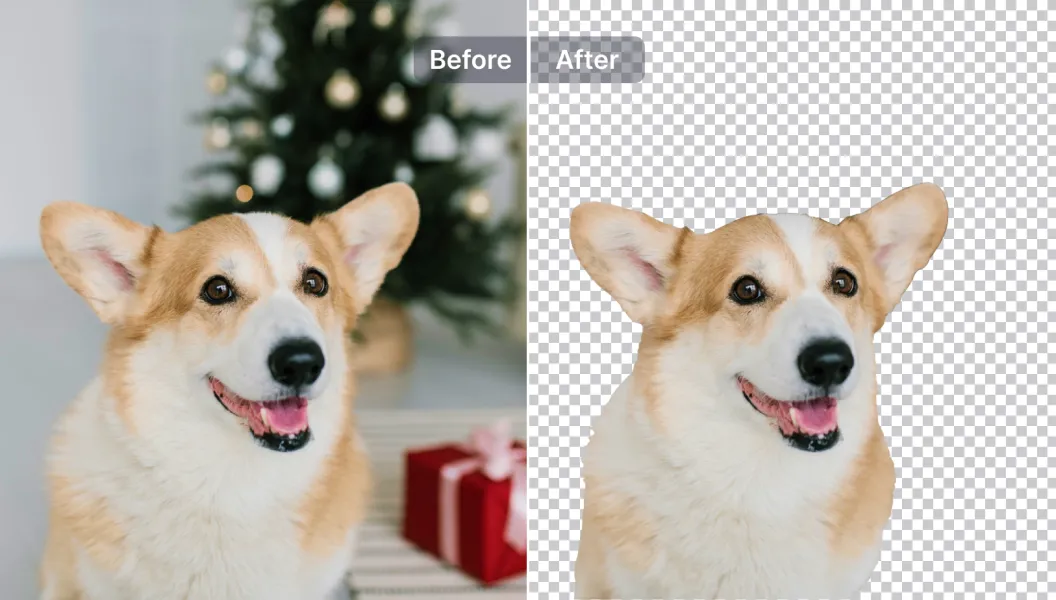
Éditer, remplacer ou rendre l'arrière-plan transparent
Rendez les arrière-plans transparents ou remplacez-les par l’un des plus de 1500 modèles, ou téléchargez le vôtre — idéal pour les photos de produits, les promotions et les publications sur les réseaux sociaux.

Free to Try
AIPhotor is free to try for 3 days, after which you can subscribe to one of our incredible value plans.

Free to Try
We automatically sharpen and transform your images with AI to create multiple final looks. But you can also adjust and add a prompt to customize the results. Choose what works best for you!

Quick & Easy
Screen, edit, resize and download your photos lightning fast.

Compatible with all devices
AIPhotor is available on the iOS and Android stores. Our app works seamlessly across mobile, desktop, and tablet devices.
Frequently Asked Questions
-
What is AIPhotor Photo Editor?

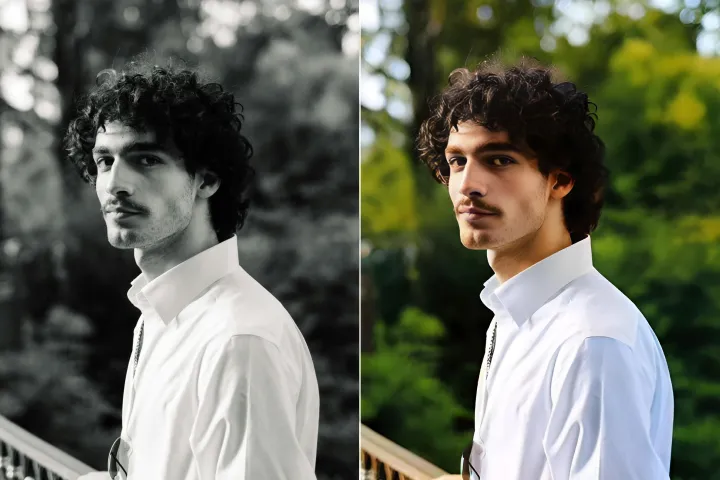
 AIPhotor is a visual online photo editing website that leverages AI technology to help automatically remove objects/people from images; retouch, enhance, colorize, correct, cartoonize, and animate photos in a snap, replacing other photo editing tools Photoshop, Pixlr editor, or Photopea.
Or just drag & drop image here, upto 50 images at once
Or just drag & drop image here, upto 50 images at once
Frequently Asked Questions
-
What is AIPhotor Photo Editor?
AIPhotor is a visual online photo editing website that leverages AI technology to help automatically remove objects/people from images; retouch, enhance, colorize, correct, cartoonize, and animate photos in a snap, replacing other photo editing tools Photoshop, Pixlr editor, or Photopea.
