
{{ getFeatureName(action_mode) }} your image
Drop your image here.
Our popular AI tools
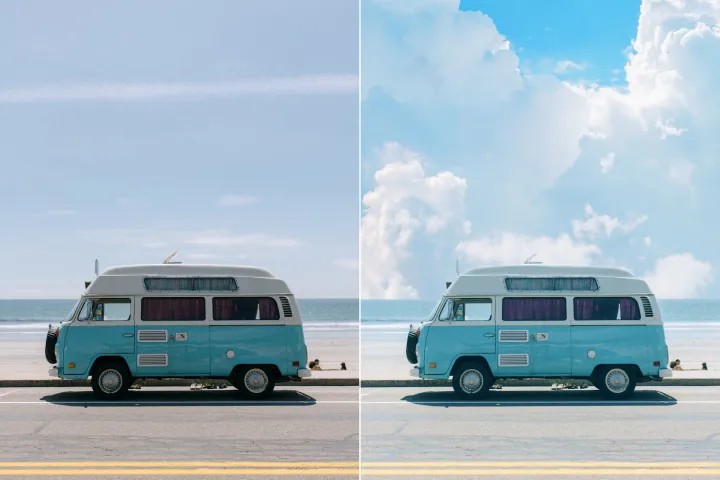
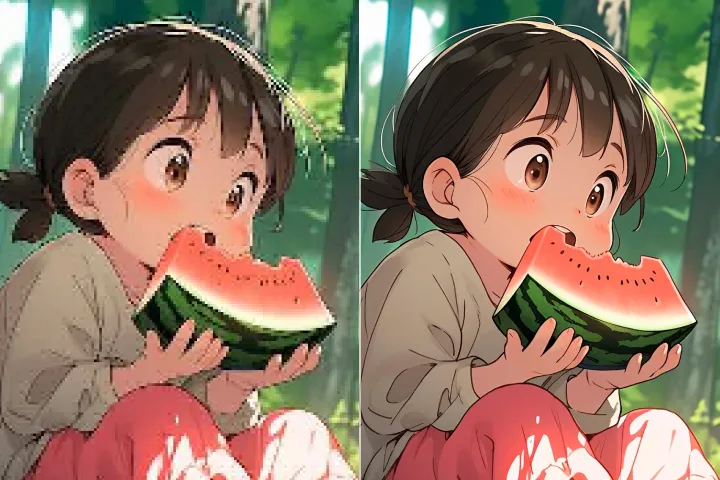
Enhance Photo
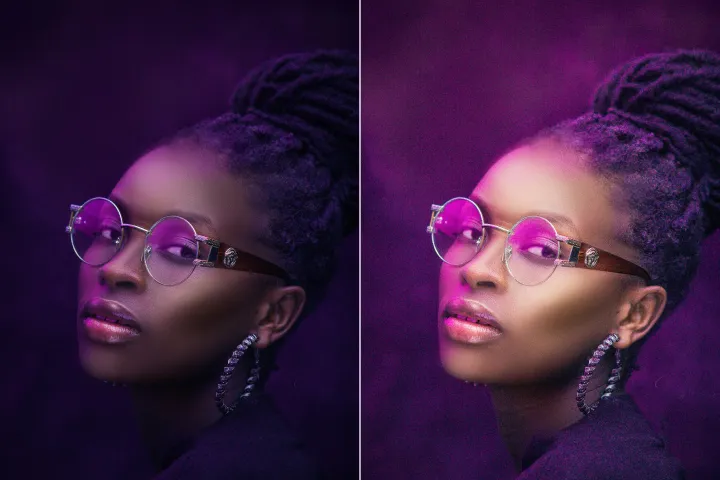
Automatically enhance the blurry photo's resolution and increase the overall quality.
Remove Objects
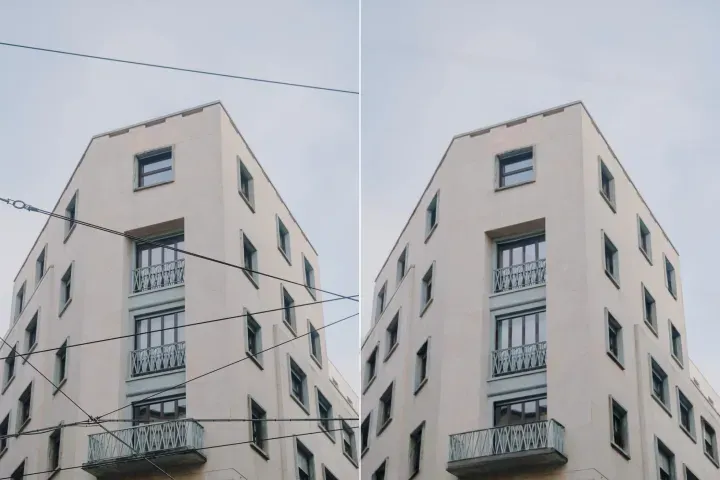
AIPhotor's One-Touch AI simply detects and removes unwanted details in your picture.
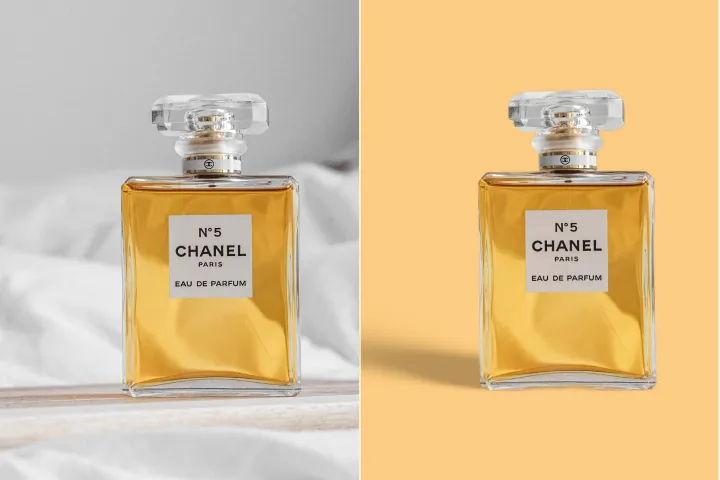
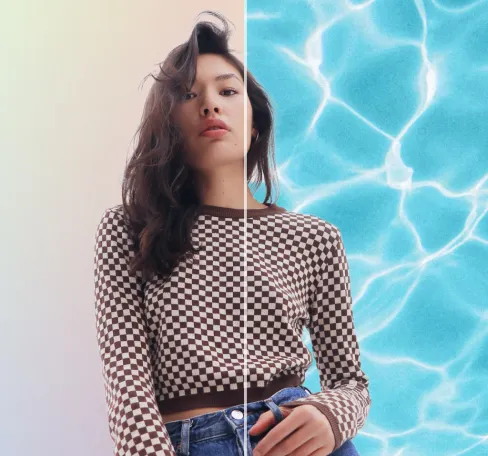
Remove Background
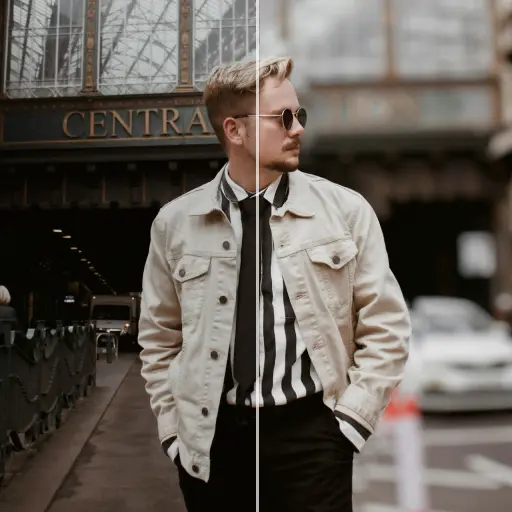
Seamlessly remove background from photos. Edit background with 100+ well-designed templates.
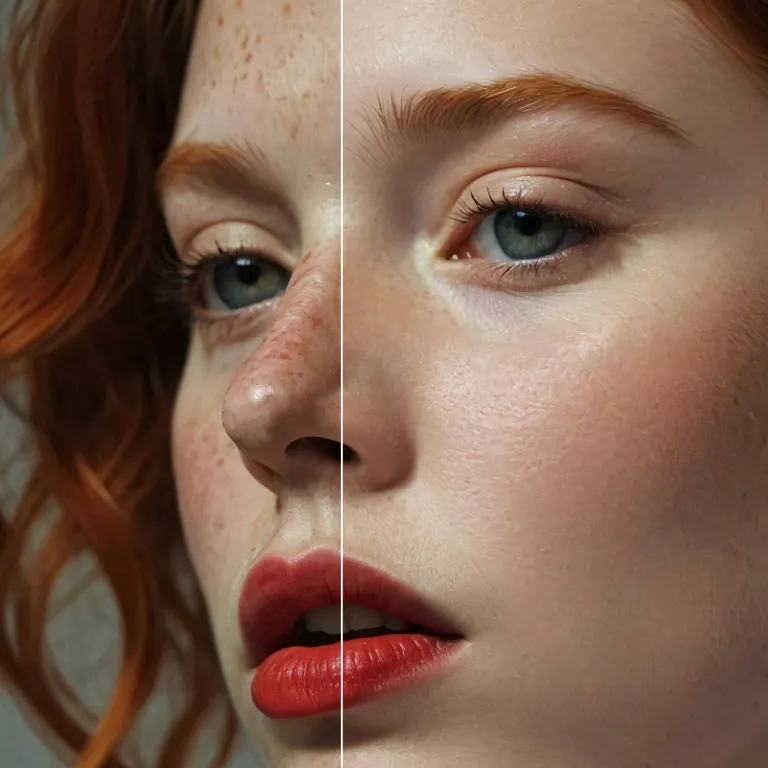
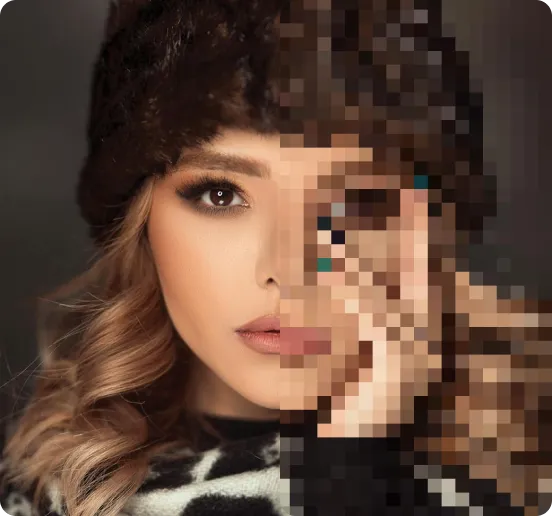
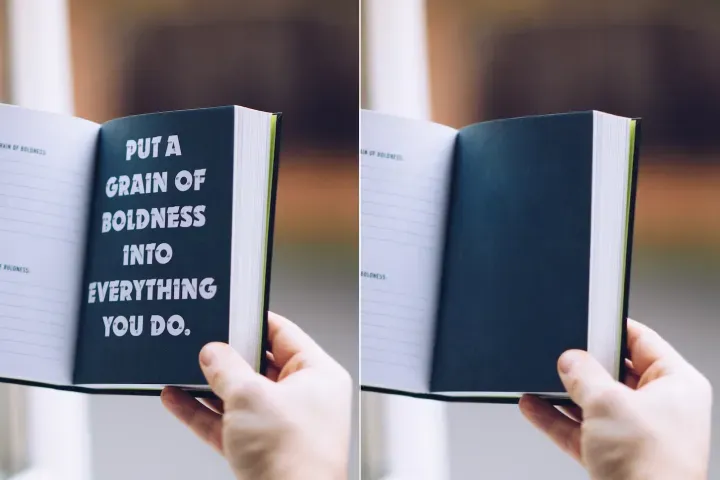
온라인 이미지 압축(무료)
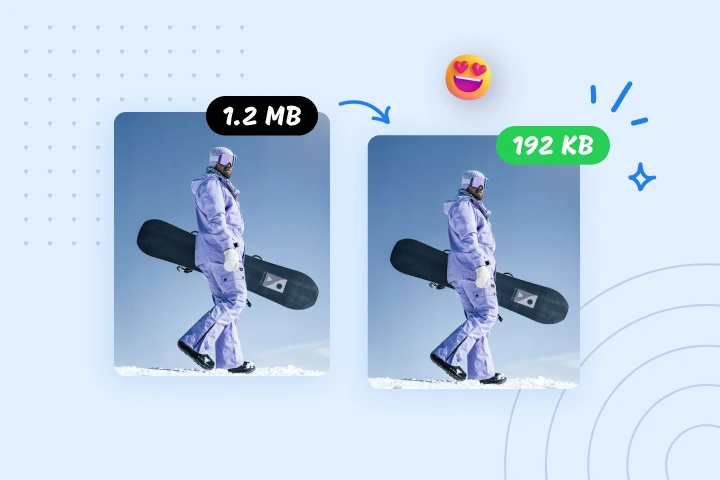
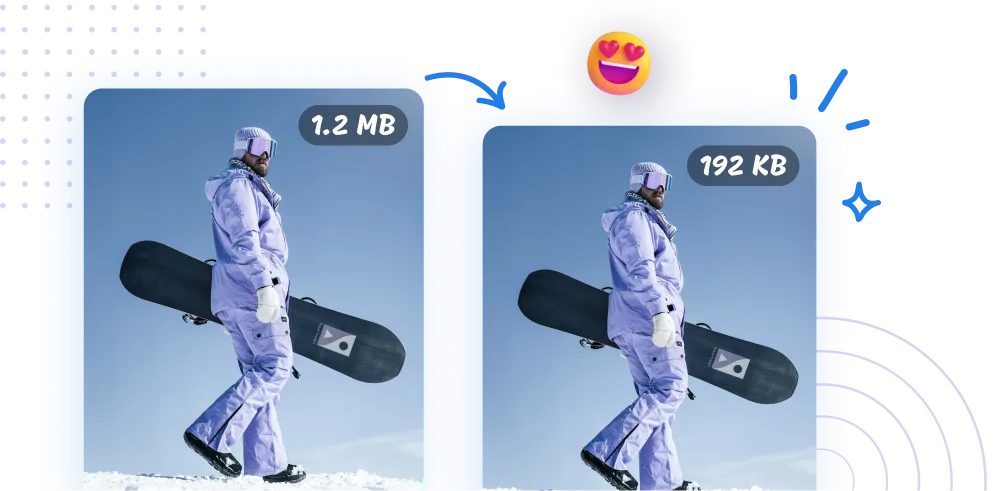
AIPhotor의 이미지 압축기로 이미지 파일 크기를 최대 95%까지 줄이세요. 웹 최적화, 빠른 업로드, 간소화된 데이터 관리에 완벽합니다. 지금 바로 사용해 보세요.
AIPhotor로 이미지 압축 방법?
이미지 압축은 일상 문서 작업을 위한 원스톱 도구 모음의 일부로, 간단한 3단계 프로세스와 함께 빠르고 간편합니다.
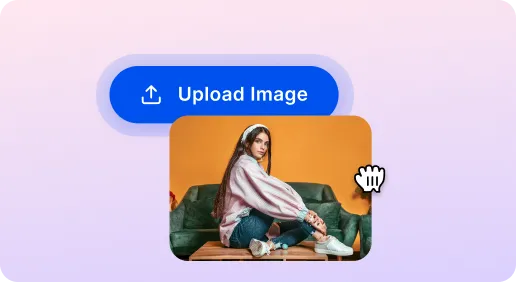
1 이미지 업로드
2 이미지 압축
3 이미지 다운로드
필수 아이템 이미지 압축 도구
웹사이트 속도를 위한 이미지 압축
대형 이미지를 신속하게 축소해 페이지 로드 시간을 단축합니다. AIPhotor는 개발자와 SEO 최적화에 필수적인 도구입니다.
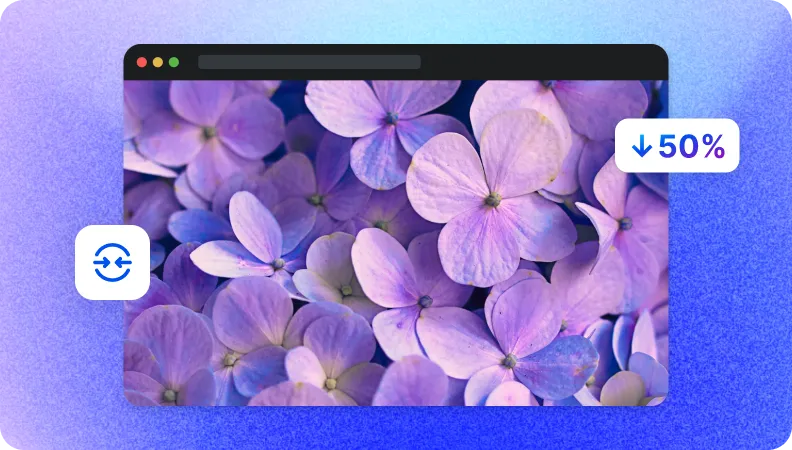
빠른 데이터 전송을 위한 파일 크기 축소
더 작은 파일 크기는 느린 네트워크에서도 더 빠른 업로드와 다운로드를 가능하게 합니다. 공유를 간소화하고 AIPhotor로 시간을 절약하세요.
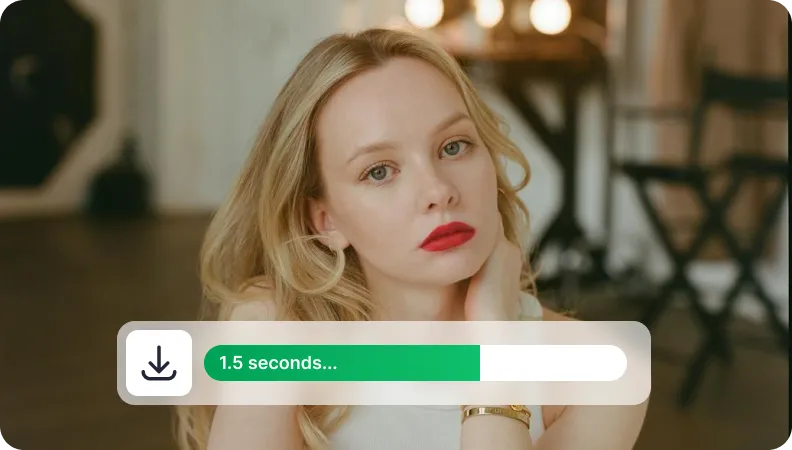
저장 관리를 위한 이미지 크기 축소
이미지 크기를 줄여 클라우드 저장소를 최적화합니다. 공간을 확보하고 저장 비용을 절감하며 대형 이미지 라이브러리를 보다 효과적으로 관리하세요.


Free to Try
AIPhotor is free to try for 3 days, after which you can subscribe to one of our incredible value plans.

Free to Try
We automatically sharpen and transform your images with AI to create multiple final looks. But you can also adjust and add a prompt to customize the results. Choose what works best for you!

Quick & Easy
Screen, edit, resize and download your photos lightning fast.

Compatible with all devices
AIPhotor is available on the iOS and Android stores. Our app works seamlessly across mobile, desktop, and tablet devices.
Frequently Asked Questions
-
What is AIPhotor Photo Editor?

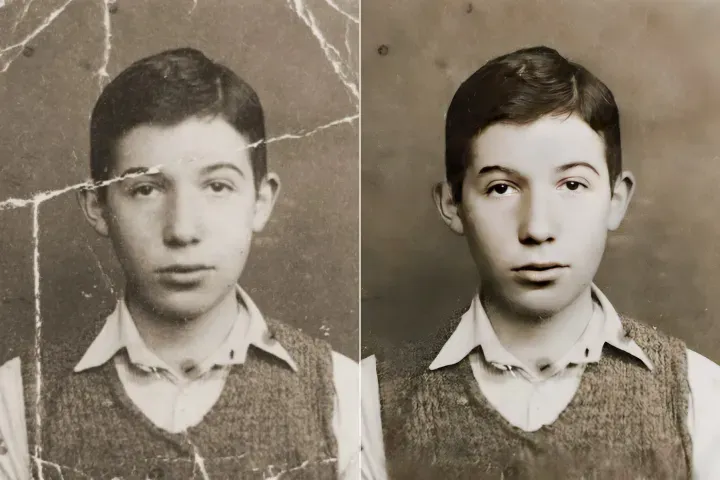
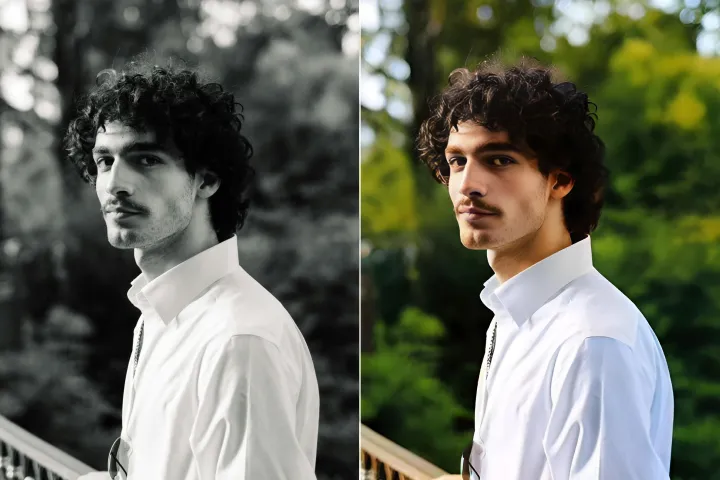
 AIPhotor is a visual online photo editing website that leverages AI technology to help automatically remove objects/people from images; retouch, enhance, colorize, correct, cartoonize, and animate photos in a snap, replacing other photo editing tools Photoshop, Pixlr editor, or Photopea.
Or just drag & drop image here, upto 50 images at once
Or just drag & drop image here, upto 50 images at once
Frequently Asked Questions
-
What is AIPhotor Photo Editor?
AIPhotor is a visual online photo editing website that leverages AI technology to help automatically remove objects/people from images; retouch, enhance, colorize, correct, cartoonize, and animate photos in a snap, replacing other photo editing tools Photoshop, Pixlr editor, or Photopea.
