
{{ getFeatureName(action_mode) }} your image
Drop your image here.
Our popular AI tools
Enhance Photo
Automatically enhance the blurry photo's resolution and increase the overall quality.
Remove Objects
AIPhotor's One-Touch AI simply detects and removes unwanted details in your picture.
Remove Background
Seamlessly remove background from photos. Edit background with 100+ well-designed templates.
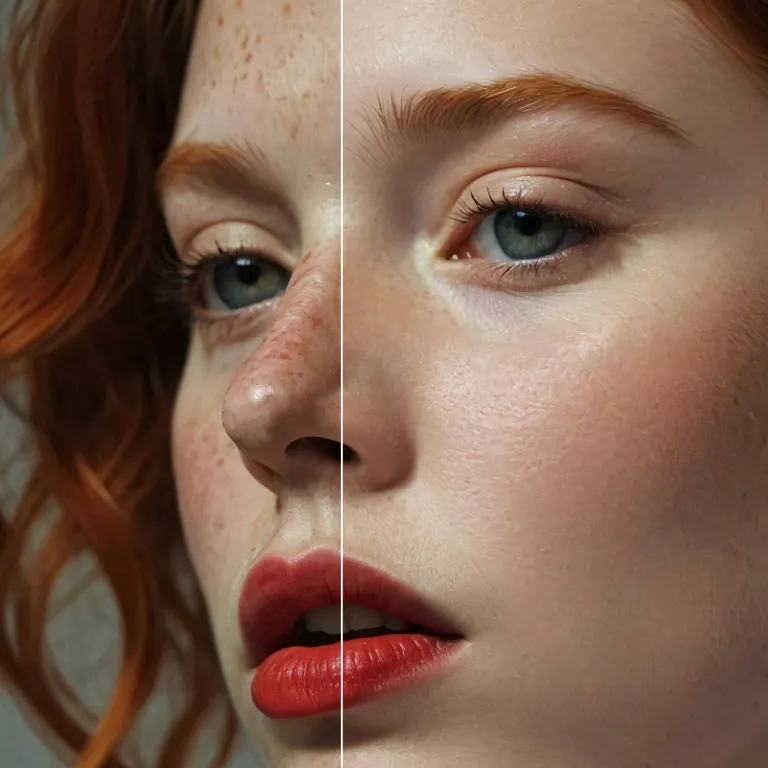
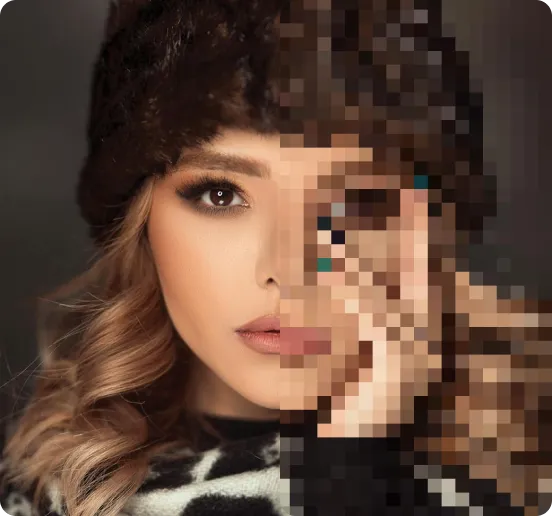
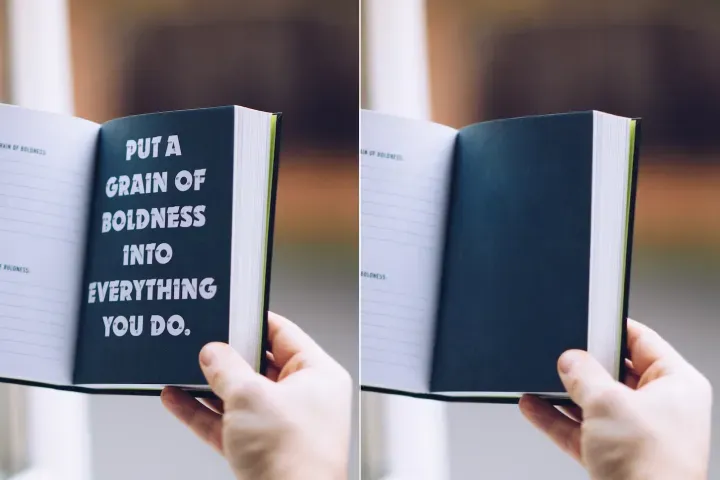
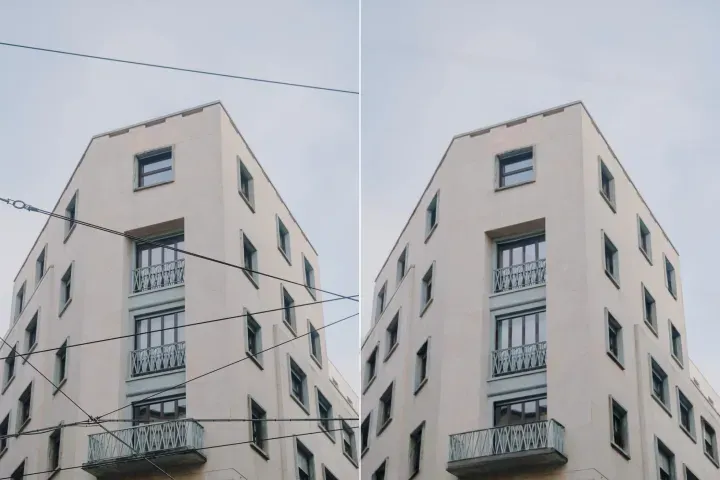
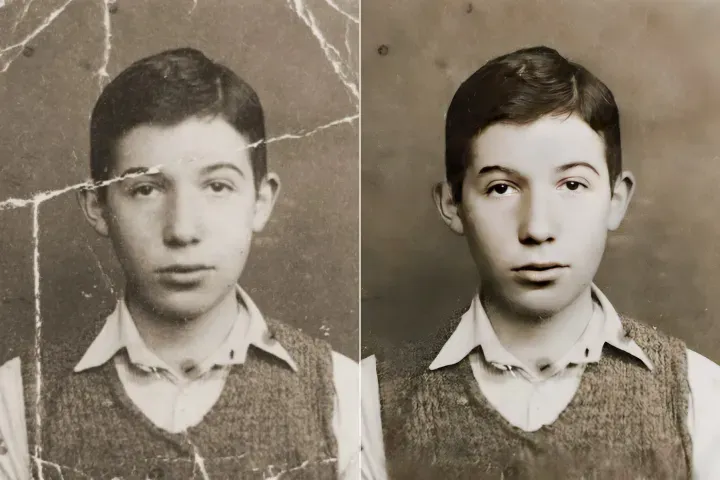
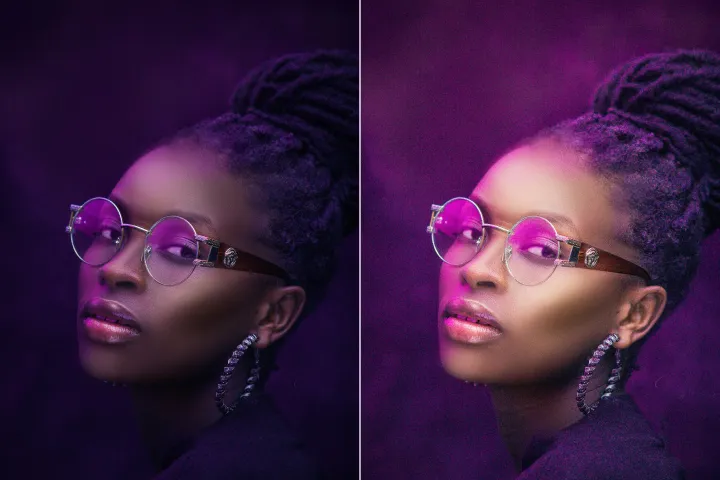
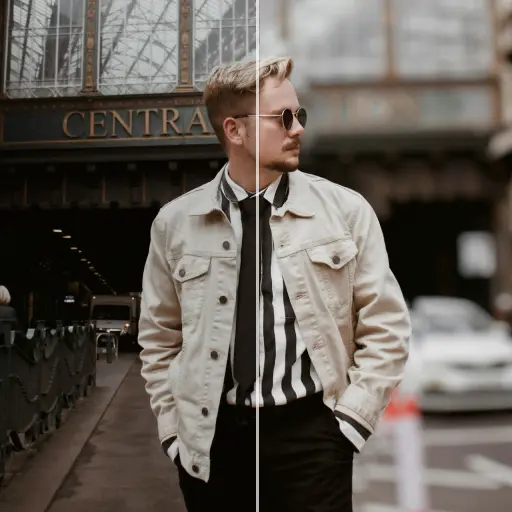
在线提升照片质量
使用AI
借助 PDFMall 的先进 AI 照片增强器,轻松提升你的照片,作为一个全面的一站式平台的一部分,提供高效的图像处理和文件工作流程。





如何使用 AI 图像增强器:一份实用的一站式指南,帮助实现快速、高质量的图像改进。
在任何设备上通过三步简单流程在线实现快速、灵活的图像增强,使用 PDFMall:,你的一站式高效文件与图像处理工具包。

1 上传一张图片

2 对比与调整:

3 下载与分享:
全能 AI 照片增强套件
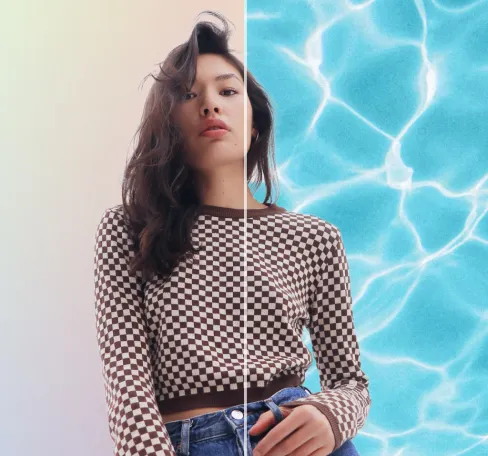
提升人像与自拍
自然提升面部特征,帮助主体突出,同时不过度修饰。

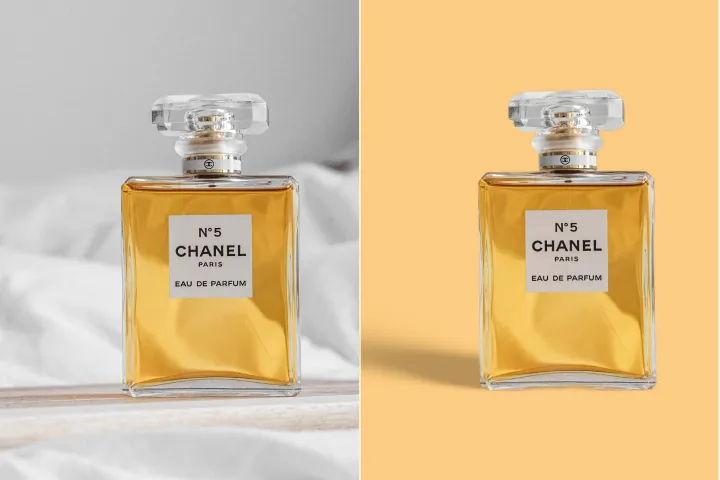
提升产品照片
立即锐化产品图片,提升吸引力。搭配背景去除工具,可获得精致、专业的效果。

提升并修复模糊照片
使用 AI 驱动的照片修复,快速还原模糊图片并恢复细节。

提升插图与平面设计
通过 AI 对插图、图形和设计进行放大与强化,同时在提升细节的同时保持艺术完整性。

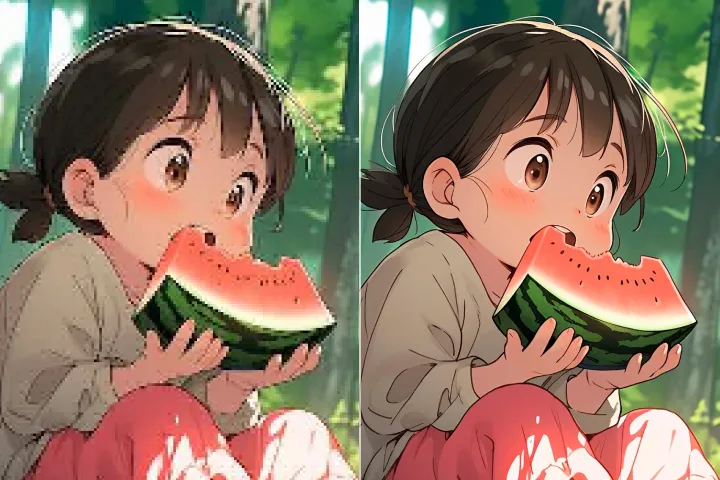
提升艺术图像的分辨率
将动漫、漫画、卡通、绘画或 AI 生成的艺术作品转换为高分辨率、可直接显示的图像。

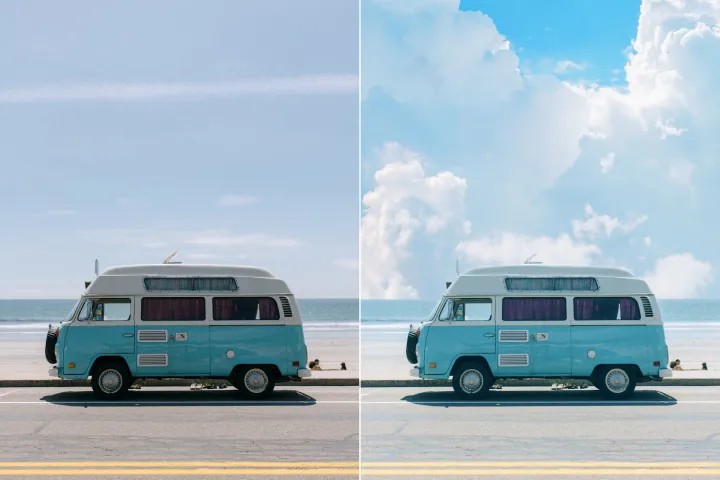
为风景照片注入新活力
通过清晰、专业的润饰提升风景照片——在 AI 提示引导下简化流程,提供多用途、可直接发表的成像结果。


Free to Try
AIPhotor is free to try for 3 days, after which you can subscribe to one of our incredible value plans.

Free to Try
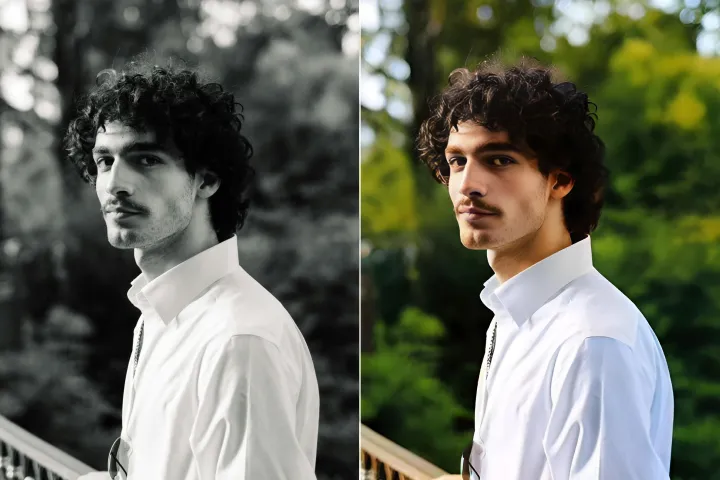
We automatically sharpen and transform your images with AI to create multiple final looks. But you can also adjust and add a prompt to customize the results. Choose what works best for you!

Quick & Easy
Screen, edit, resize and download your photos lightning fast.

Compatible with all devices
AIPhotor is available on the iOS and Android stores. Our app works seamlessly across mobile, desktop, and tablet devices.
Frequently Asked Questions
-
What is AIPhotor Photo Editor?

 AIPhotor is a visual online photo editing website that leverages AI technology to help automatically remove objects/people from images; retouch, enhance, colorize, correct, cartoonize, and animate photos in a snap, replacing other photo editing tools Photoshop, Pixlr editor, or Photopea.
Or just drag & drop image here, upto 50 images at once
Or just drag & drop image here, upto 50 images at once
Frequently Asked Questions
-
What is AIPhotor Photo Editor?
AIPhotor is a visual online photo editing website that leverages AI technology to help automatically remove objects/people from images; retouch, enhance, colorize, correct, cartoonize, and animate photos in a snap, replacing other photo editing tools Photoshop, Pixlr editor, or Photopea.
