
{{ getFeatureName(action_mode) }} your image

Drop your image here.
Our popular AI tools
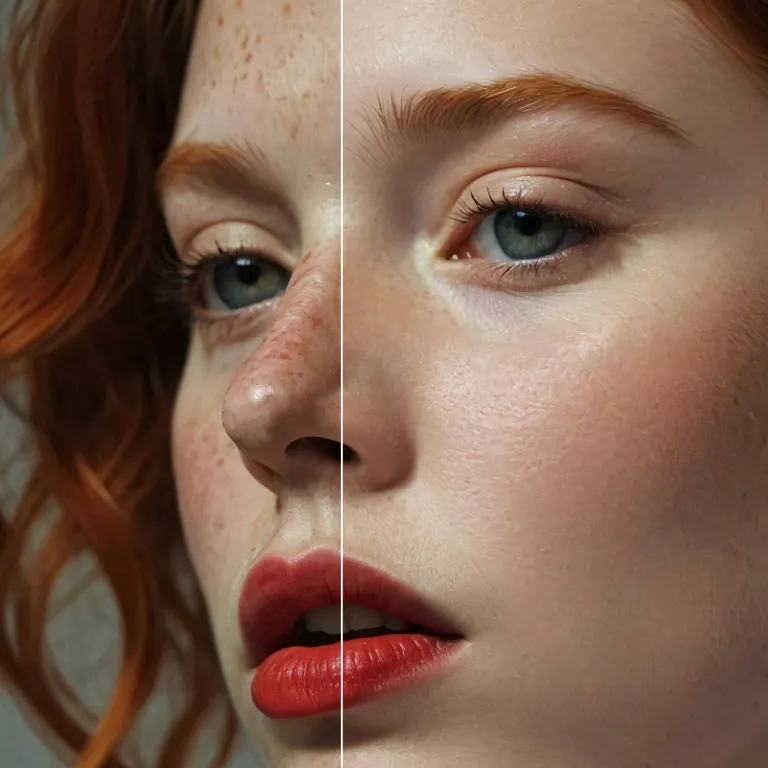
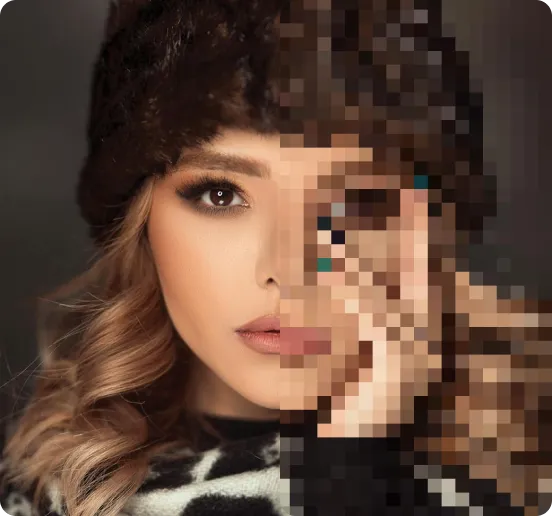
Enhance Photo
Automatically enhance the blurry photo's resolution and increase the overall quality.
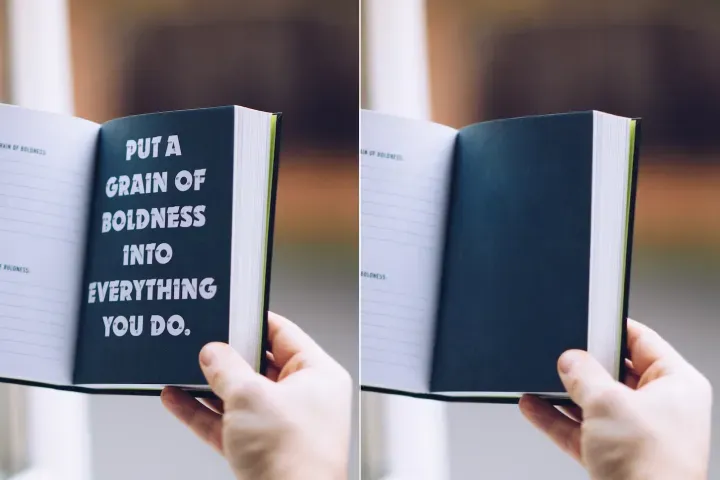
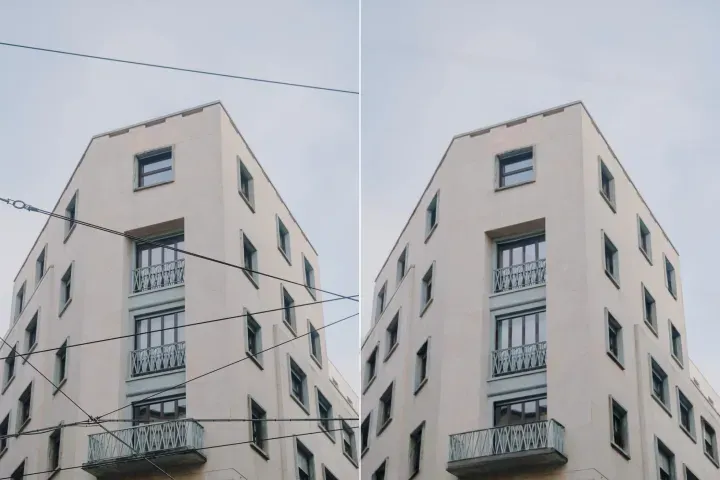
Remove Objects
AIPhotor's One-Touch AI simply detects and removes unwanted details in your picture.
Remove Background
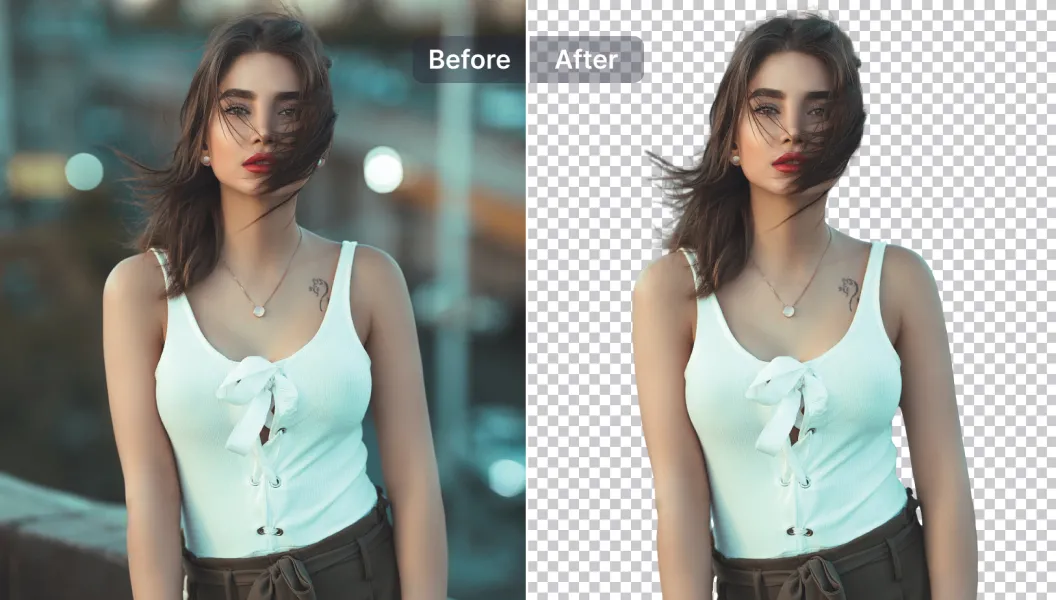
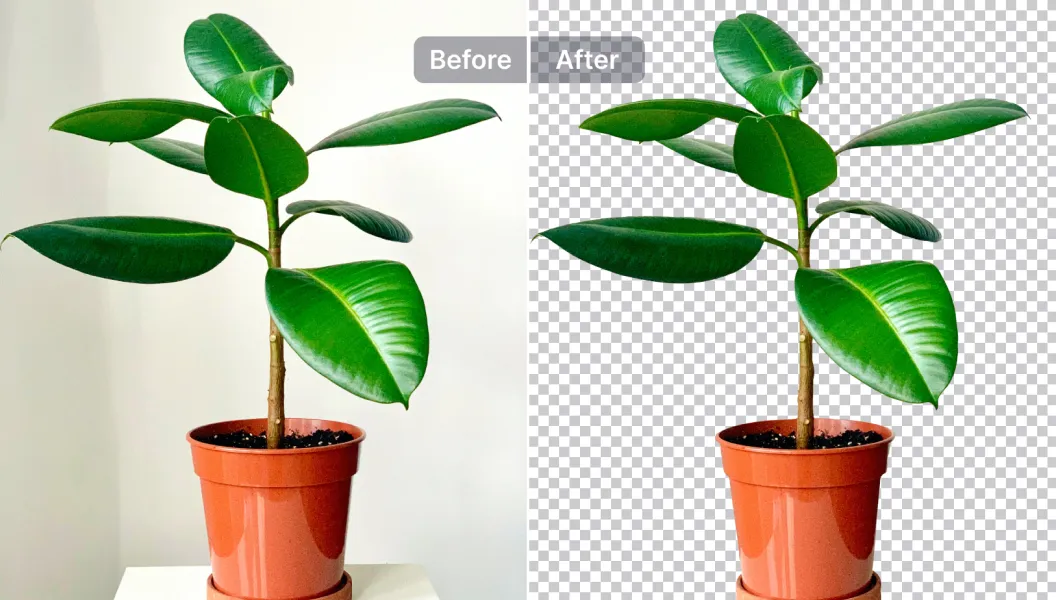
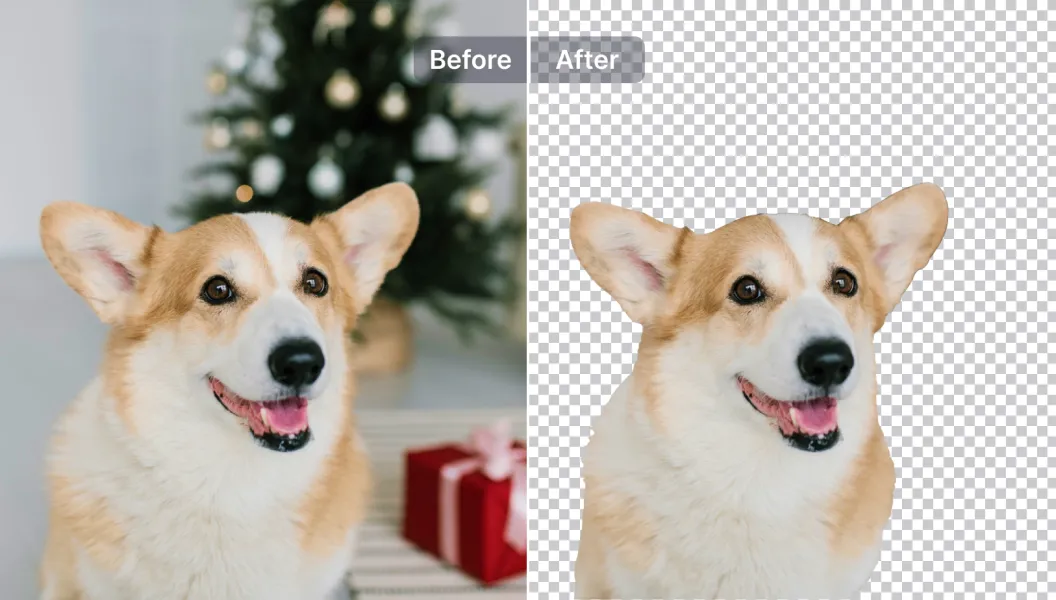
Seamlessly remove background from photos. Edit background with 100+ well-designed templates.
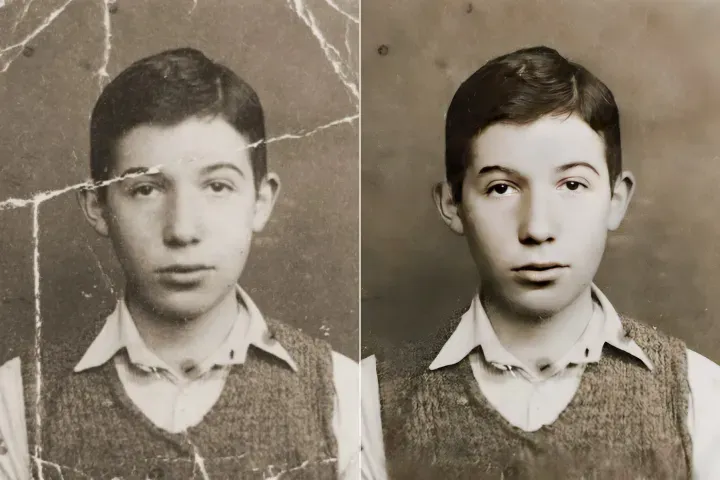
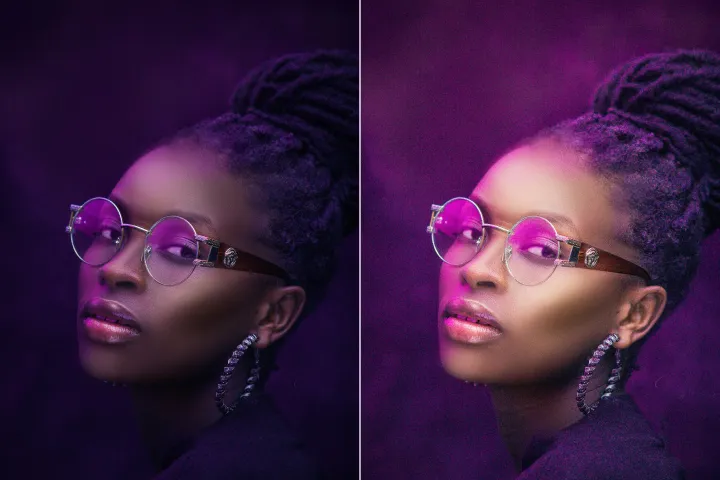
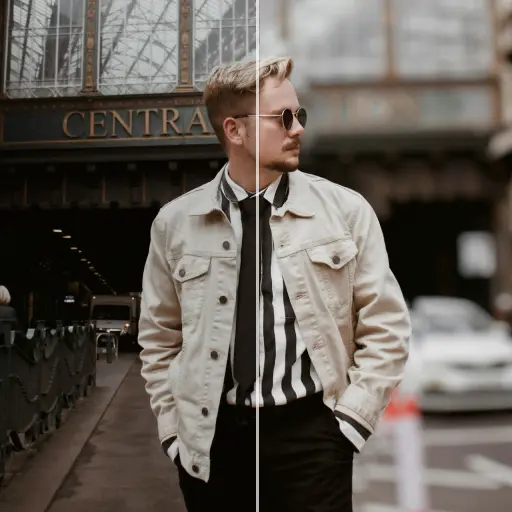
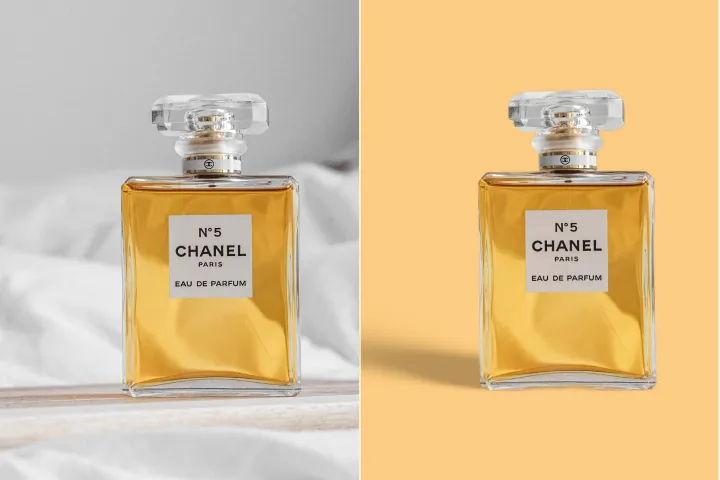
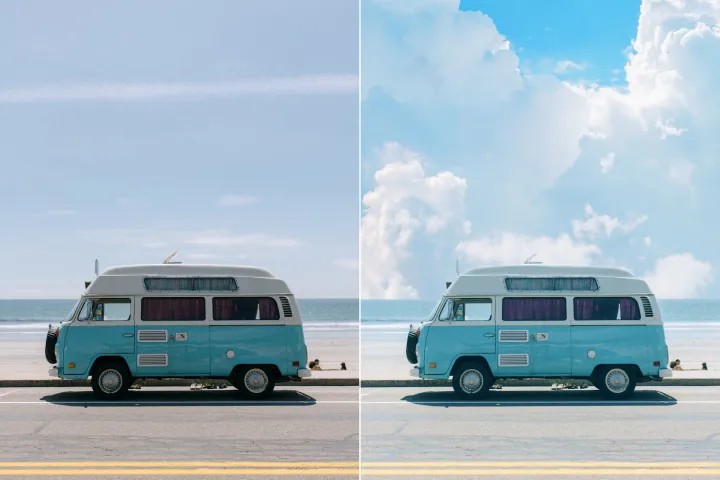
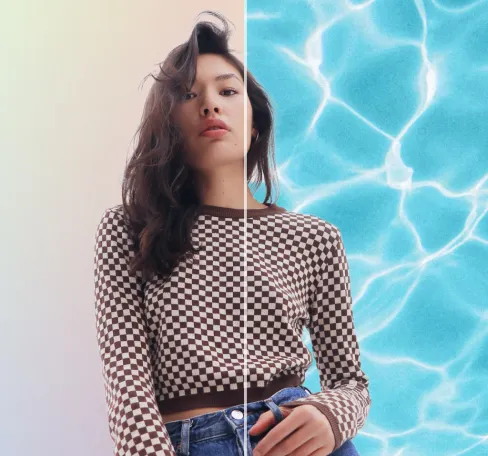
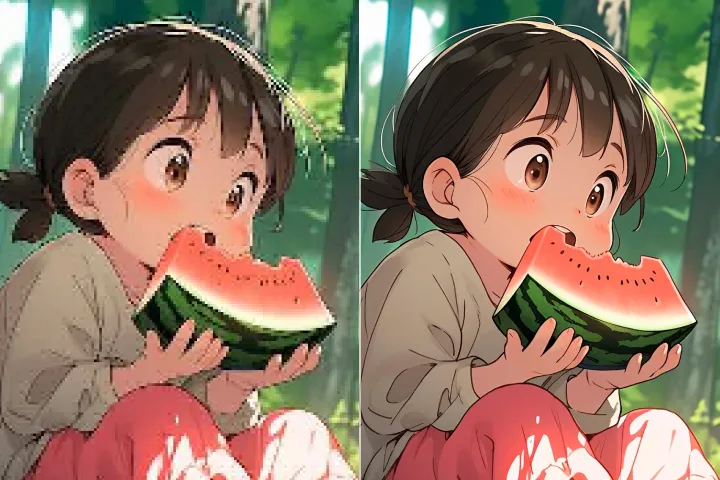
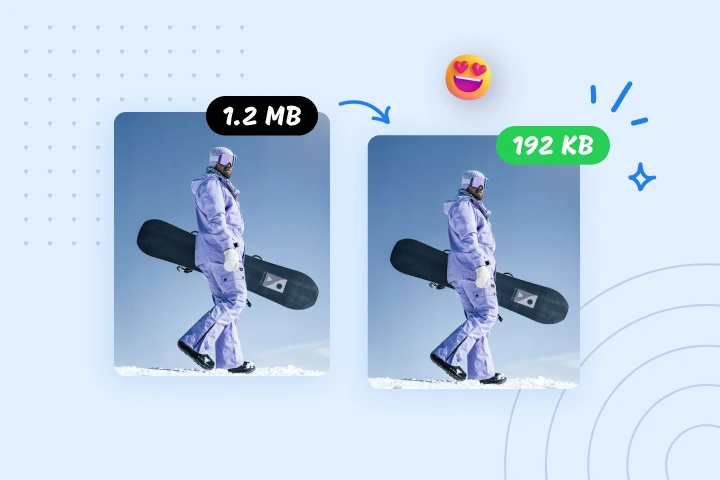
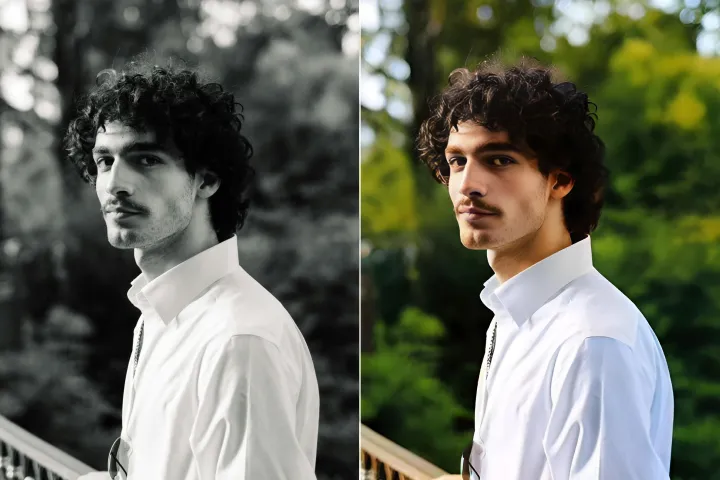
画像の背景除去
AIを搭載
背景を迅速かつ正確に削除し、その後自由に編集します—色の調整、グラフィックの追加、または背景の交換を、AIPhotorプラットフォーム内のわずか数回のクリックで行えます。
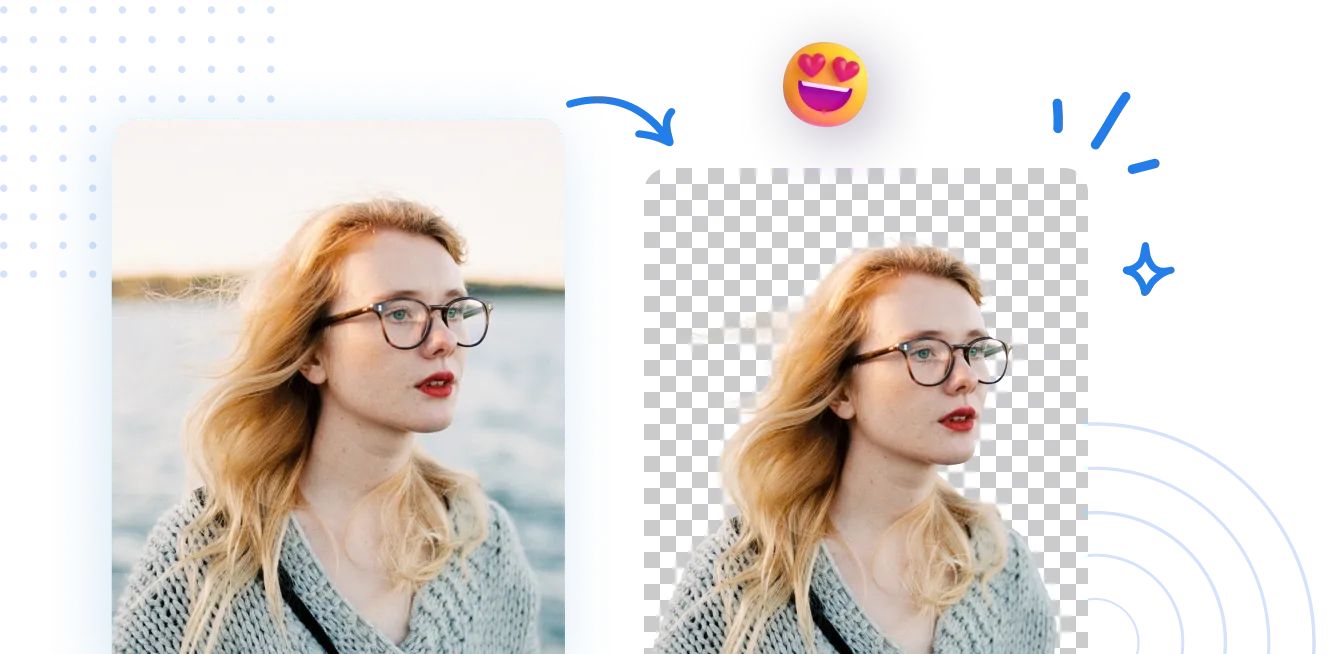
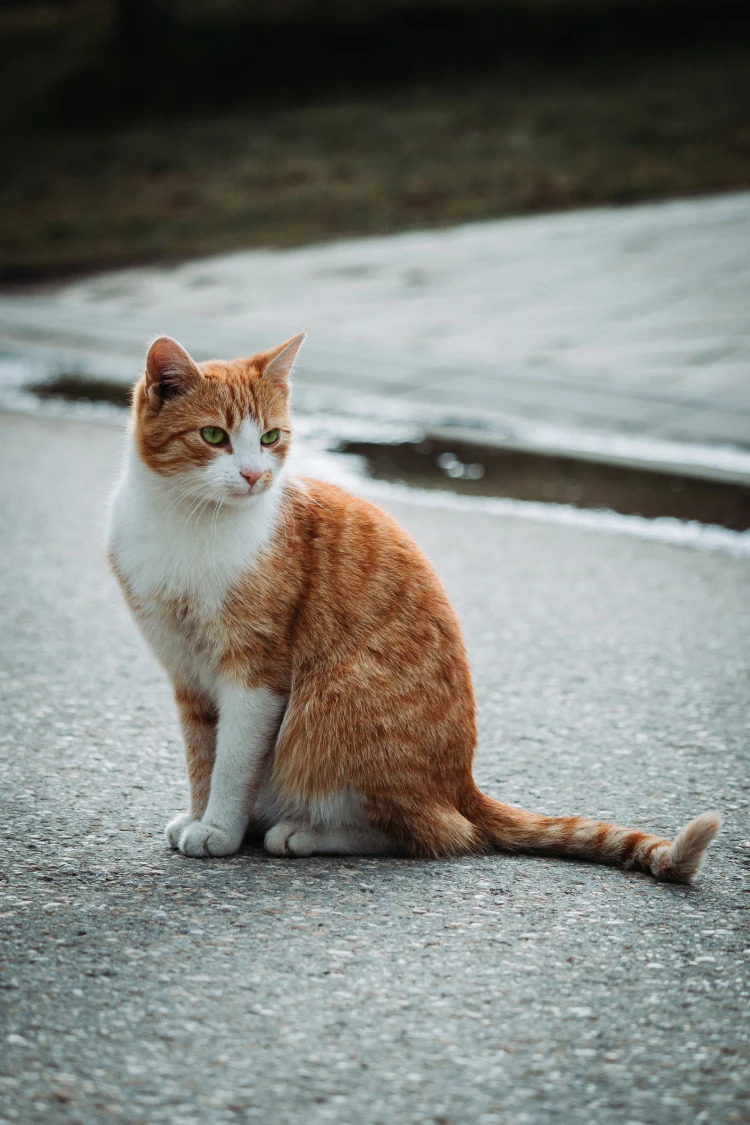
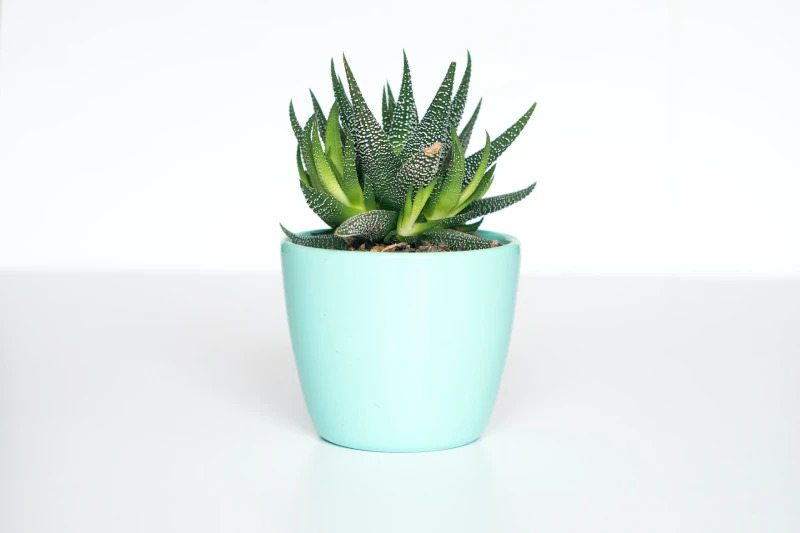
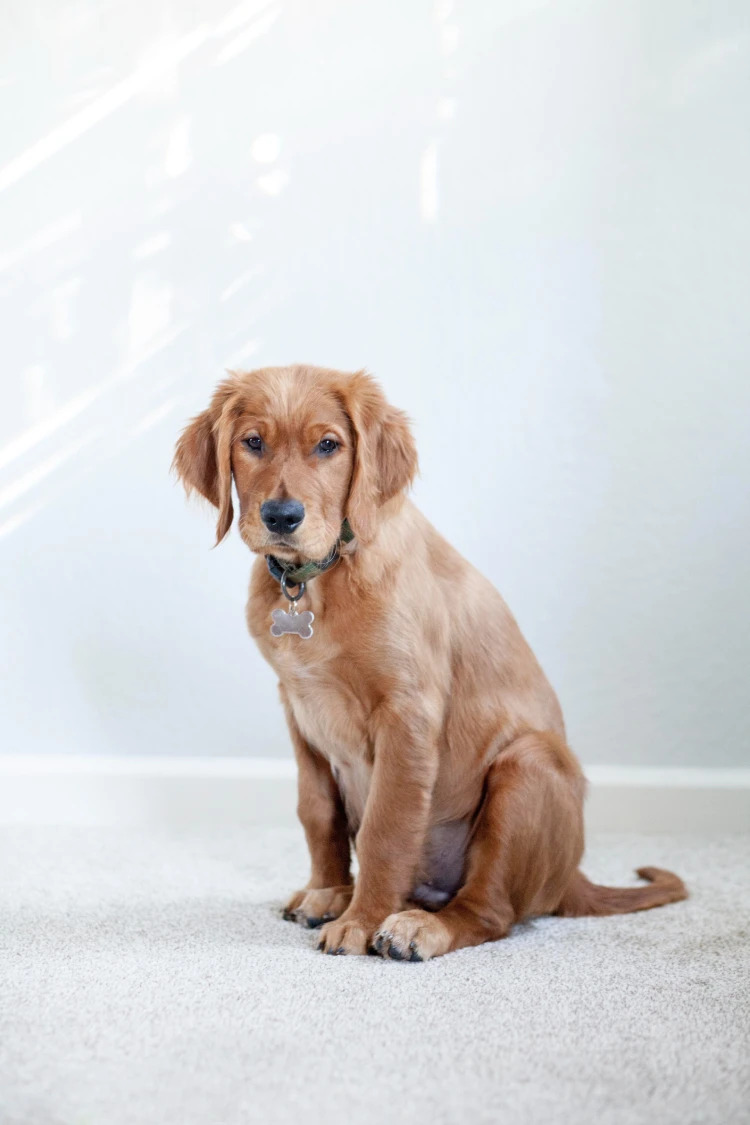
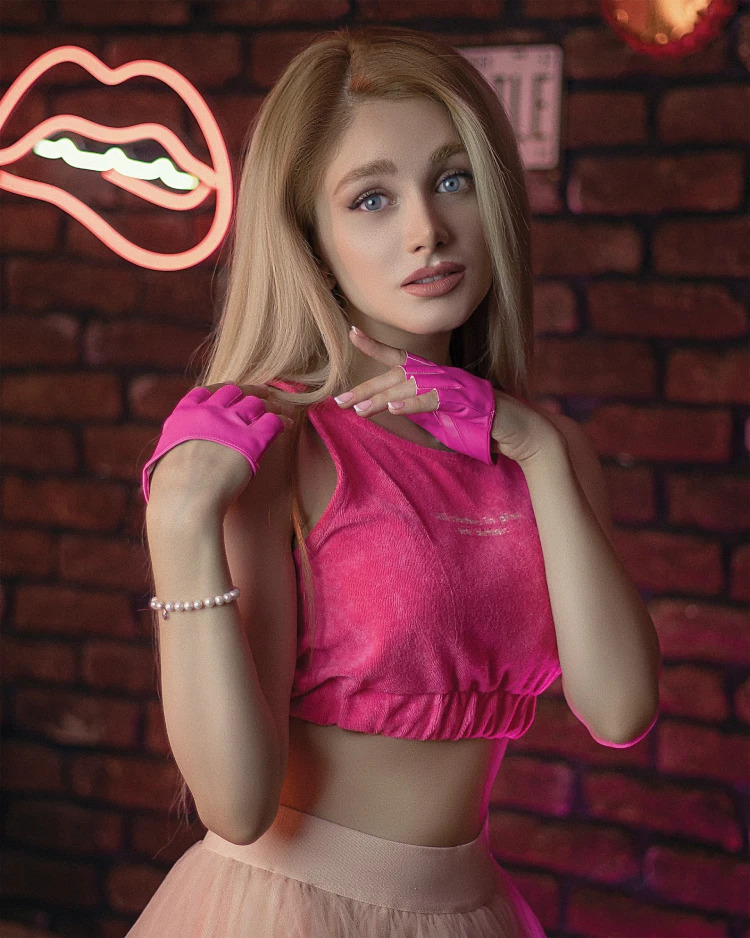
写真の背景を削除するにはどうすればよいですか?
AIPhotorの背景削除機能には、3つの簡単なステップでアクセスします:機能を開き、ガイド付きのプロンプトに従い、結果を適用します。
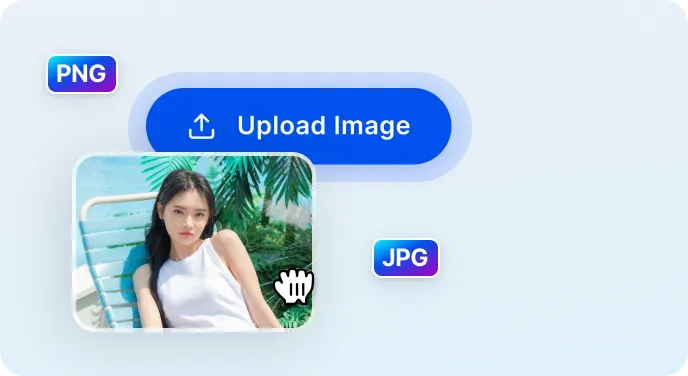
1 画像をアップロード
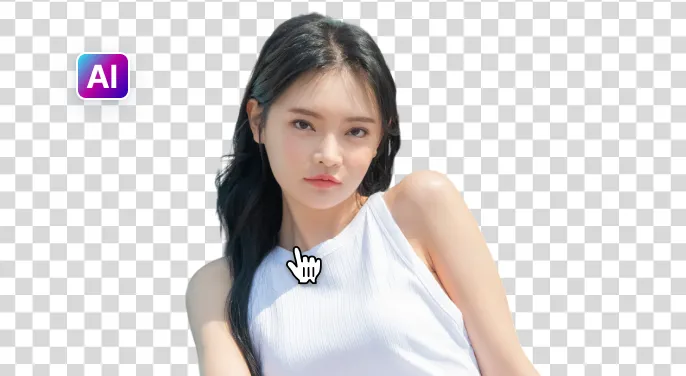
2 AIが背景を削除するのを待つ

3 画像をダウンロード
画像の背景をより簡単に削除するには AI

Free to Try
AIPhotor is free to try for 3 days, after which you can subscribe to one of our incredible value plans.

Free to Try
We automatically sharpen and transform your images with AI to create multiple final looks. But you can also adjust and add a prompt to customize the results. Choose what works best for you!

Quick & Easy
Screen, edit, resize and download your photos lightning fast.

Compatible with all devices
AIPhotor is available on the iOS and Android stores. Our app works seamlessly across mobile, desktop, and tablet devices.
Frequently Asked Questions
-
What is AIPhotor Photo Editor?

 AIPhotor is a visual online photo editing website that leverages AI technology to help automatically remove objects/people from images; retouch, enhance, colorize, correct, cartoonize, and animate photos in a snap, replacing other photo editing tools Photoshop, Pixlr editor, or Photopea.
Or just drag & drop image here, upto 50 images at once
Or just drag & drop image here, upto 50 images at once
Frequently Asked Questions
-
What is AIPhotor Photo Editor?
AIPhotor is a visual online photo editing website that leverages AI technology to help automatically remove objects/people from images; retouch, enhance, colorize, correct, cartoonize, and animate photos in a snap, replacing other photo editing tools Photoshop, Pixlr editor, or Photopea.
