
{{ getFeatureName(action_mode) }} your image
Drop your image here.
Our popular AI tools
Enhance Photo
Automatically enhance the blurry photo's resolution and increase the overall quality.
Remove Objects
AIPhotor's One-Touch AI simply detects and removes unwanted details in your picture.
Remove Background
Seamlessly remove background from photos. Edit background with 100+ well-designed templates.
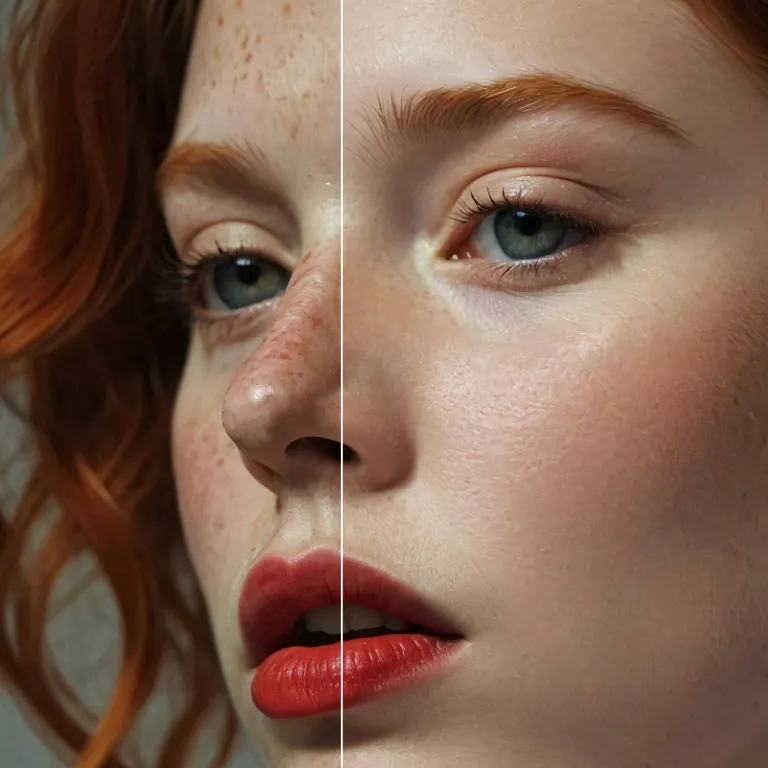
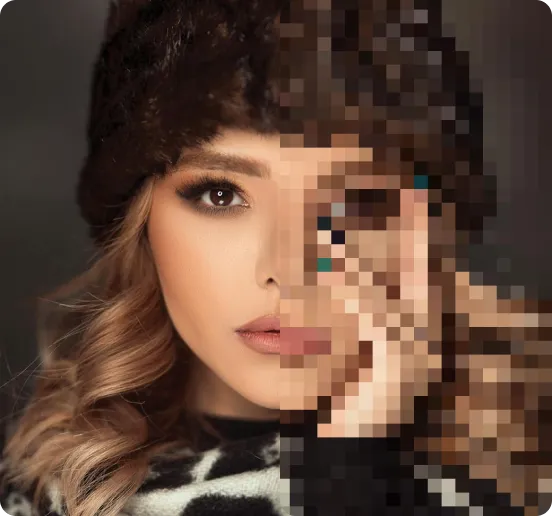
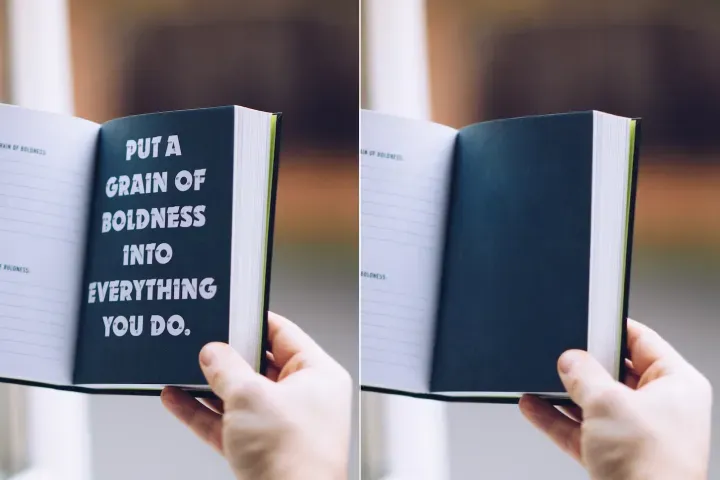
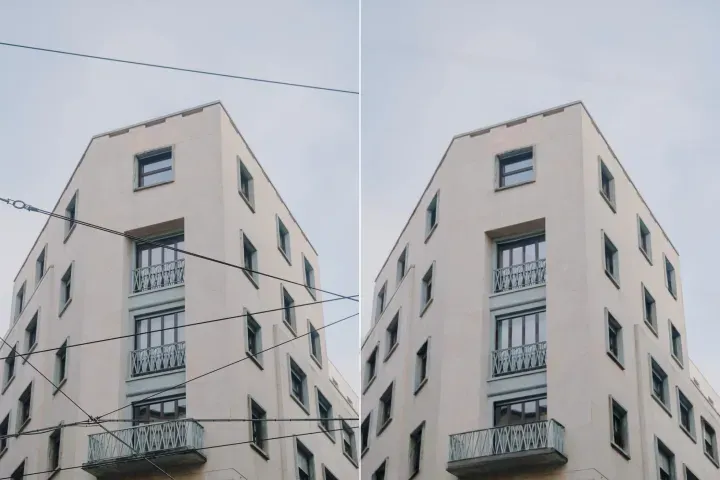
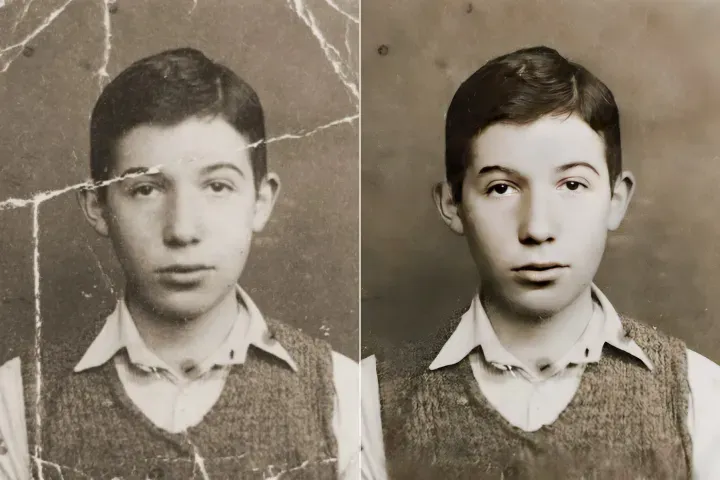
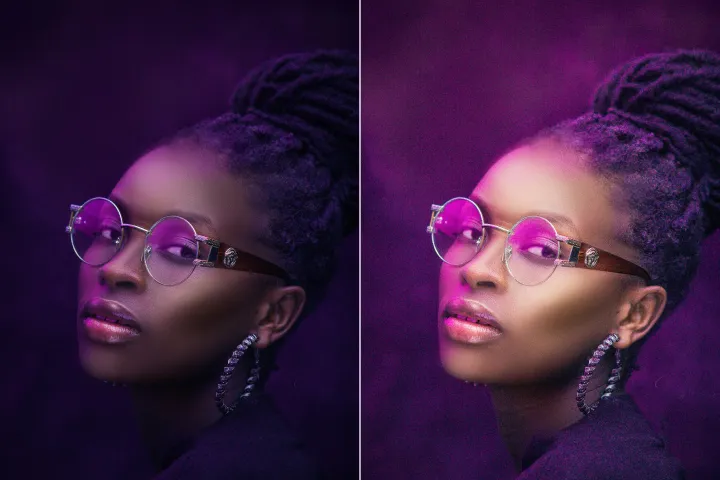
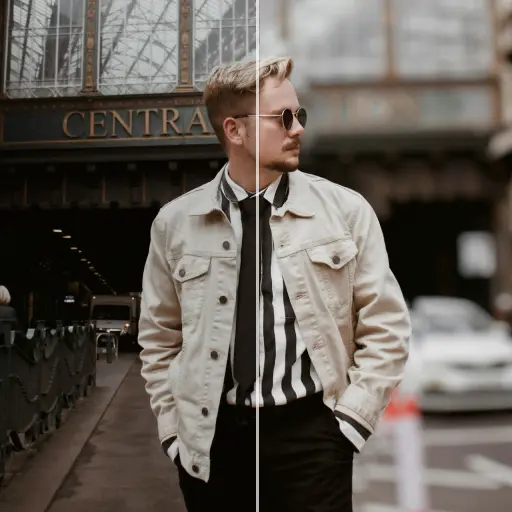
オンラインで写真の品質を向上させる
AIを使って
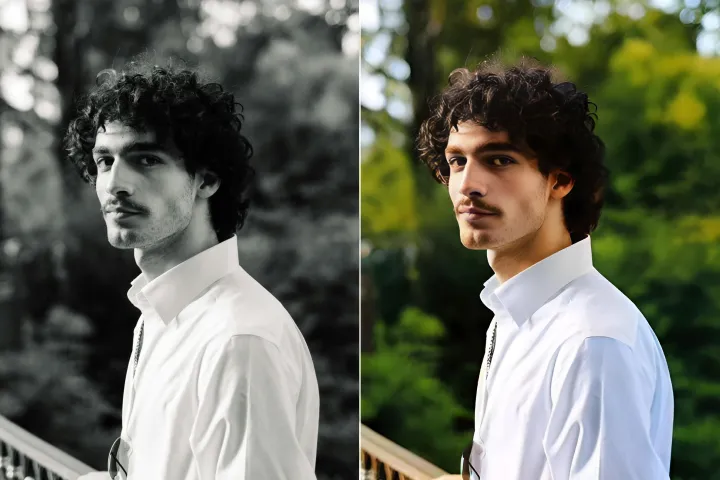
効率的な画像処理とファイルワークフローのための包括的なワンストッププラットフォームの一部として、PDFMall の高度な AI フォトエンハンサーで写真を手軽に高品質に向上させます。




AI Image Enhancer の使い方:高速で高品質な画像改善のための実用的なワンストップガイド。
デバイスを問わず、3つの簡単なステップでオンラインの高速かつ柔軟な画像強化にアクセス。PDFMall: は、ファイルと画像処理を効率化するワンストップツールキットです。

1 画像をアップロード

2 比較と調整:

3 ダウンロードと共有:
オールインワンAI 写真エンハンサーキット
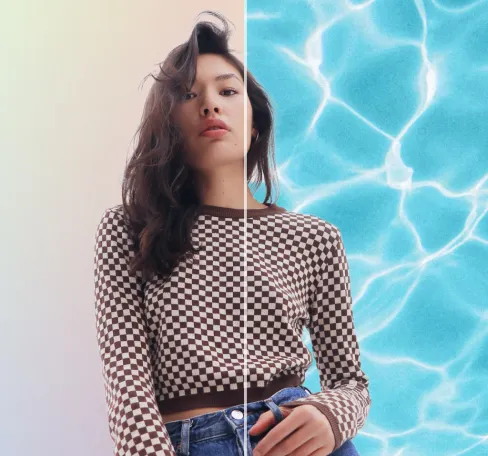
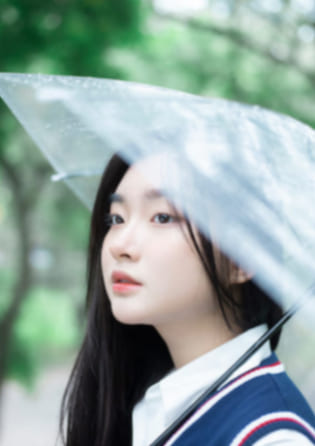
ポートレートと自撮りを強化する
過度な編集を避けつつ、顔の特徴を自然に強調して被写体を際立たせます。

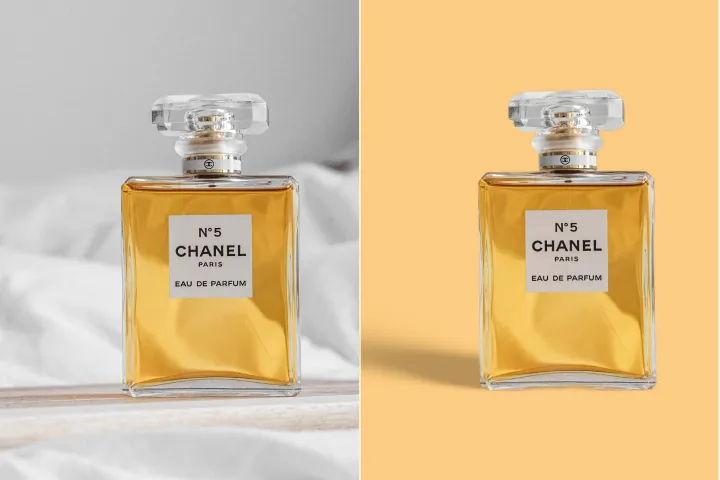
製品写真を改善する
製品画像を即座にシャープにして魅力を高めます。背景削除機能と組み合わせると、洗練されたプロフェッショナルな仕上がりになります。

ぼやけた写真を強化・修復する
AI搭載の写真修復機能で、ブレた画像を素早く復元し、細部を取り戻します。

イラストとグラフィックデザインを向上させる
AIを活用してイラスト、グラフィック、デザインをアップスケールおよび高品質化し、芸術的な一体感を保ちながら細部を強化します。

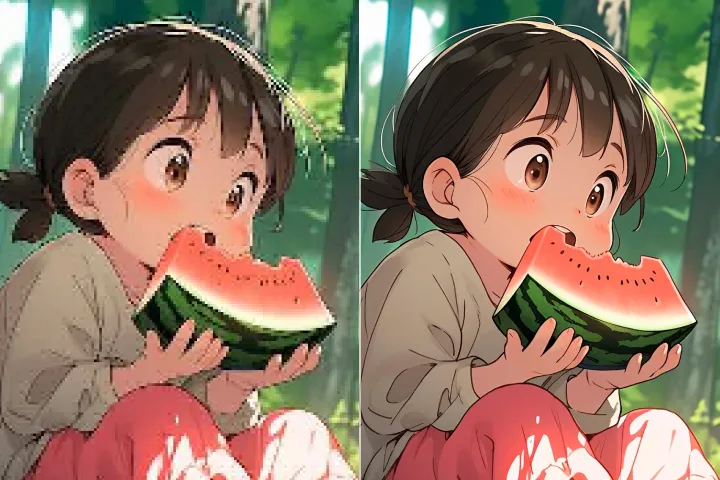
アート画像を高解像度化する
アニメ、マンガ、カートゥーン、描画、またはAI生成アートを高解像度で表示可能な画像に変換します。

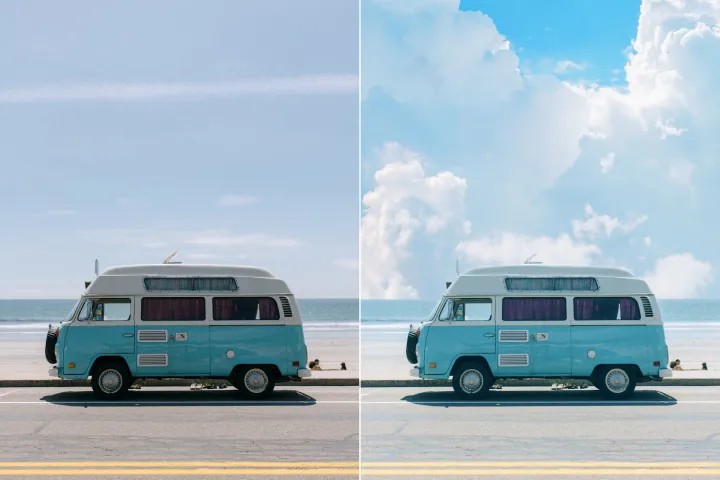
風景写真に新たな命を吹き込む
AIプロンプトに導かれ、風景写真を明確でプロフェッショナルな仕上がりへと高品質化します。手順を効率化し、用途の広い出版対応の結果を提供します。


Free to Try
AIPhotor is free to try for 3 days, after which you can subscribe to one of our incredible value plans.

Free to Try
We automatically sharpen and transform your images with AI to create multiple final looks. But you can also adjust and add a prompt to customize the results. Choose what works best for you!

Quick & Easy
Screen, edit, resize and download your photos lightning fast.

Compatible with all devices
AIPhotor is available on the iOS and Android stores. Our app works seamlessly across mobile, desktop, and tablet devices.
Frequently Asked Questions
-
What is AIPhotor Photo Editor?

 AIPhotor is a visual online photo editing website that leverages AI technology to help automatically remove objects/people from images; retouch, enhance, colorize, correct, cartoonize, and animate photos in a snap, replacing other photo editing tools Photoshop, Pixlr editor, or Photopea.
Or just drag & drop image here, upto 50 images at once
Or just drag & drop image here, upto 50 images at once
Frequently Asked Questions
-
What is AIPhotor Photo Editor?
AIPhotor is a visual online photo editing website that leverages AI technology to help automatically remove objects/people from images; retouch, enhance, colorize, correct, cartoonize, and animate photos in a snap, replacing other photo editing tools Photoshop, Pixlr editor, or Photopea.
