
{{ getFeatureName(action_mode) }} your image
Drop your image here.
Our popular AI tools
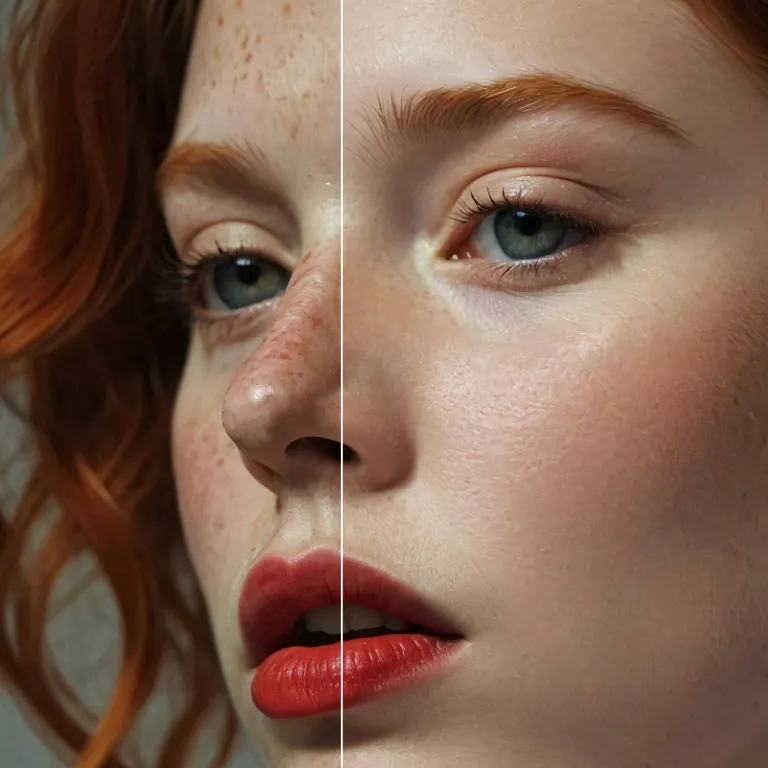
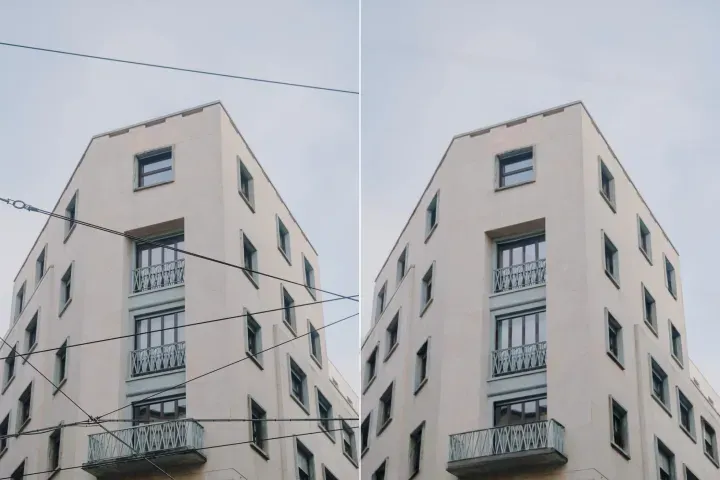
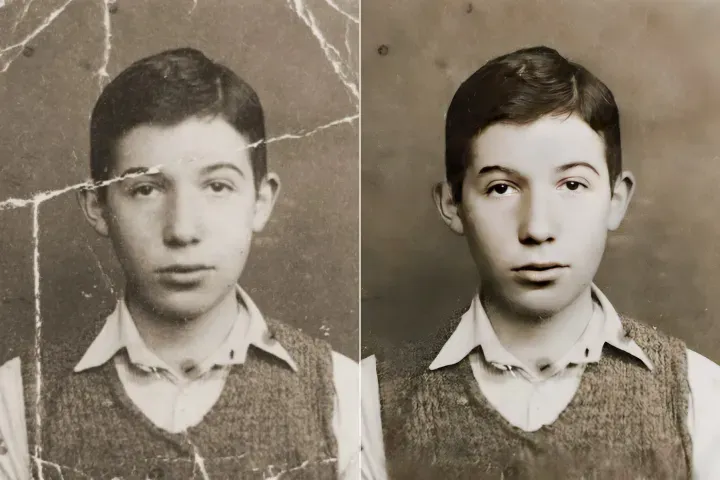
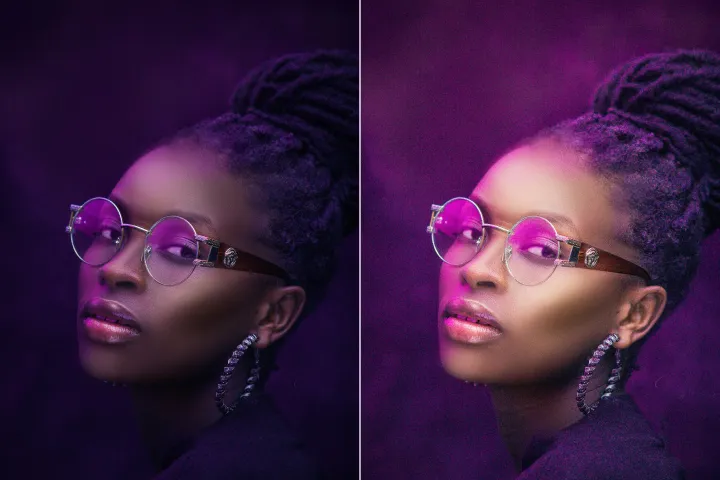
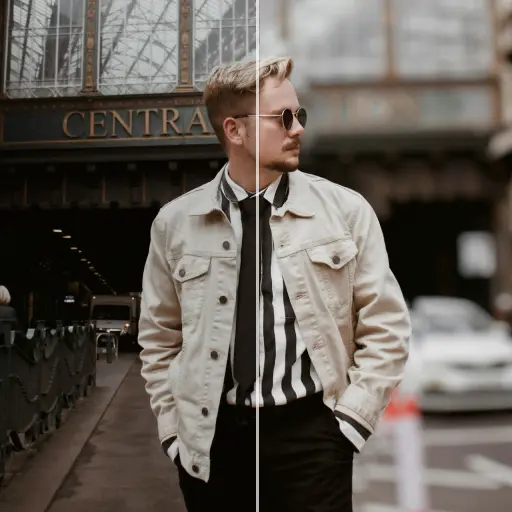
Enhance Photo
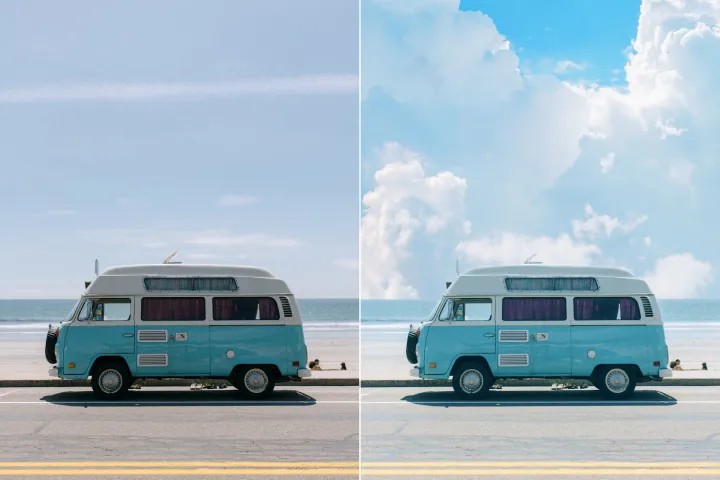
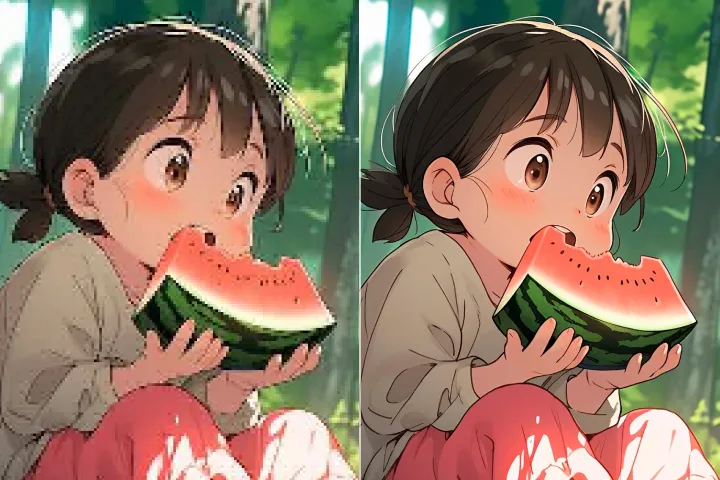
Automatically enhance the blurry photo's resolution and increase the overall quality.
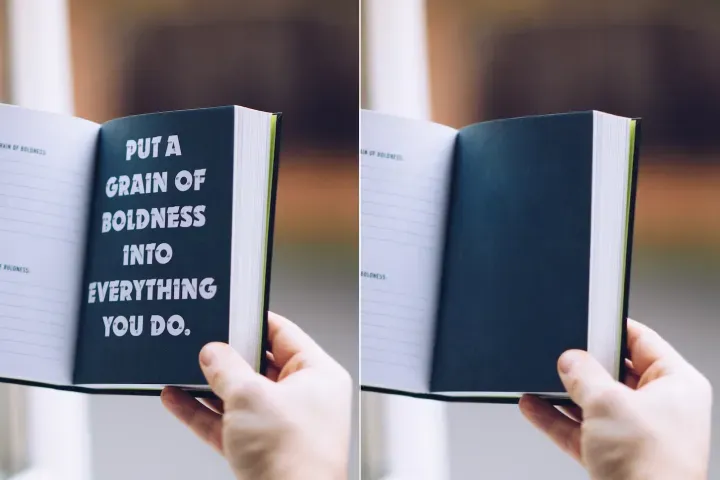
Remove Objects
AIPhotor's One-Touch AI simply detects and removes unwanted details in your picture.
Remove Background
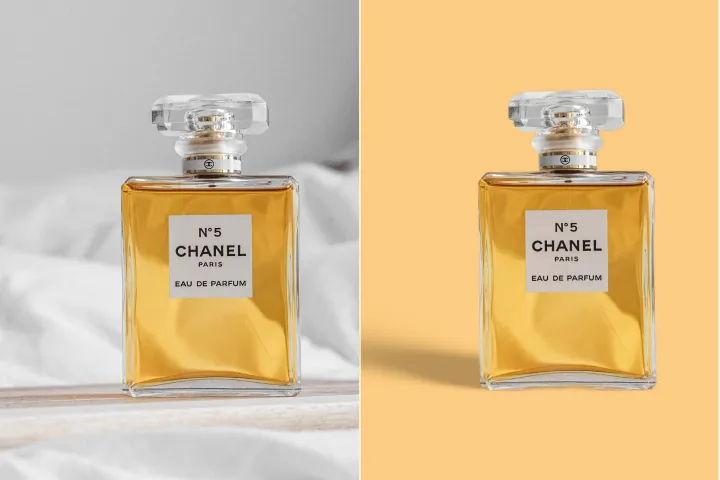
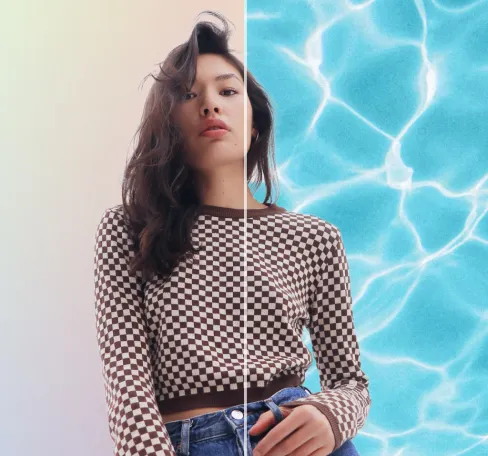
Seamlessly remove background from photos. Edit background with 100+ well-designed templates.
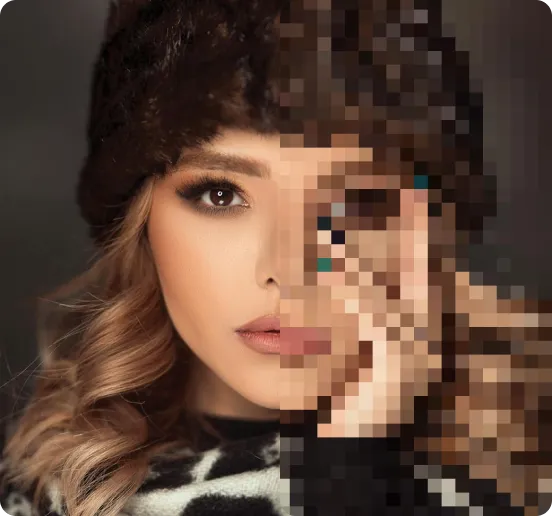
オンラインで画像を無料圧縮
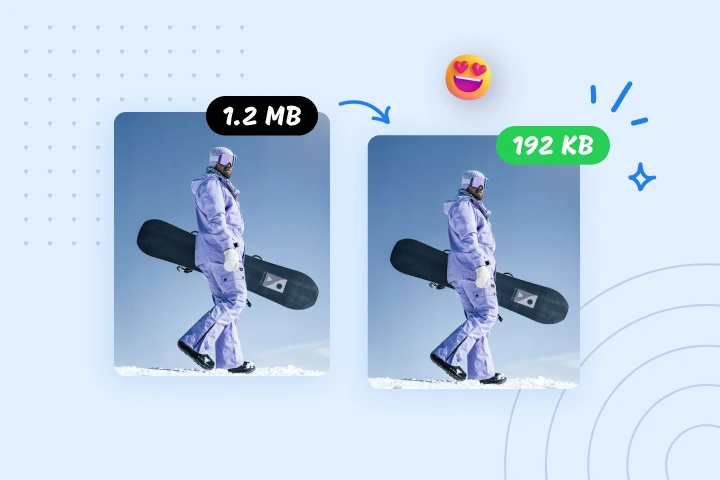
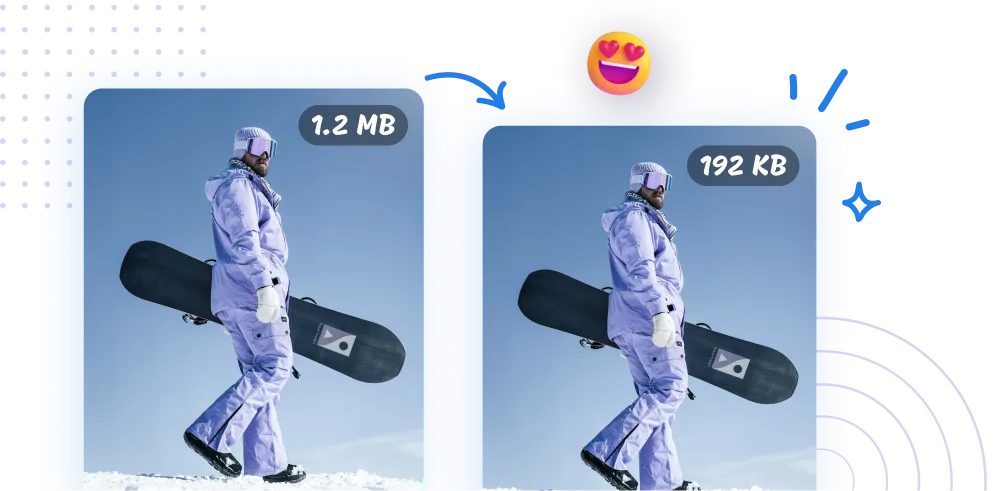
AIPhotorの画像圧縮機で画像ファイルサイズを最大95%削減します。ウェブ最適化、アップロードの迅速化、データ管理の効率化に最適です。ぜひ今すぐお試しください。
AIPhotorで画像を圧縮する方法は?
画像の圧縮は、日常の文書作業を一括でこなせるツールキットの一部として、3つの簡潔なステップで迅速かつ簡単に行えます。
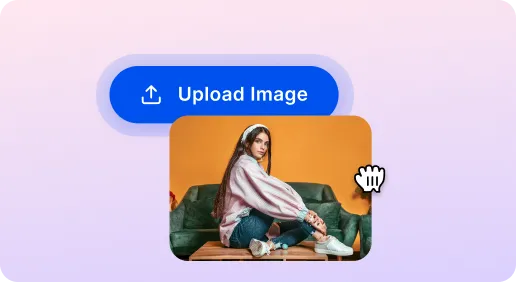
1 画像をアップロード

2 画像を圧縮
3 画像をダウンロード
必須ツール 画像圧縮ツール
ウェブサイトの速度向上のための画像圧縮
大きな画像を迅速に縮小してページの読み込み時間を改善します。AIPhotorは開発者とSEO最適化に不可欠なツールです。
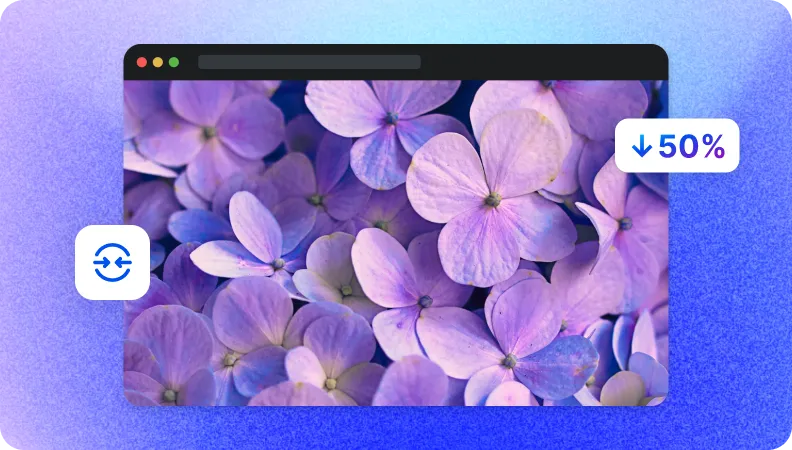
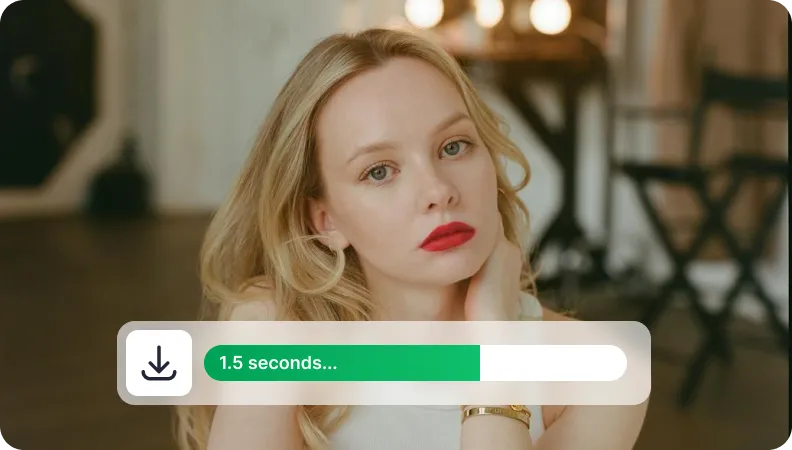
データ転送を迅速化するためにファイルサイズを縮小
ファイルサイズを小さくすることで、遅いネットワークでもアップロードとダウンロードをより高速にします。共有をスムーズにし、AIPhotorで時間を節約しましょう。
ストレージ管理のために画像サイズを縮小
画像サイズを小さくすることでクラウドストレージを最適化します。空き容量を確保し、ストレージコストを削減し、大規模な画像ライブラリをより効果的に管理します。


Free to Try
AIPhotor is free to try for 3 days, after which you can subscribe to one of our incredible value plans.

Free to Try
We automatically sharpen and transform your images with AI to create multiple final looks. But you can also adjust and add a prompt to customize the results. Choose what works best for you!

Quick & Easy
Screen, edit, resize and download your photos lightning fast.

Compatible with all devices
AIPhotor is available on the iOS and Android stores. Our app works seamlessly across mobile, desktop, and tablet devices.
Frequently Asked Questions
-
What is AIPhotor Photo Editor?

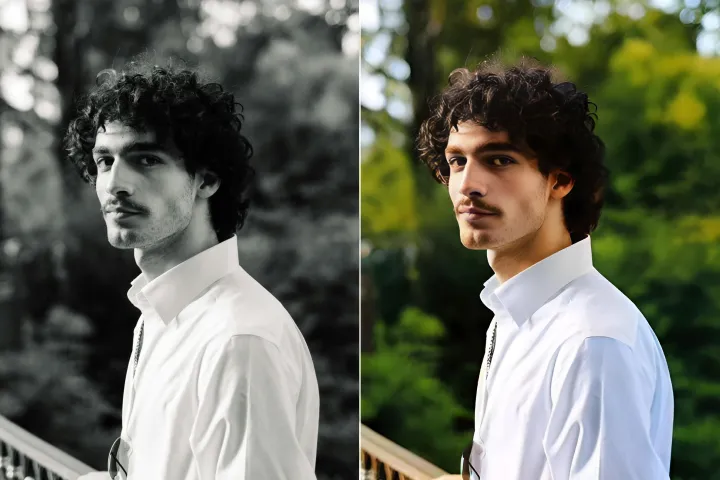
 AIPhotor is a visual online photo editing website that leverages AI technology to help automatically remove objects/people from images; retouch, enhance, colorize, correct, cartoonize, and animate photos in a snap, replacing other photo editing tools Photoshop, Pixlr editor, or Photopea.
Or just drag & drop image here, upto 50 images at once
Or just drag & drop image here, upto 50 images at once
Frequently Asked Questions
-
What is AIPhotor Photo Editor?
AIPhotor is a visual online photo editing website that leverages AI technology to help automatically remove objects/people from images; retouch, enhance, colorize, correct, cartoonize, and animate photos in a snap, replacing other photo editing tools Photoshop, Pixlr editor, or Photopea.
