
{{ getFeatureName(action_mode) }} your image
Drop your image here.
Our popular AI tools
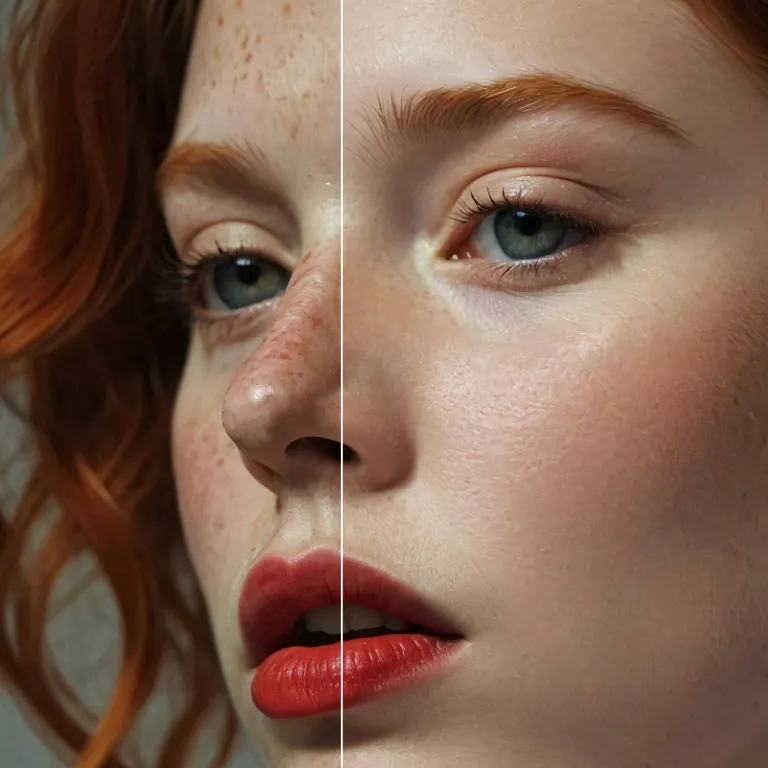
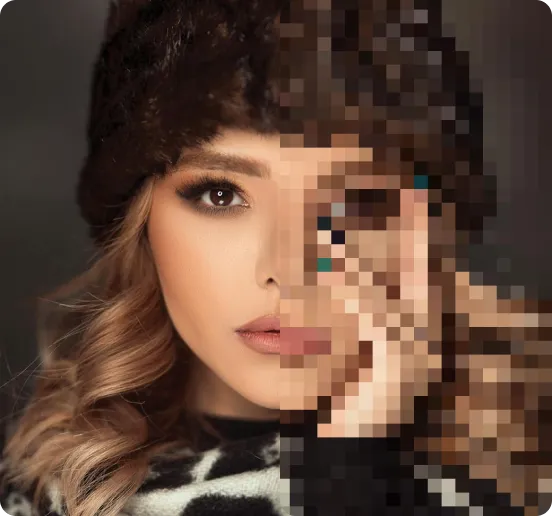
Enhance Photo
Automatically enhance the blurry photo's resolution and increase the overall quality.
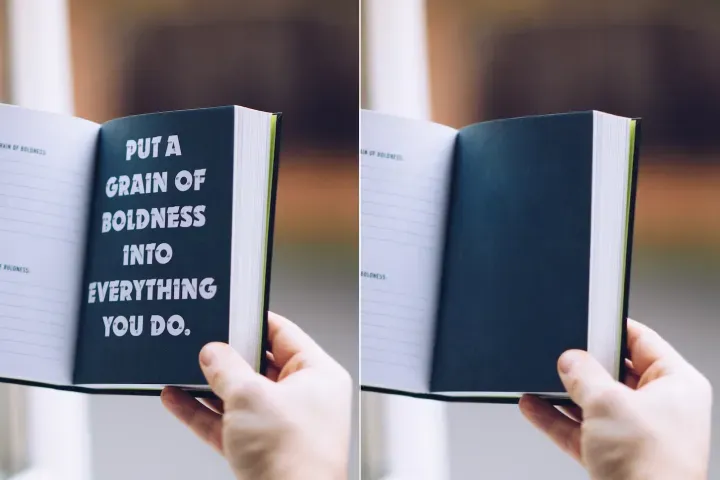
Remove Objects
AIPhotor's One-Touch AI simply detects and removes unwanted details in your picture.
Remove Background
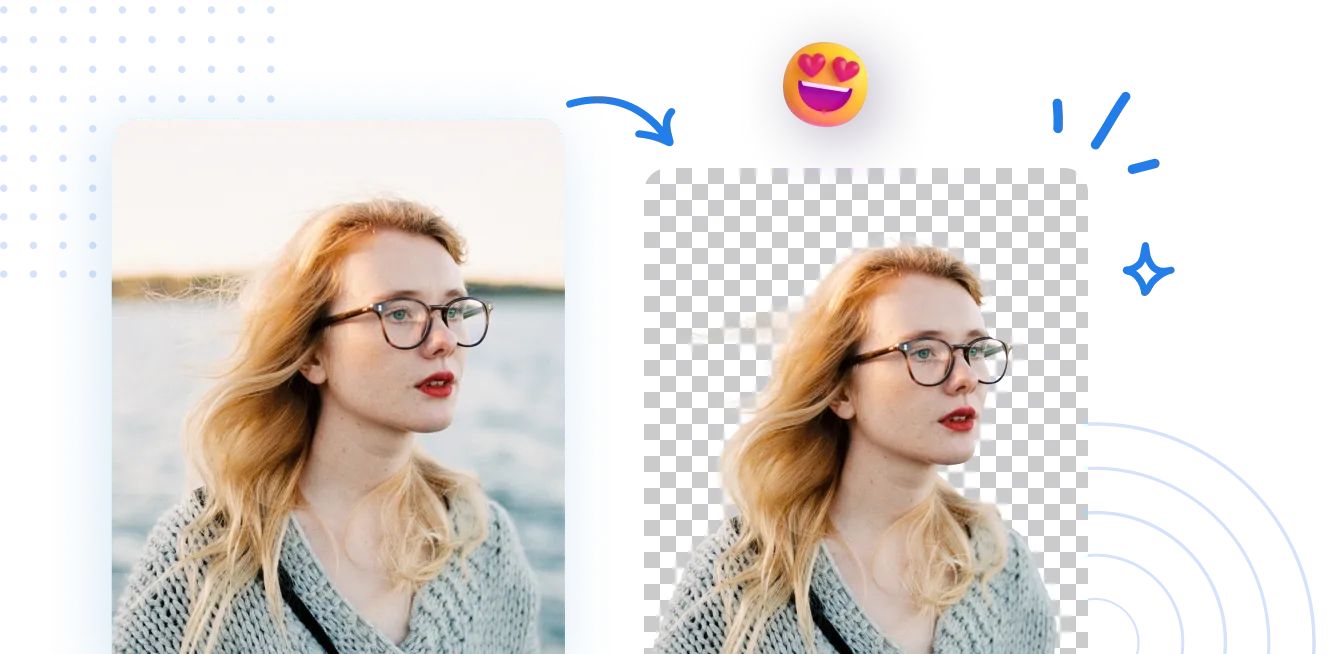
Seamlessly remove background from photos. Edit background with 100+ well-designed templates.
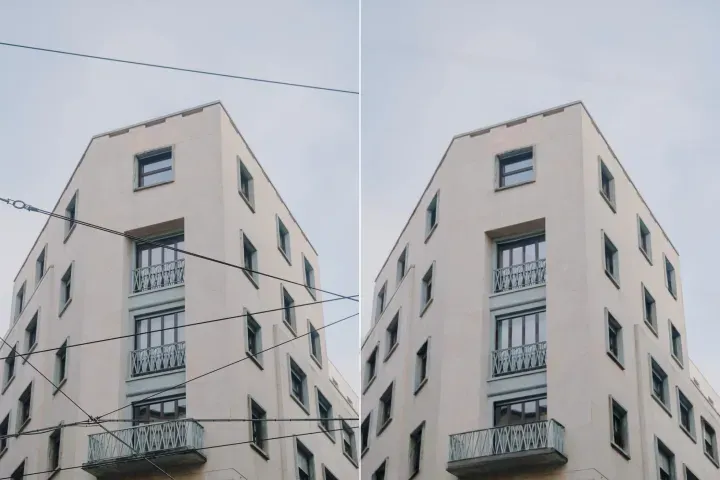
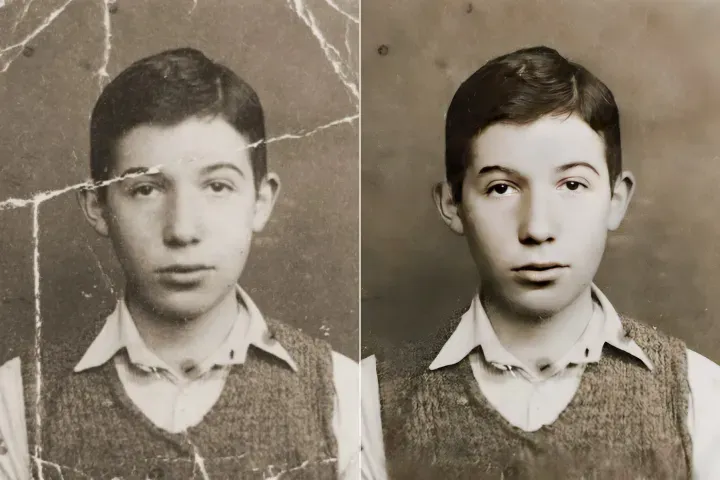
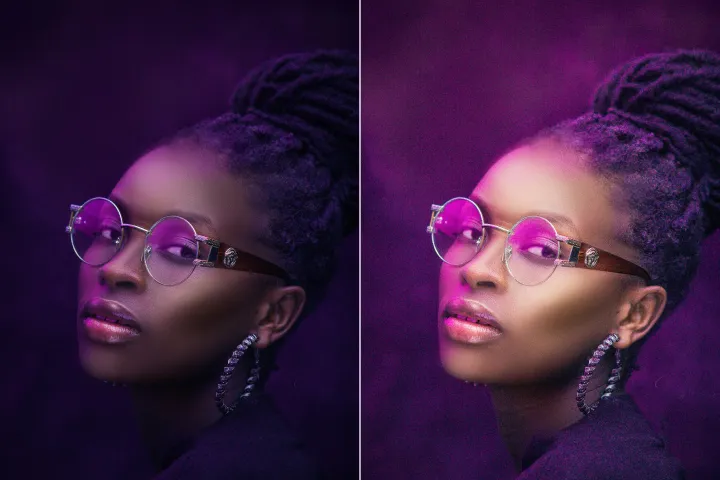
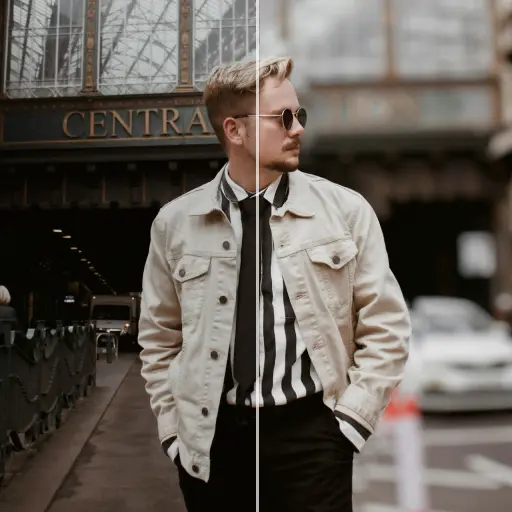
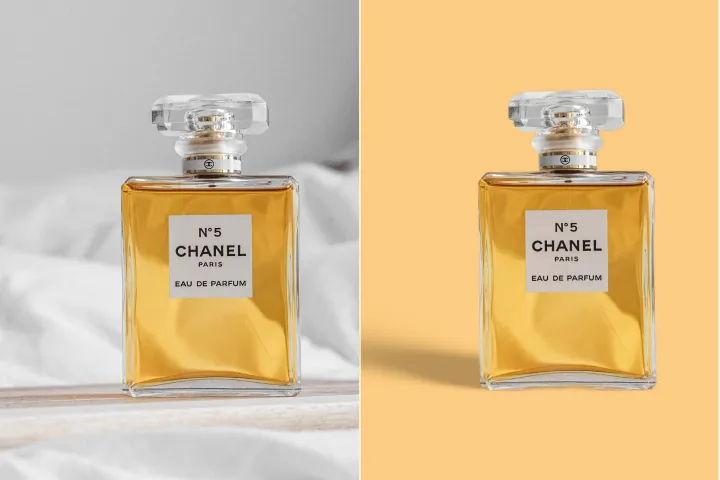
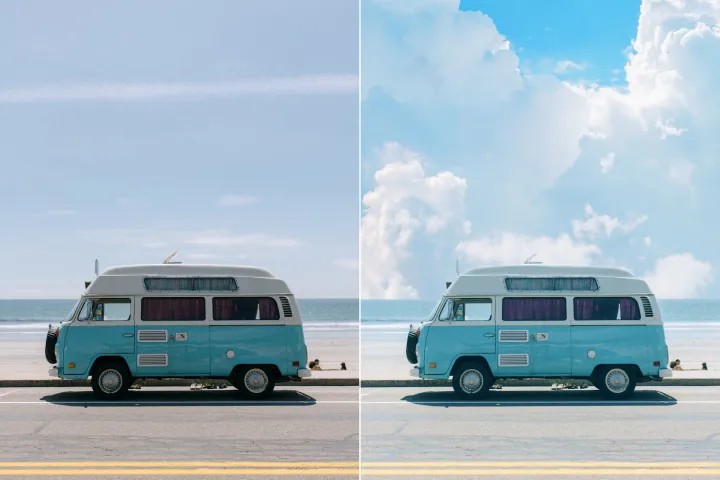
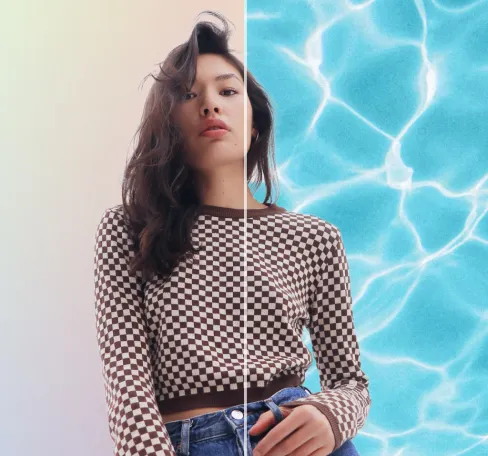
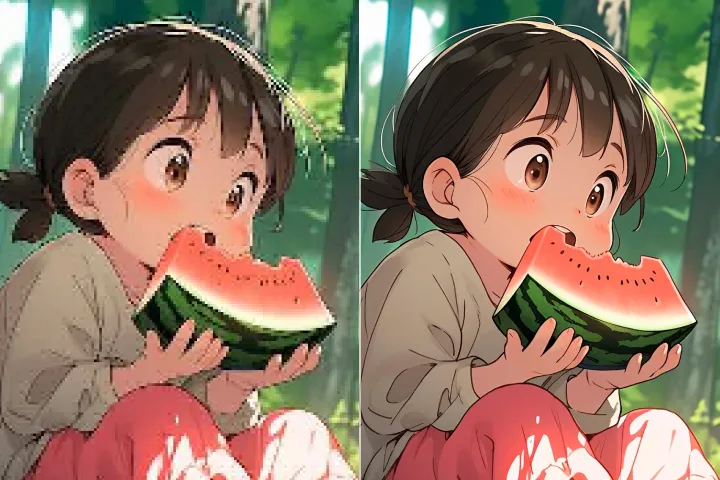
Tagatanggal ng Background ng Larawan
kasama ang AI
Alisin ang mga background nang mabilis at tiyak, pagkatapos ay mag-edit nang malaya—baguhin ang kulay, magdagdag ng mga grapiko, o palitan ang mga background sa loob ng ilang click lang sa platform ng AIPhotor.
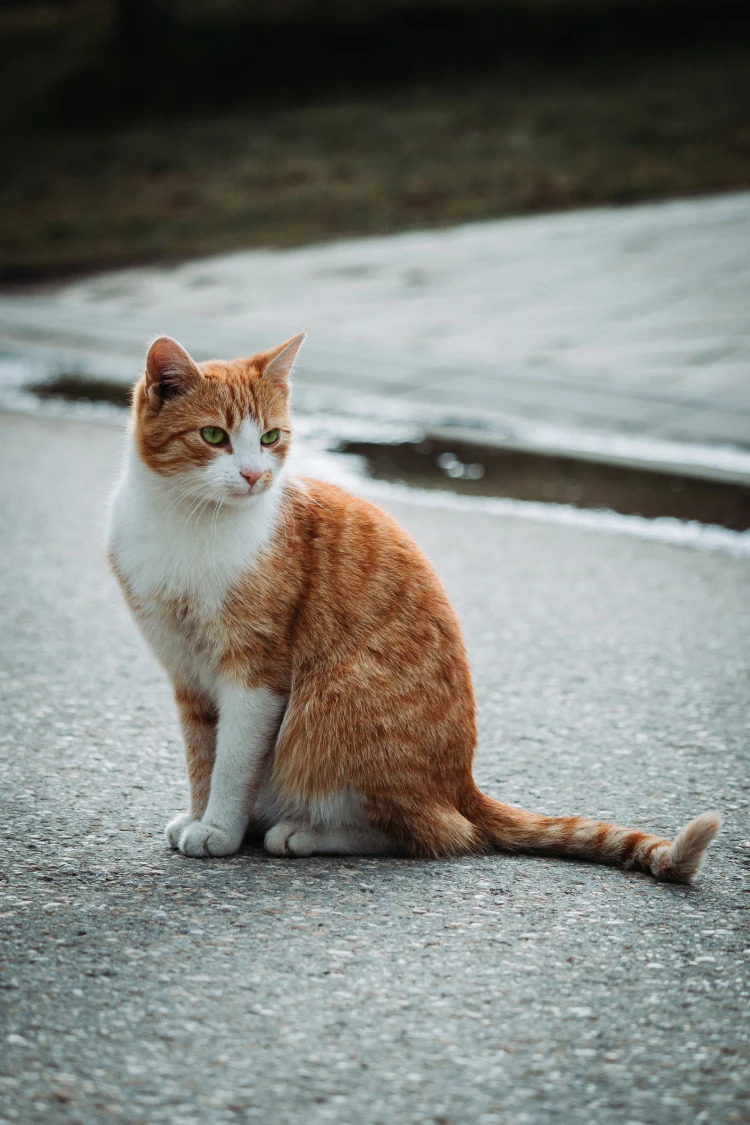
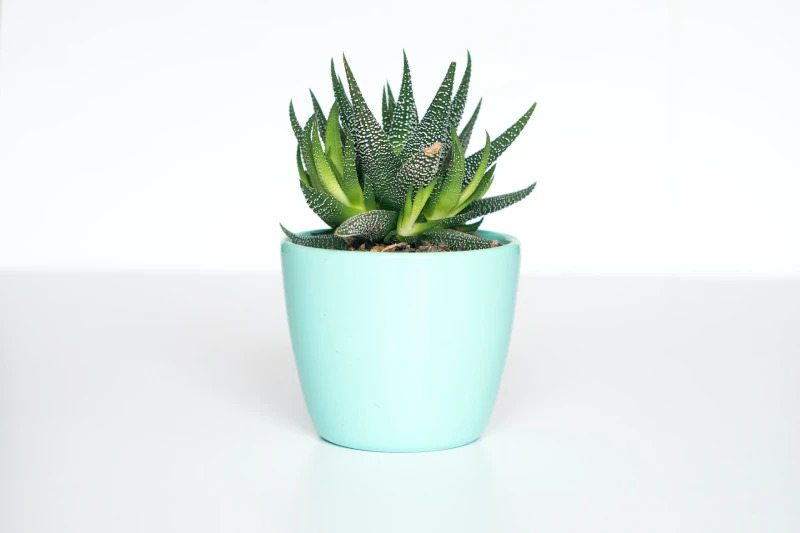
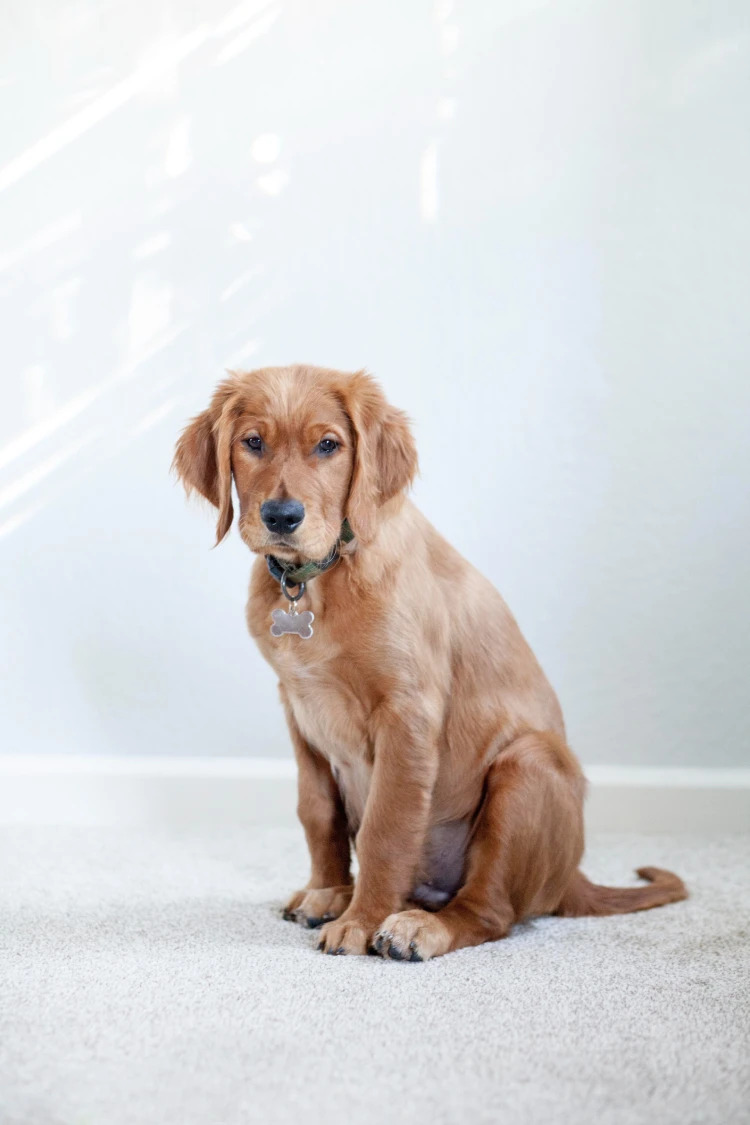
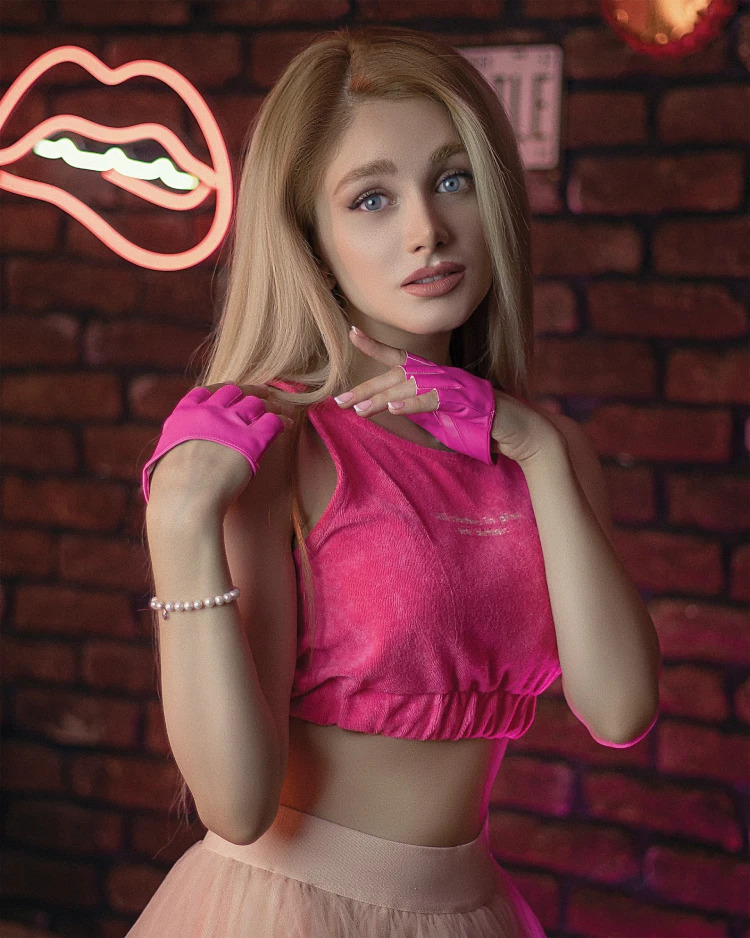
Paano alisin ang background mula sa isang larawan?
Ma-access ang Background Remover ng AIPhotor sa tatlong simpleng hakbang: buksan ang tampok, sundin ang mga gabay na prompts, at ilapat ang resulta.
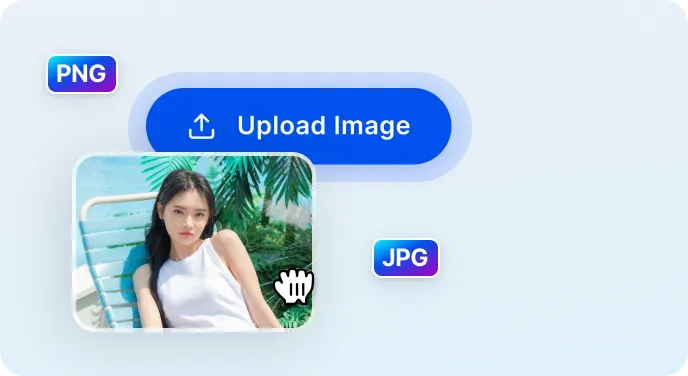
1 Mag-upload ng larawan
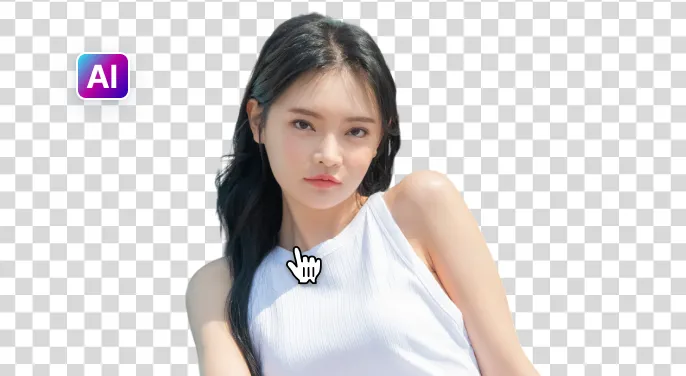
2 Hintayin ang AI na alisin ang background
3 I-download ang larawan
Mas madali ang pagtanggal ng background ng larawan gamit AI
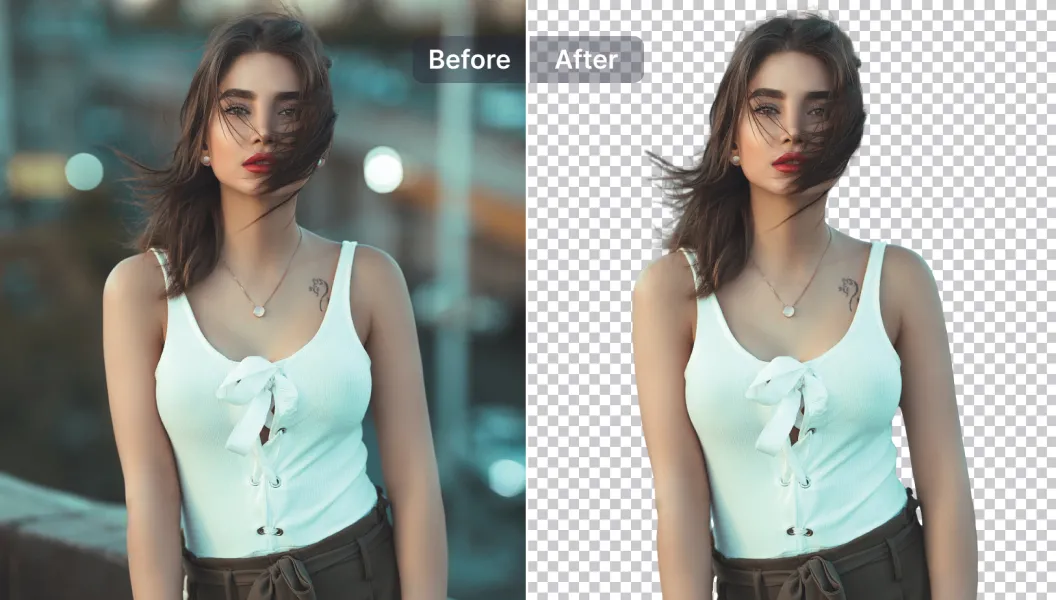
Mabilis at Tumpak na Taganggal ng Background
Natututukoy at tinatanggal ng AIPhotor ang mga background sa loob ng limang segundo, habang pinapanatili ang mga detalye ng imahe para sa malinis at propesyonal na resulta.
Mga Makapangyarihang Opsyon sa Pag-edit
Pagbutihin ang iyong mga larawan gamit ang mga tool sa pag-edit na pinapagana ng AI—magdagdag o mag-alis ng teksto at mga bagay, mag-resize, pagbutihin ang kalidad, at marami pa, lahat ay nasa loob ng platform.
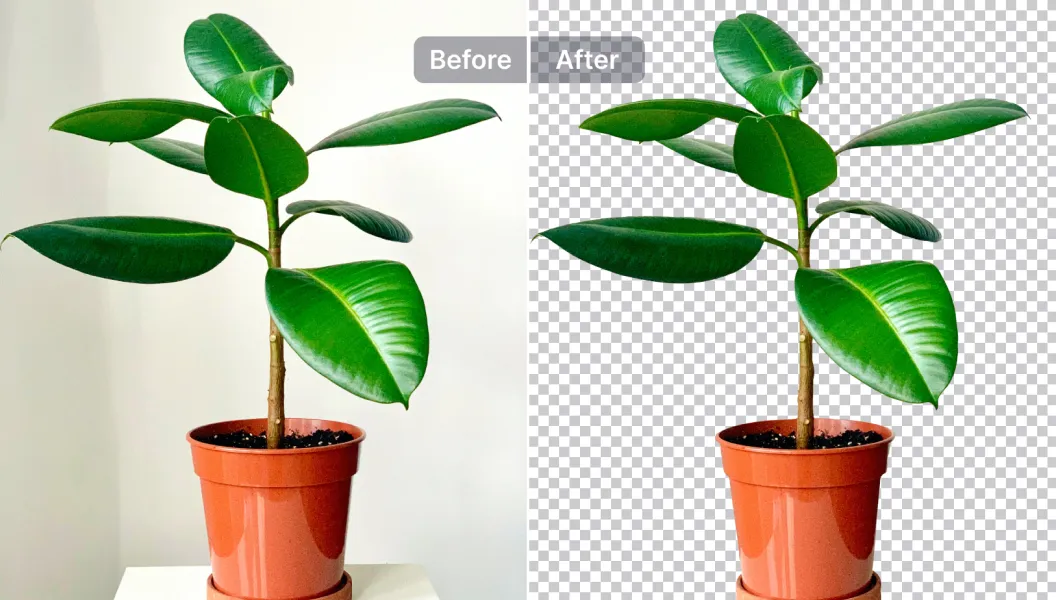
I-edit, palitan, o gawing transparent ang background
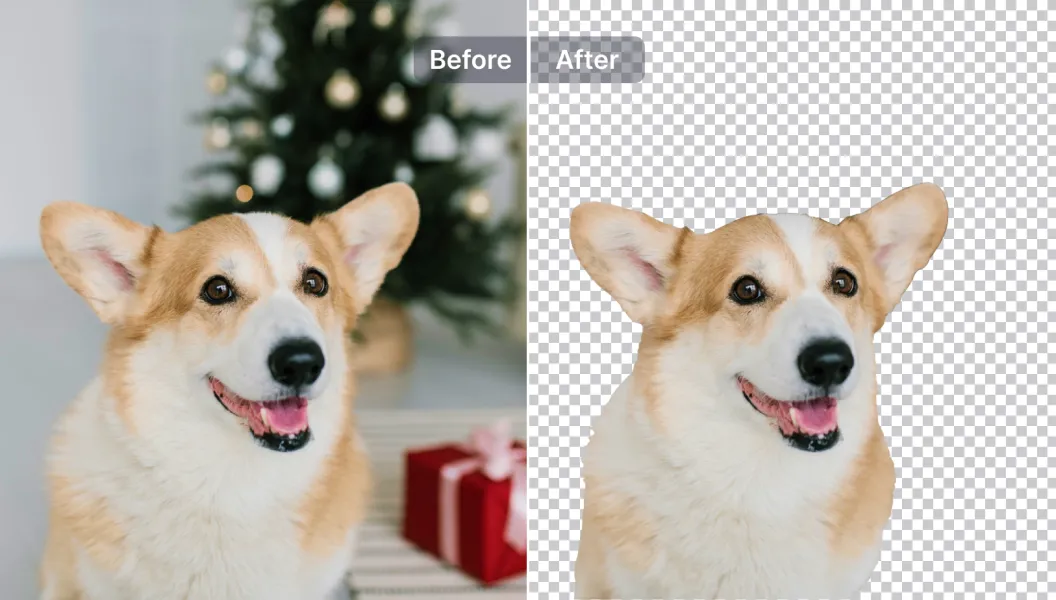
Gawing transparent ang mga background o palitan ang mga ito ng isa sa mahigit 1,500 na mga template, o i-upload ang sarili mong larawan—angkop para sa mga larawan ng produkto, promosyon, at mga post sa social media.

Free to Try
AIPhotor is free to try for 3 days, after which you can subscribe to one of our incredible value plans.

Free to Try
We automatically sharpen and transform your images with AI to create multiple final looks. But you can also adjust and add a prompt to customize the results. Choose what works best for you!

Quick & Easy
Screen, edit, resize and download your photos lightning fast.

Compatible with all devices
AIPhotor is available on the iOS and Android stores. Our app works seamlessly across mobile, desktop, and tablet devices.
Frequently Asked Questions
-
What is AIPhotor Photo Editor?

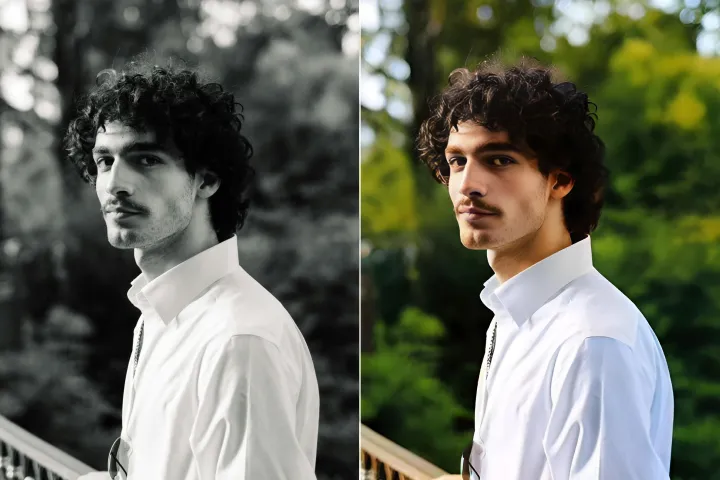
 AIPhotor is a visual online photo editing website that leverages AI technology to help automatically remove objects/people from images; retouch, enhance, colorize, correct, cartoonize, and animate photos in a snap, replacing other photo editing tools Photoshop, Pixlr editor, or Photopea.
Or just drag & drop image here, upto 50 images at once
Or just drag & drop image here, upto 50 images at once
Frequently Asked Questions
-
What is AIPhotor Photo Editor?
AIPhotor is a visual online photo editing website that leverages AI technology to help automatically remove objects/people from images; retouch, enhance, colorize, correct, cartoonize, and animate photos in a snap, replacing other photo editing tools Photoshop, Pixlr editor, or Photopea.
