
{{ getFeatureName(action_mode) }} your image
Drop your image here.
Our popular AI tools
Enhance Photo
Automatically enhance the blurry photo's resolution and increase the overall quality.
Remove Objects
AIPhotor's One-Touch AI simply detects and removes unwanted details in your picture.
Remove Background
Seamlessly remove background from photos. Edit background with 100+ well-designed templates.
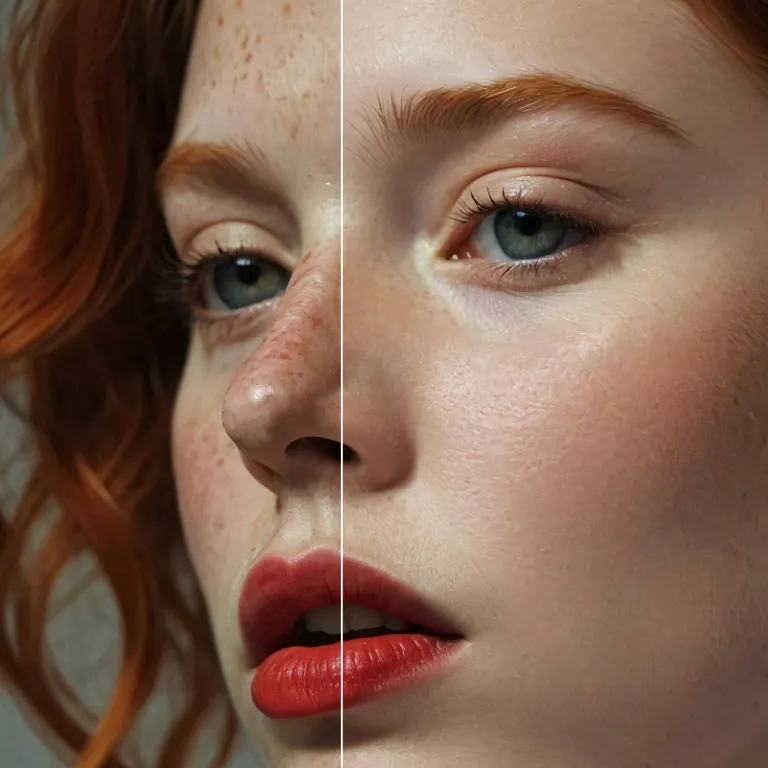
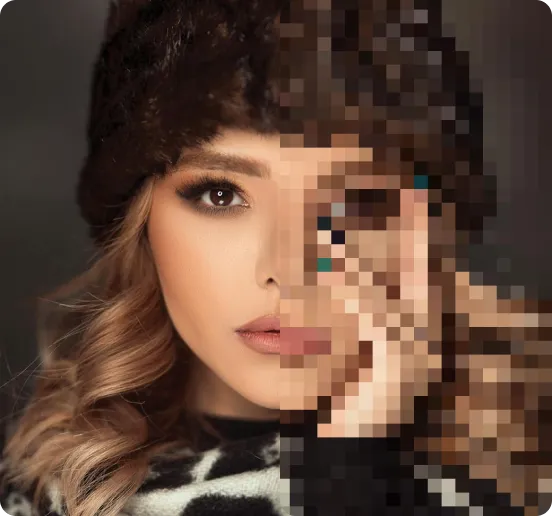
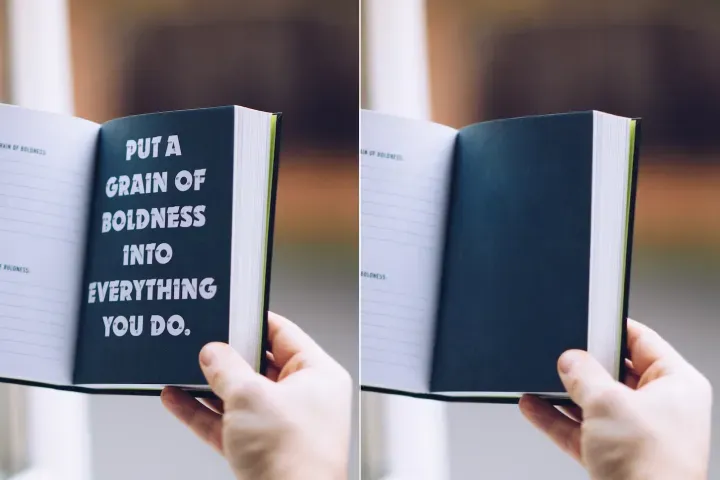
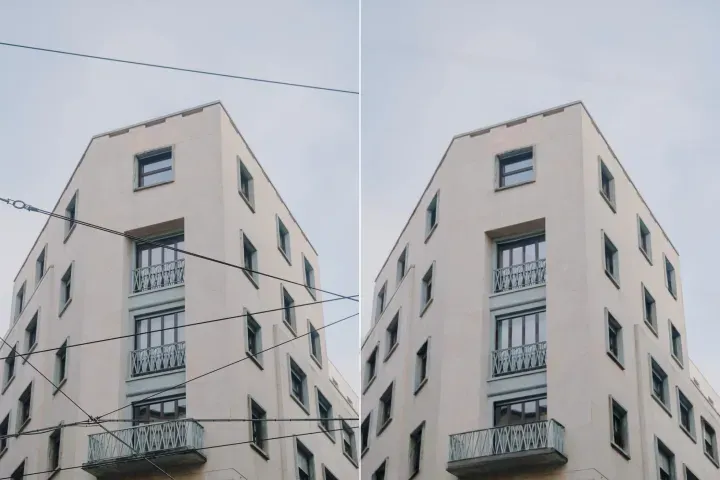
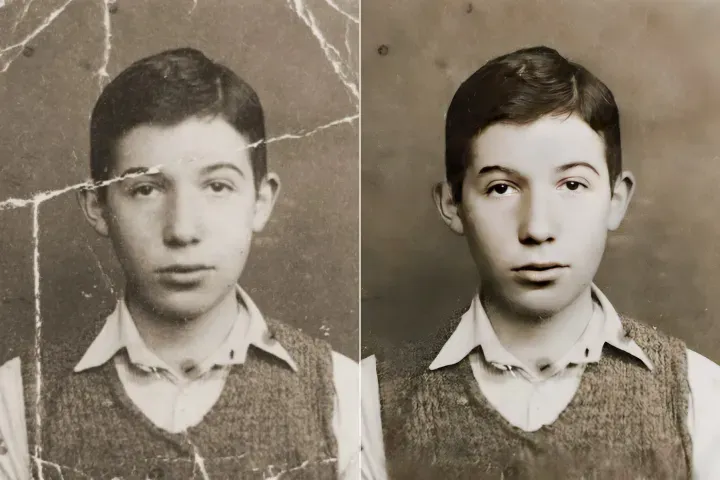
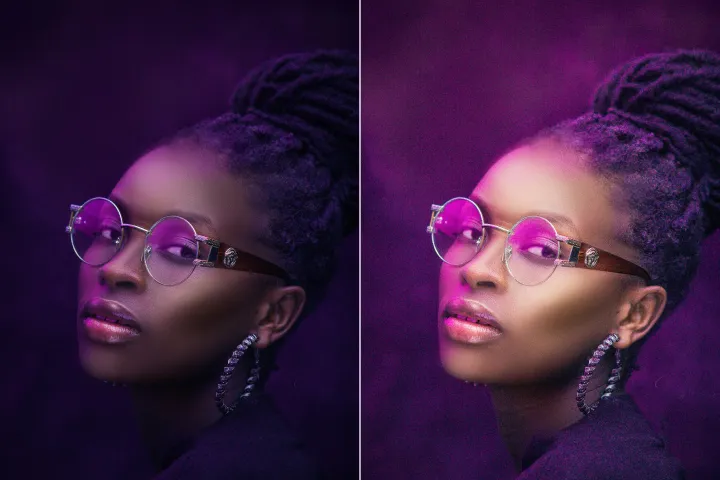
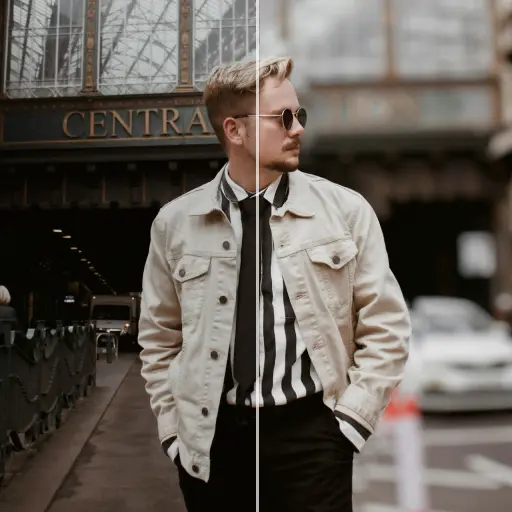
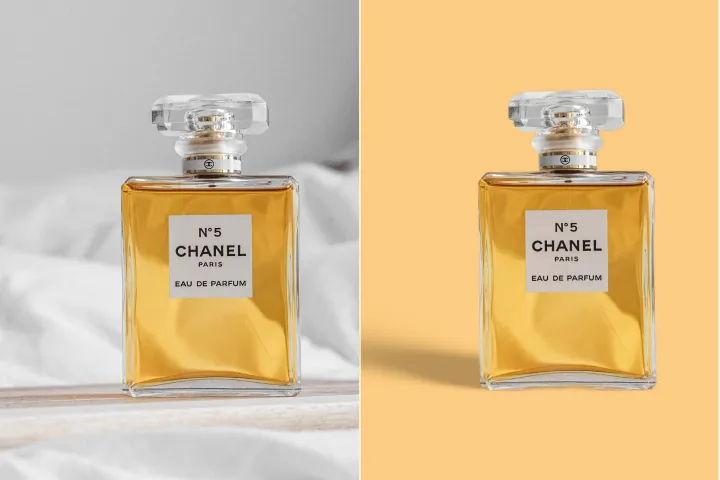
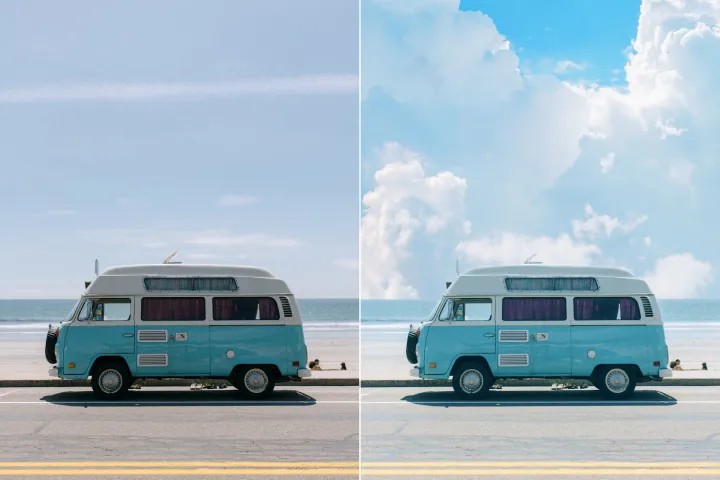
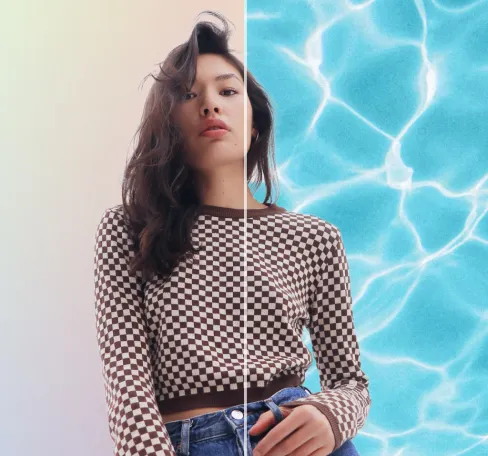
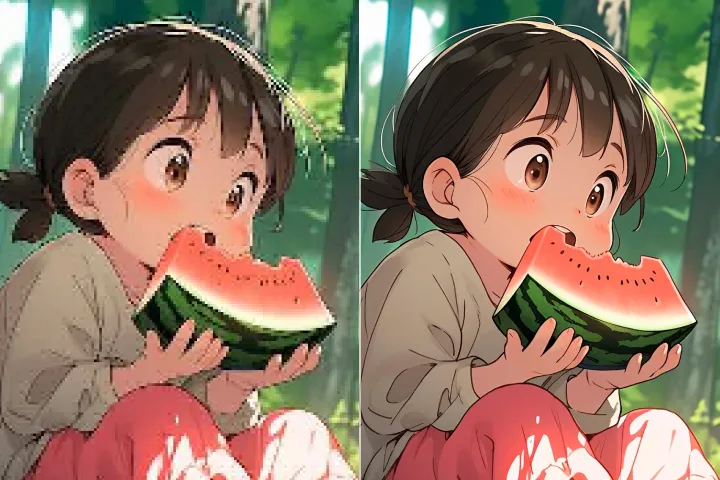
Libre ang pag-blur ng background para sa mga larawan
Lumikha ng kapansin-pansing mga larawan gamit ang madali at walang hirap na background blur tool ng AIPhotor—mabilis, madaling ma-access, at libre.
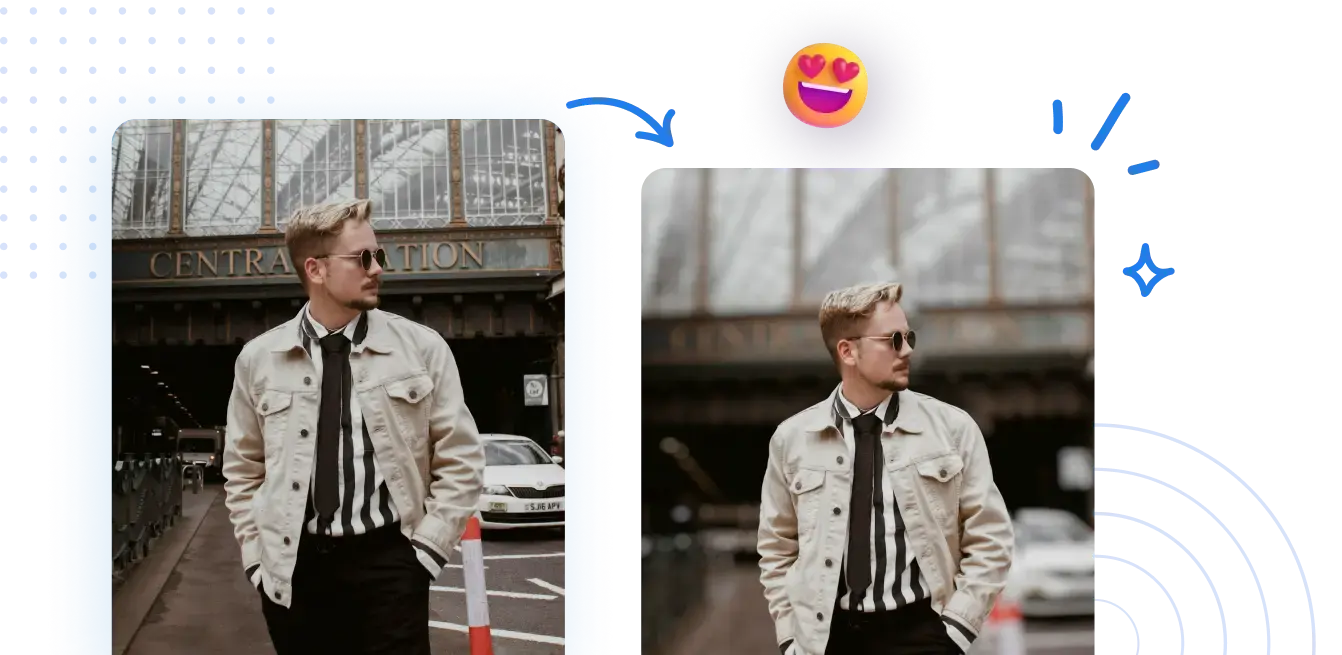
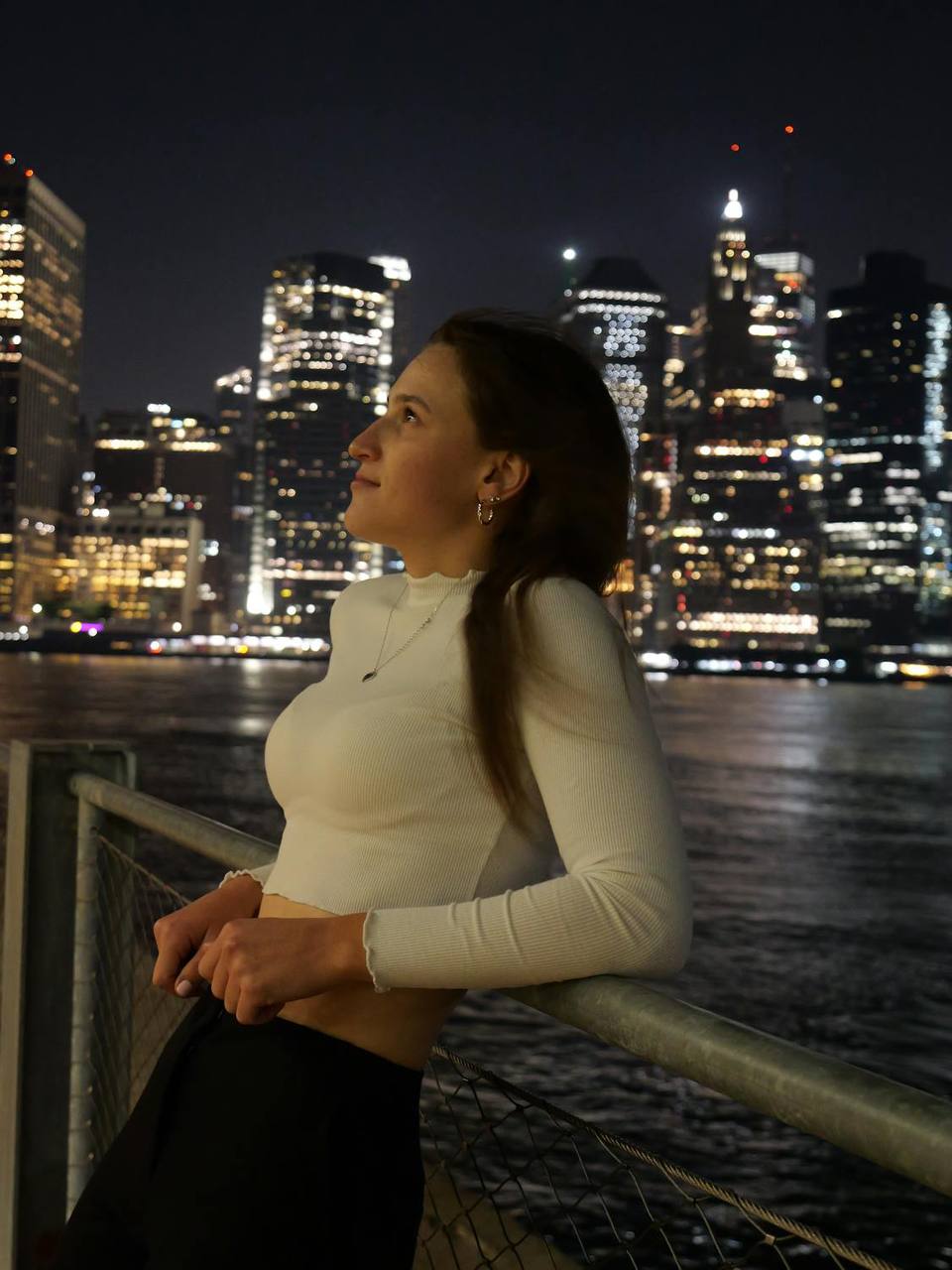



Alamin kung paano i-blur ang mga background ng larawan online gamit ang mabilis at madaling hakbang.
Hindi kinakailangan ang kumplikadong pagsasaayos. Makamit ang propesyonal na hitsura ng malabong background sa ilang pag-click.
1 Mag-upload ng larawan
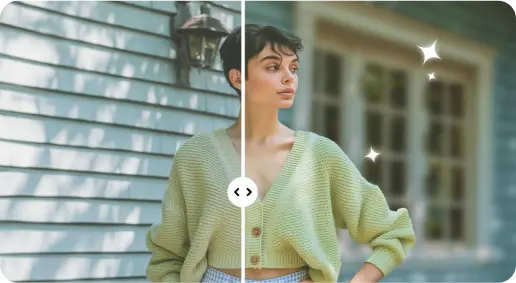
2 I-blur ang background gamit ang mga epekto na pinapagana ng AI
3 I-save ang bagong larawan
Edge-Perfect Gamit para sa Paglabo ng Likuran
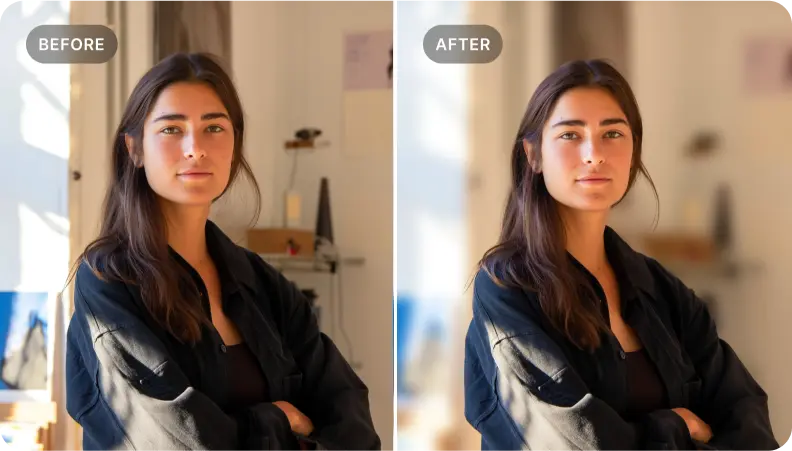
Magdagdag ng lalim sa mga larawang portrait
Gamitin ang blur sa background upang magdagdag ng lalim sa mga portrait, binibigyang-diin ang mga katangian ng mukha at ang karakter ng paksa.
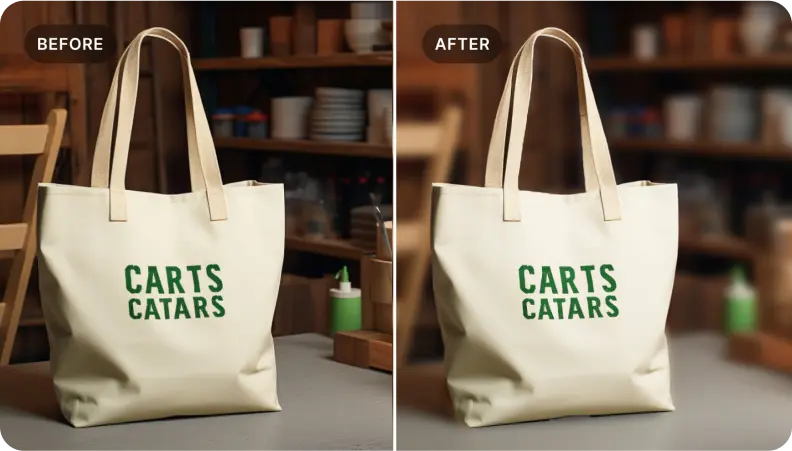
I-highlight ang mga produkto sa mga larawang pang-e-commerce
Gamitin ang blur sa background ng mga larawan ng produkto upang itampok ang mga detalye, lumilikha ng mga biswal na kaakit-akit na larawan na nagpapataas ng pakikipag-ugnayan at benta.
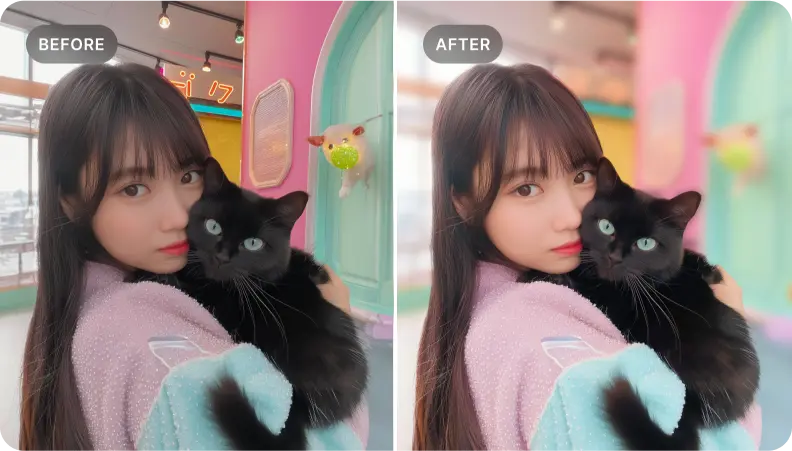
Ihiwalay ang mga partikular na elemento sa loob ng eksena
Perpekto para ihiwalay ang mahahalagang elemento. I-blur ang mga nakapaligid na lugar para makalikha ng kapansin-pansin at nagsasalaysay na mga larawan.

Free to Try
AIPhotor is free to try for 3 days, after which you can subscribe to one of our incredible value plans.

Free to Try
We automatically sharpen and transform your images with AI to create multiple final looks. But you can also adjust and add a prompt to customize the results. Choose what works best for you!

Quick & Easy
Screen, edit, resize and download your photos lightning fast.

Compatible with all devices
AIPhotor is available on the iOS and Android stores. Our app works seamlessly across mobile, desktop, and tablet devices.
Frequently Asked Questions
-
What is AIPhotor Photo Editor?

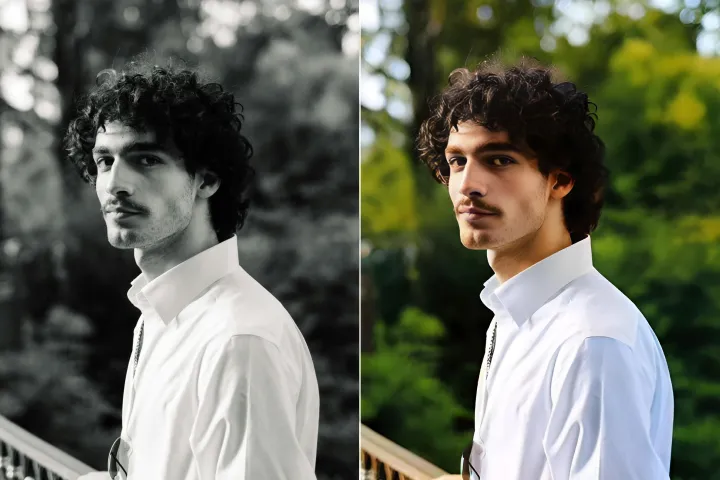
 AIPhotor is a visual online photo editing website that leverages AI technology to help automatically remove objects/people from images; retouch, enhance, colorize, correct, cartoonize, and animate photos in a snap, replacing other photo editing tools Photoshop, Pixlr editor, or Photopea.
Or just drag & drop image here, upto 50 images at once
Or just drag & drop image here, upto 50 images at once
Frequently Asked Questions
-
What is AIPhotor Photo Editor?
AIPhotor is a visual online photo editing website that leverages AI technology to help automatically remove objects/people from images; retouch, enhance, colorize, correct, cartoonize, and animate photos in a snap, replacing other photo editing tools Photoshop, Pixlr editor, or Photopea.
