
{{ getFeatureName(action_mode) }} your image
Drop your image here.
Our popular AI tools
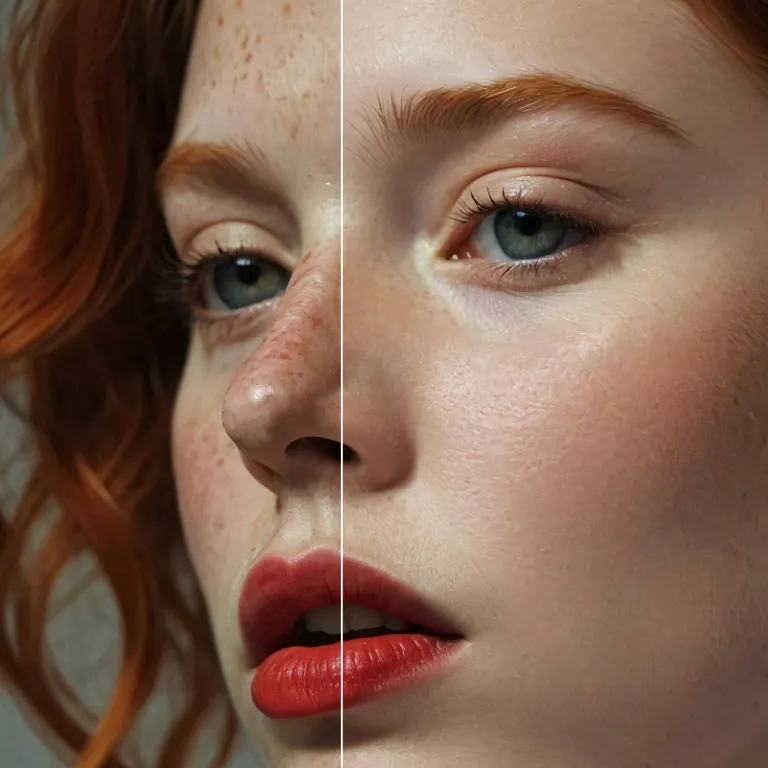
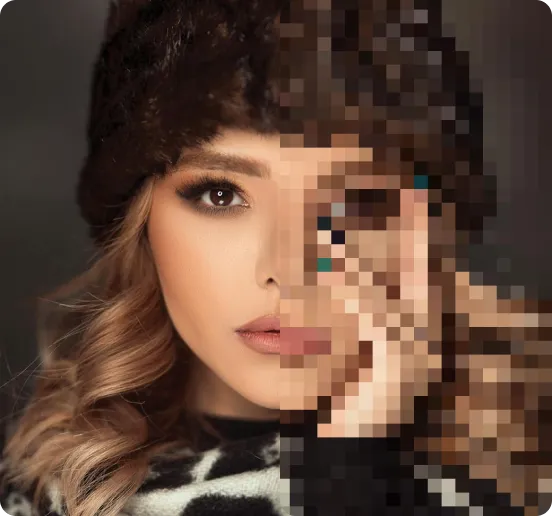
Enhance Photo
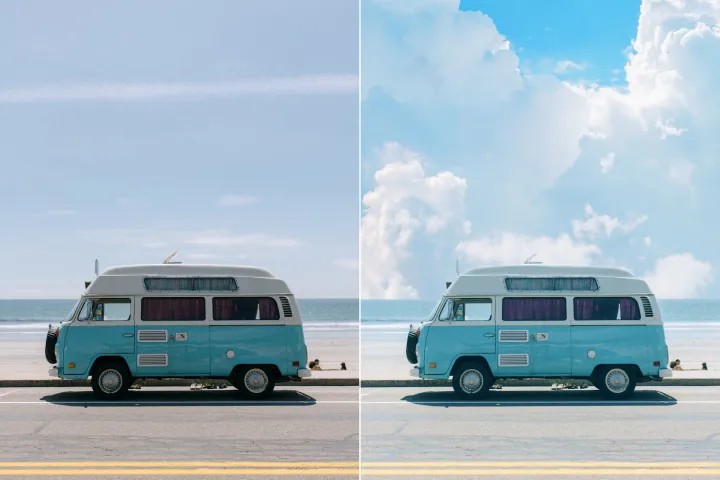
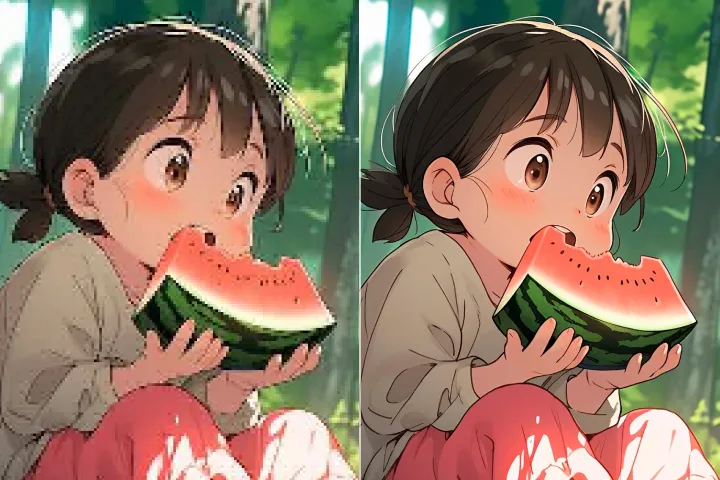
Automatically enhance the blurry photo's resolution and increase the overall quality.
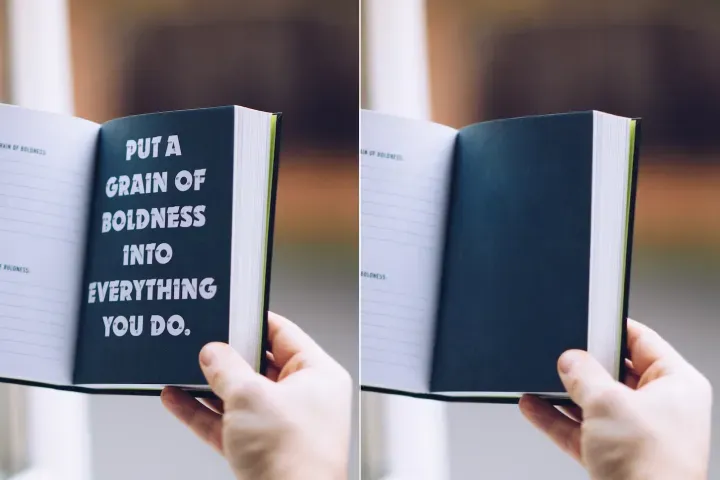
Remove Objects
AIPhotor's One-Touch AI simply detects and removes unwanted details in your picture.
Remove Background
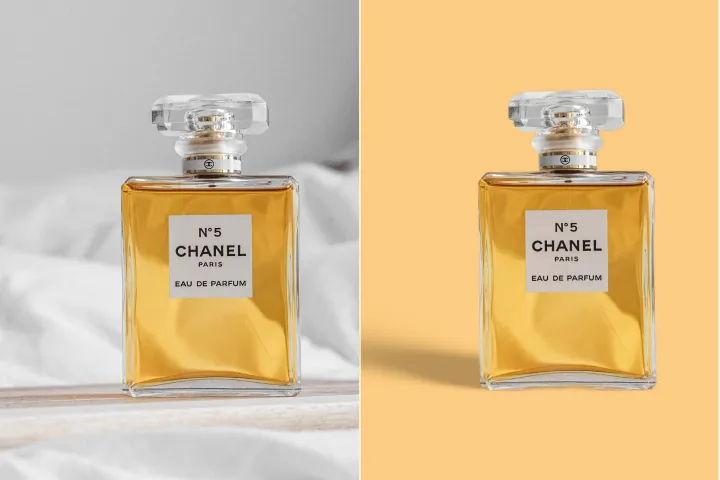
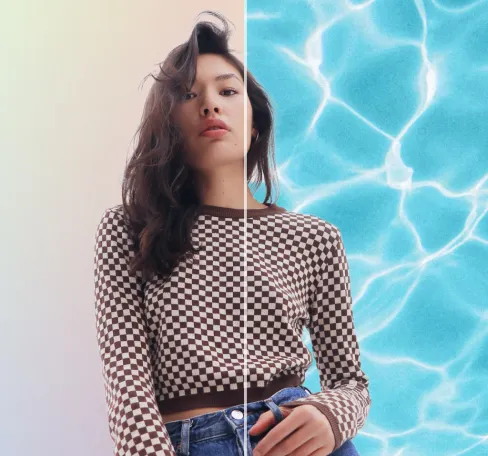
Seamlessly remove background from photos. Edit background with 100+ well-designed templates.
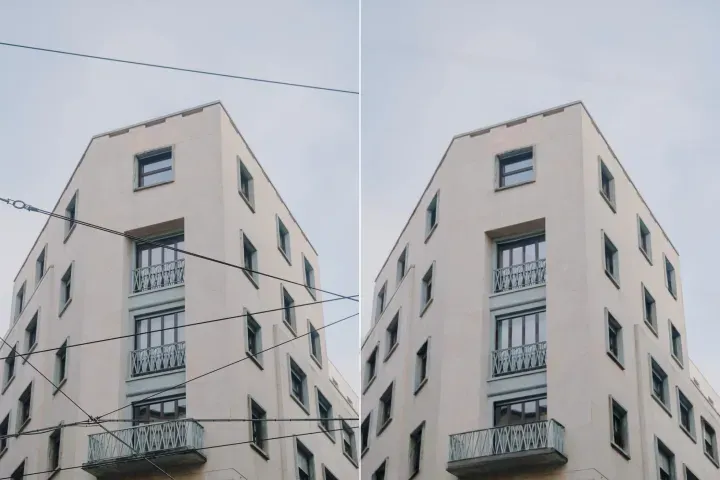
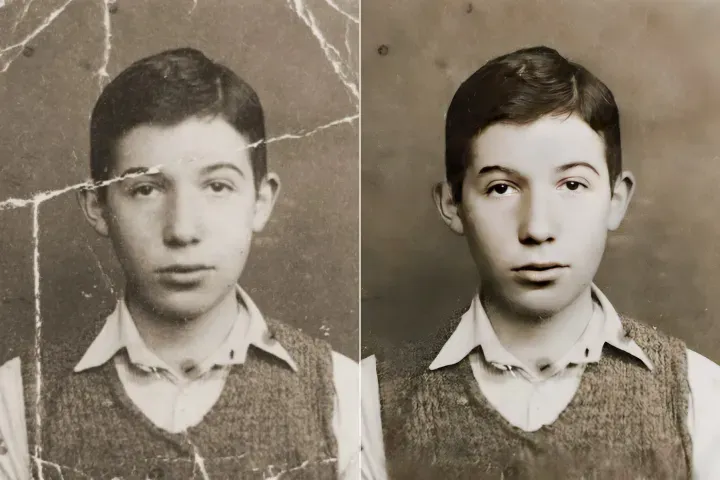
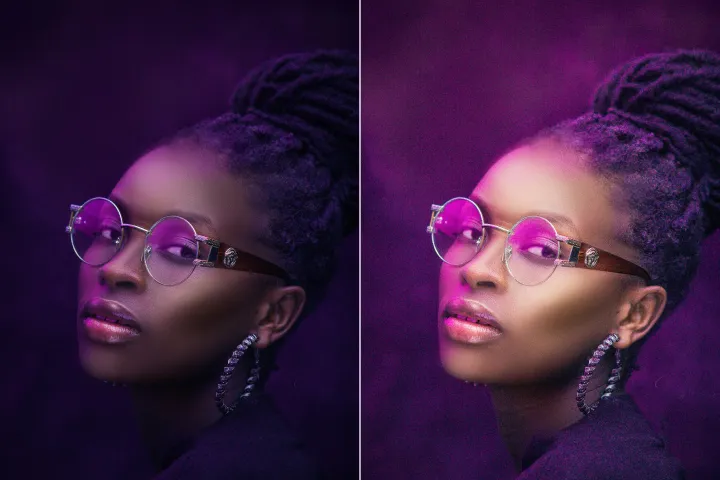
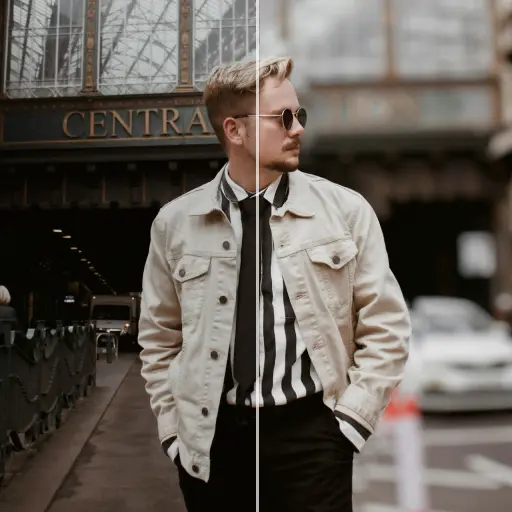
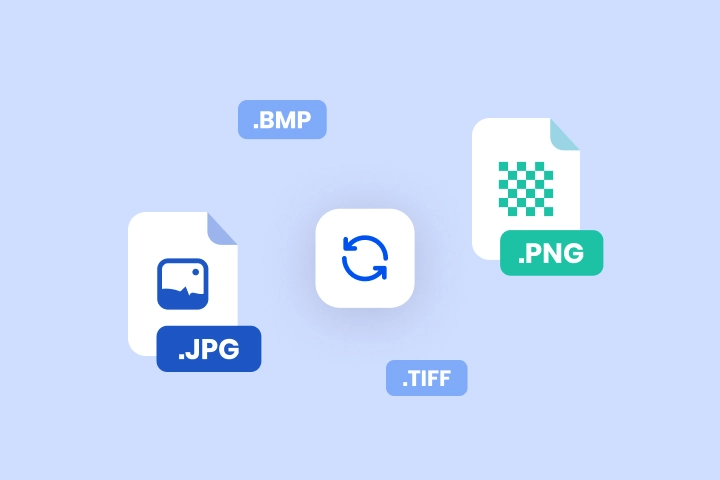
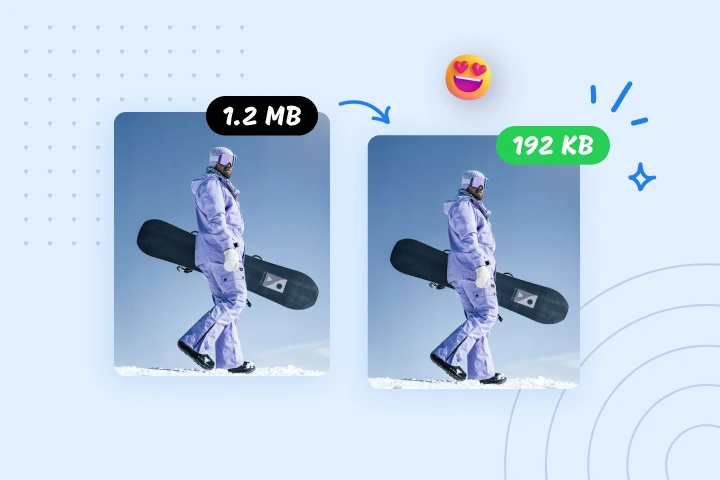
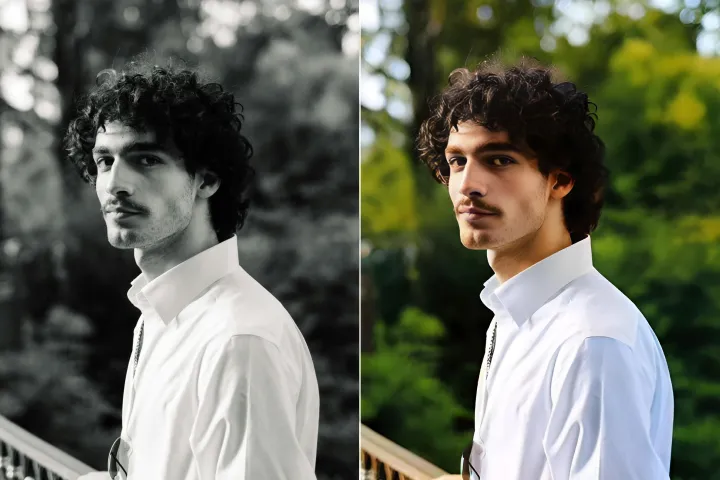
I-convert ang mga larawan sa anumang format sa isang pag-click
Pinapahintulutan ng SnapEdit Image Converter ang pag-convert ng mga format gaya ng PNG patungong JPG, JPG patungong PDF, o TIFF patungong JPG nang madali, habang tinitiyak ang ligtas na pag-upload, mataas na kalidad na mga conversion, at batch processing.



Paano i-convert ang mga larawan sa anumang format
Sundin ang mga simpleng hakbang na ito upang i-convert ang mga larawan online gamit ang anumang aparato, mabilis at maaasahan:

1 Mag-upload ng isang imahe

2 Piliin ang target na format

3 I-convert ang imahe
SnapEdit Image Converter: Mas mabilis at mas ligtas
I-convert ang larawan para sa website
I-convert ang mga imahe sa JPEG o WebP upang mapabuti ang laki ng file at bilis habang pinapanatili ang mataas na kalidad.

I-convert ang larawan para sa pag-edit ng larawan
Madaling lumipat sa pagitan ng mga format para sa pag-edit, halimbawa, JPEG patungong PNG para sa transparency o HEIC patungong PNG para sa mas malawak na pagkakatugma.

Ilipat ang mga legacy na format sa mga malawak na sinusuportahang format
I-convert ang mga lumang o hindi-karaniwang mga format ng imahe sa mga makabago at malawak na sinusuportahang uri upang matiyak ang maabot sa hinaharap at maayos na pagbabahagi.


Free to Try
AIPhotor is free to try for 3 days, after which you can subscribe to one of our incredible value plans.

Free to Try
We automatically sharpen and transform your images with AI to create multiple final looks. But you can also adjust and add a prompt to customize the results. Choose what works best for you!

Quick & Easy
Screen, edit, resize and download your photos lightning fast.

Compatible with all devices
AIPhotor is available on the iOS and Android stores. Our app works seamlessly across mobile, desktop, and tablet devices.
Frequently Asked Questions
-
What is AIPhotor Photo Editor?

 AIPhotor is a visual online photo editing website that leverages AI technology to help automatically remove objects/people from images; retouch, enhance, colorize, correct, cartoonize, and animate photos in a snap, replacing other photo editing tools Photoshop, Pixlr editor, or Photopea.
Or just drag & drop image here, upto 50 images at once
Or just drag & drop image here, upto 50 images at once
Frequently Asked Questions
-
What is AIPhotor Photo Editor?
AIPhotor is a visual online photo editing website that leverages AI technology to help automatically remove objects/people from images; retouch, enhance, colorize, correct, cartoonize, and animate photos in a snap, replacing other photo editing tools Photoshop, Pixlr editor, or Photopea.
