PDF Editor
Easily add text, shapes, comments, and highlights to PDFs — secure, simple, and accessible for everyday document tasks.
Select PDF file

or drop PDF here
PDFs aren’t one-way here—our free PDF Editor lets you edit text, add images, shapes, highlights, and annotations, with no account or email required.
-
Simply drag and drop your PDFs to begin processing—fast and effortless.
-
The editor runs in any web browser and on any operating system for seamless access.
-
Edit PDF documents quickly, with no limits using a flexible, all-in-one toolkit.
Edit your PDFs online with ease—fast, simple, and reliable.
No costly software required. Our free editor gives you flexible, full control to adjust your PDFs exactly as you need.
Edit Your PDFs Your Way
Enhance your PDFs with text, images, shapes, or drawings—customize every detail to your exact preferences.
How Does the PDF Editor Work?
Upload your PDF to start editing—add text, notes, or highlights, and then download or share your updated file instantly.
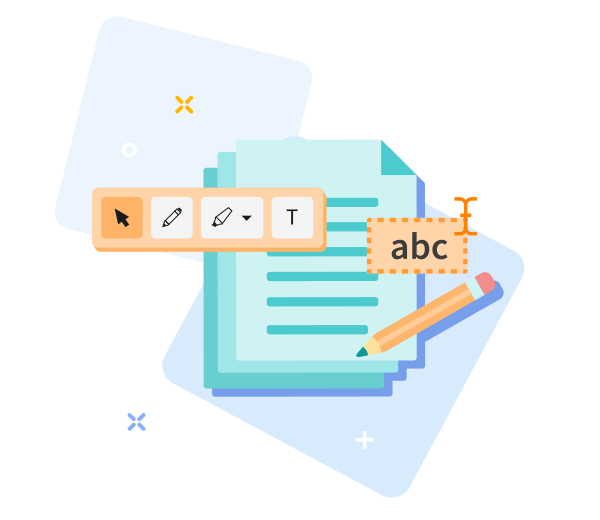
Quick to Save, Easy to Share
Just drag and drop your file, edit freely, save, and share your PDF in seconds.

Edit PDFs Online—Fast, Easy, and Seamless.
Effortlessly start editing by dragging and dropping your PDF into our all-in-one document toolkit, customize as needed, and choose Edit PDF to apply changes—your updated file will be ready quickly.
Easily Adjust Your Options
Not happy with the outcome? Return with a single click and adjust your options at any time for a refreshed result.
Edit PDFs Anywhere
Our editor works seamlessly across desktops, laptops, and mobile devices—including Android and iOS—for flexible, on-the-go document processing.
Encrypted File Transfer
Your files stay protected with advanced TLS encryption throughout editing and transfer, keeping your work secure.
Edit PDFs Reliably
Draw shapes, arrows, or freehand annotations with ease, while top-tier encryption keeps your files secure at every step.
Work in the Cloud
Edit securely in the cloud so you save device resources and can access and edit your files from anywhere, anytime.
Frequently Asked Questions
Yes. You can use this Edit PDF tool online at no cost. Edit PDFs without registering, applying watermarks, or installing software. Some advanced features may have usage limits, but the tool supports quick, reliable edits for everyday needs.
You can add or modify text, insert images, annotate, and adjust basic layout elements directly in your browser. Built for quick, straightforward PDF edits, it helps you complete common tasks efficiently.
Yes. Your PDFs are protected with HTTPS during upload and editing. After editing, uploaded files are automatically removed from our servers within a short retention window to protect privacy and data security, as part of our end-to-end document management platform.

How to Edit a PDF Online for Free and within one workspace
Step-by-step guide to edit PDFs quickly and for free using our all-in-one platform:
- Upload your PDF to begin editing in our unified toolkit.
- Customize text and images, and add annotations with ease.
- Easily drag to reposition text and images exactly where you need them.
- Download the edited PDF file.
 Remove pages