Convert WORD to PDF
Convert DOC and DOCX to PDF for quick viewing, sharing, and streamlined workflows within a single workspace.

Our online Word-to-PDF converter reliably transforms .doc and .docx files into PDF, preserving layout, formatting, and document quality. The resulting PDF works across devices and operating systems, all within a flexible, all-in-one document toolkit.
-
PDF to word converter online free
-
No software download or installation
-
Fast Word to PDF conversion
The Ultimate Online Word to PDF Solution
When you need to convert Word documents to PDF, choose our tool. It's fast, accurate, reliable, and built to support a broad range of users—students, professionals, businesses, and everyday tasks.
Seamless Word to PDF Conversion
Convert any Word document to PDF while preserving the original layout. Fast, professional, and completely free—delivering the kind of document conversion you expect from a modern, all-in-one platform.
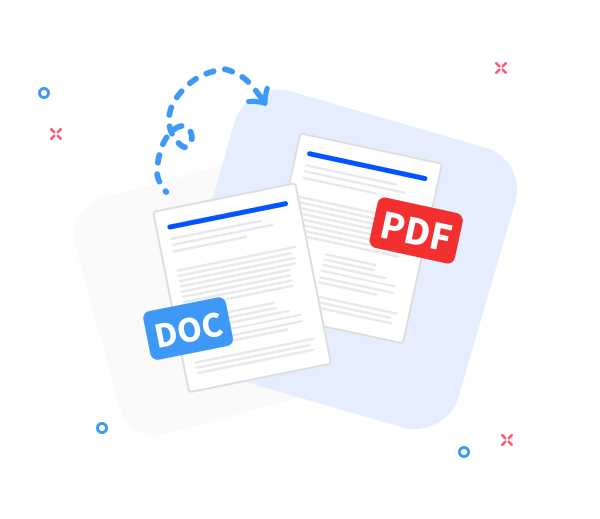
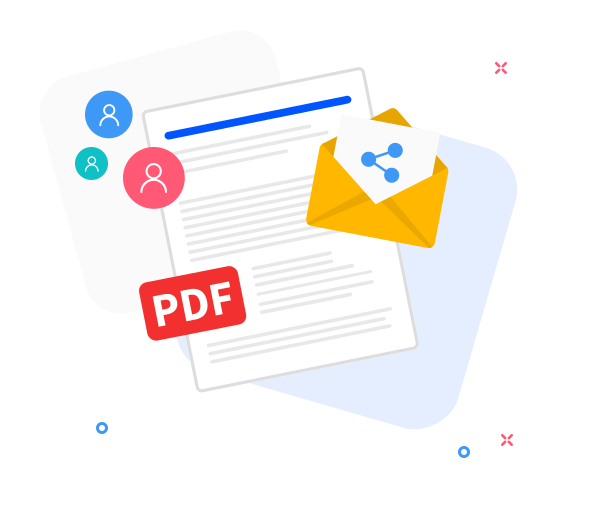
Share the converted files with others.
Share your PDFs instantly to speed collaboration—generate a download link or email the PDF with just a few clicks.
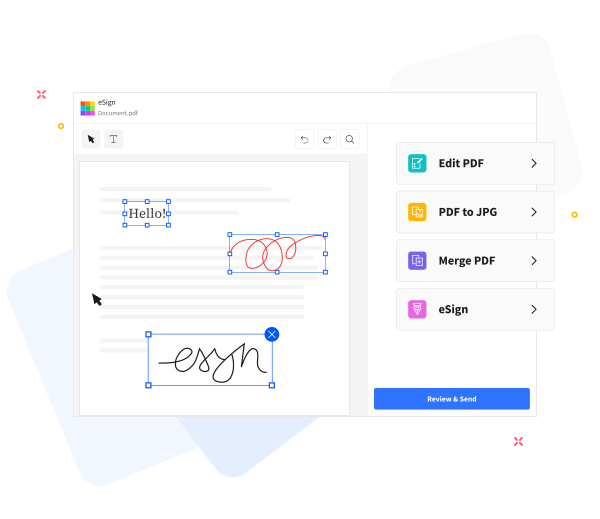
Elevate your PDFs with a streamlined, all-in-one document toolkit.
Turn everyday documents into a streamlined workflow with our all-in-one PDF toolkit. Add text, compress files for email, annotate, and merge PDFs seamlessly from a single place.
Frequently Asked Questions
Yes. The online Word-to-PDF converter is free to use. You can convert Word documents to PDF without registration, watermarks, or installing any software.
Yes. It preserves text formatting, fonts, images, and page layout so the resulting PDF matches the original Word document closely, enabling a smooth and reliable workflow.
Yes. Files are transmitted with HTTPS encryption and processed automatically. All uploaded Word documents and generated PDFs are deleted from our servers after a short retention period to safeguard privacy.

How to convert a Word document to PDF
Convert a Word document to PDF quickly with these simple steps using our one-stop toolkit.
- Drag and drop your Word document into our all-in-one converter to start the process.
- Click “Convert to PDF”.
- The conversion happens quickly—usually in just a few seconds.
- Click Download to save, share, or securely store your PDF.
 Remove pages