
{{ getFeatureName(action_mode) }} your image
Drop your image here.
Our popular AI tools
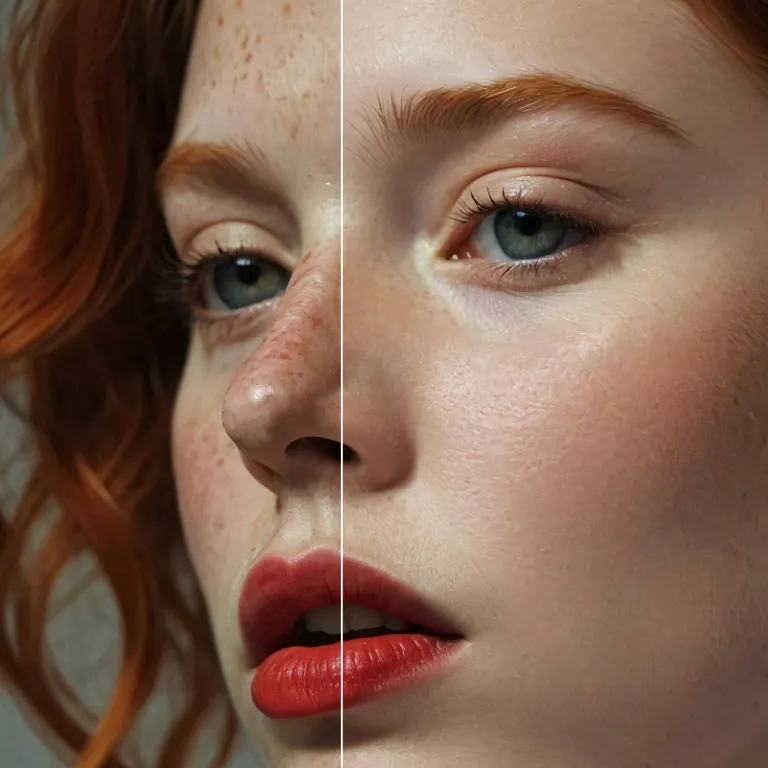
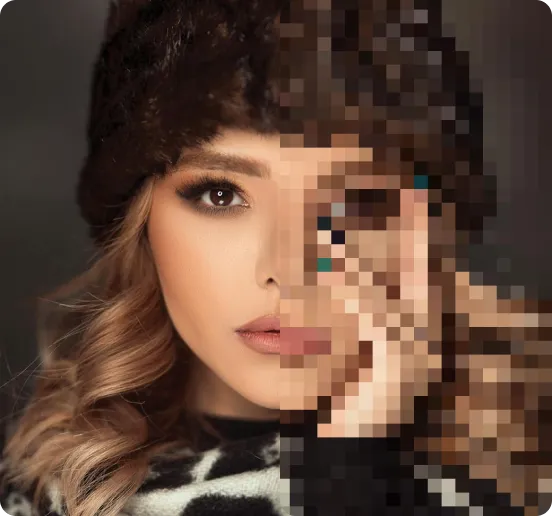
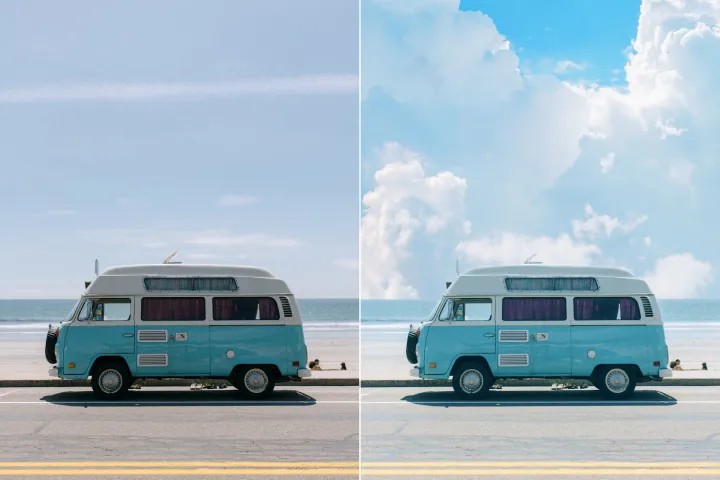
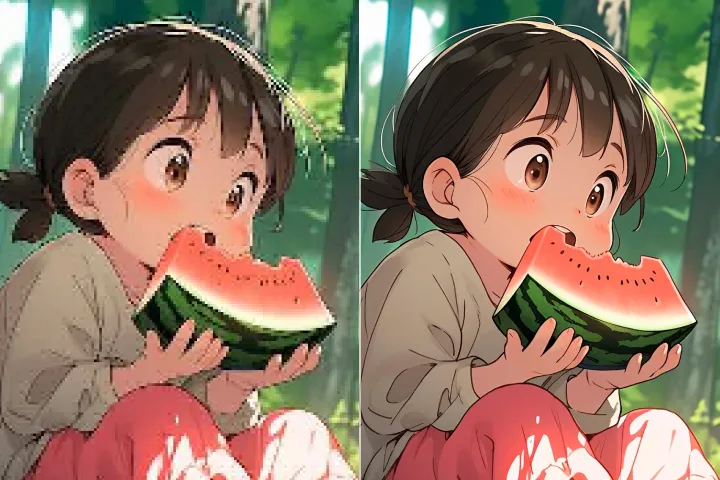
Enhance Photo
Automatically enhance the blurry photo's resolution and increase the overall quality.
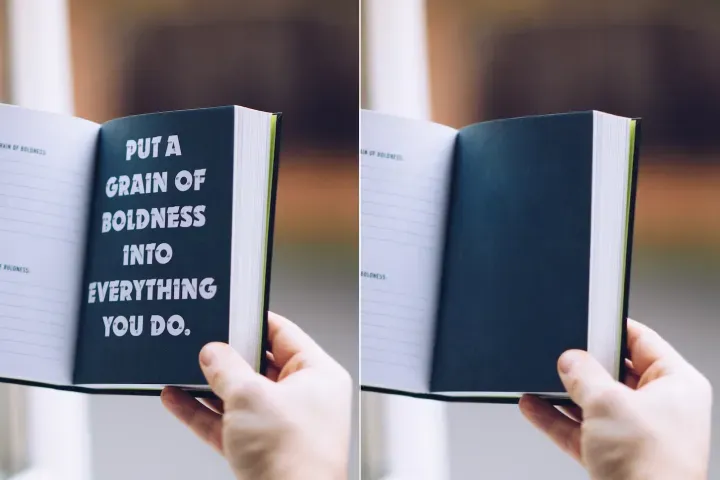
Remove Objects
AIPhotor's One-Touch AI simply detects and removes unwanted details in your picture.
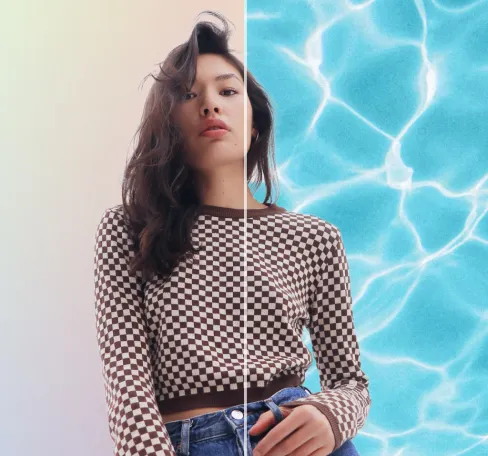
Remove Background
Seamlessly remove background from photos. Edit background with 100+ well-designed templates.
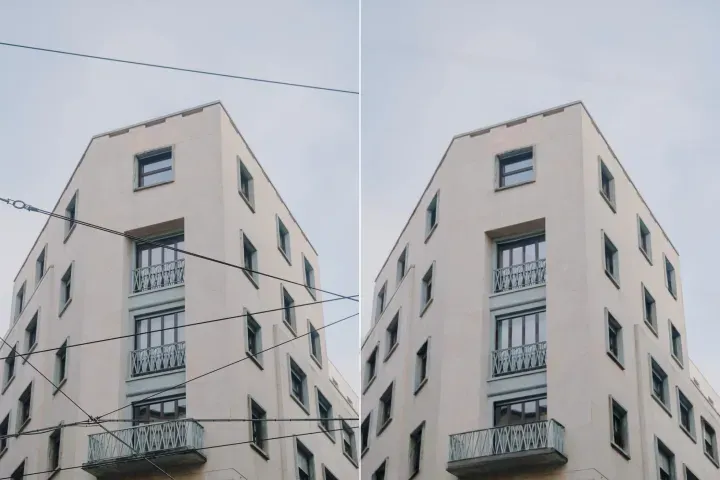
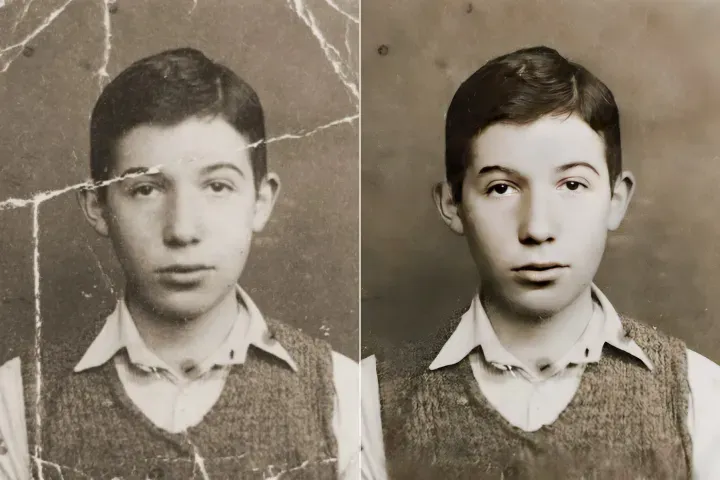
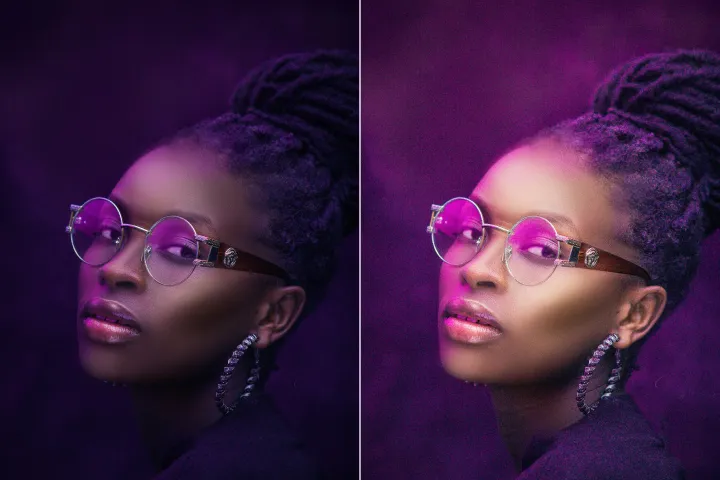
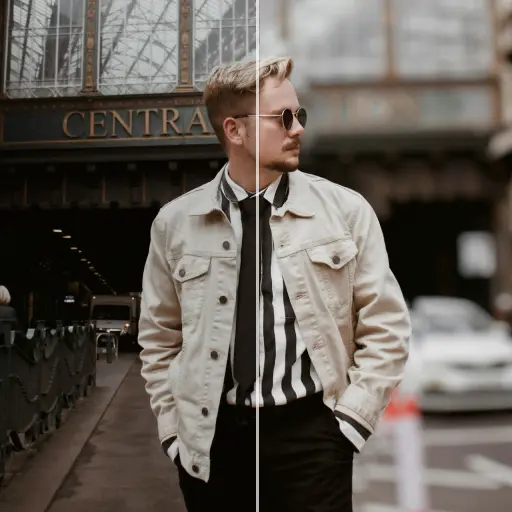

Remove Objects
from Images
Automatically detect and remove unwanted objects from your photos using AI-powered accuracy.





How to Remove Objects from Images with AI
Follow four simple steps to clean up your images effortlessly:

1 Upload your photo

2 Select objects to remove

3 Adjust and preview

4 Download & share
Fast & Precise Object Removal Powered by AI
Advanced object removal AI
AIPhotor helps you remove unwanted elements faster and with greater precision than manual editing.

Clean travel photos
Easily remove distracting people or objects from travel photos, preserving the moment.

Remove unwanted text
Remove existing text from images and replace it with captions seamlessly.


Free to Try
AIPhotor is free to try for 3 days, after which you can subscribe to one of our incredible value plans.

Free to Try
We automatically sharpen and transform your images with AI to create multiple final looks. But you can also adjust and add a prompt to customize the results. Choose what works best for you!

Quick & Easy
Screen, edit, resize and download your photos lightning fast.

Compatible with all devices
AIPhotor is available on the iOS and Android stores. Our app works seamlessly across mobile, desktop, and tablet devices.
Frequently Asked Questions
-
What is AIPhotor Photo Editor?

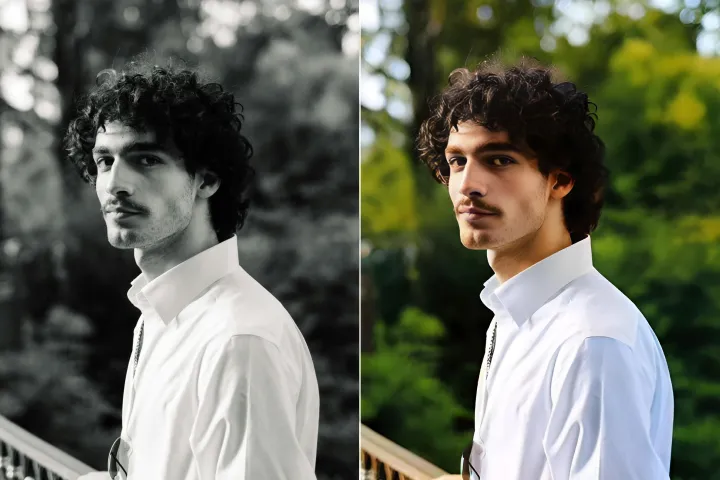
 AIPhotor is a visual online photo editing website that leverages AI technology to help automatically remove objects/people from images; retouch, enhance, colorize, correct, cartoonize, and animate photos in a snap, replacing other photo editing tools Photoshop, Pixlr editor, or Photopea.
Or just drag & drop image here, upto 50 images at once
Or just drag & drop image here, upto 50 images at once
Frequently Asked Questions
-
What is AIPhotor Photo Editor?
AIPhotor is a visual online photo editing website that leverages AI technology to help automatically remove objects/people from images; retouch, enhance, colorize, correct, cartoonize, and animate photos in a snap, replacing other photo editing tools Photoshop, Pixlr editor, or Photopea.
