PDFMALL · PDF TO TEXT
Turn PDF content into text you can copy and edit
A PDF report can contain selectable text, scanned pages or a mixture of both. PDFMall PDF to Text brings that content into a TXT file for searching, copying and editing. Text that exists only inside an image is recognized with OCR before the output is created.
- Download UTF-8 TXT files
- Work with text PDFs and scanned pages
- Detect languages automatically or select them
How is a TXT file created from a PDF?
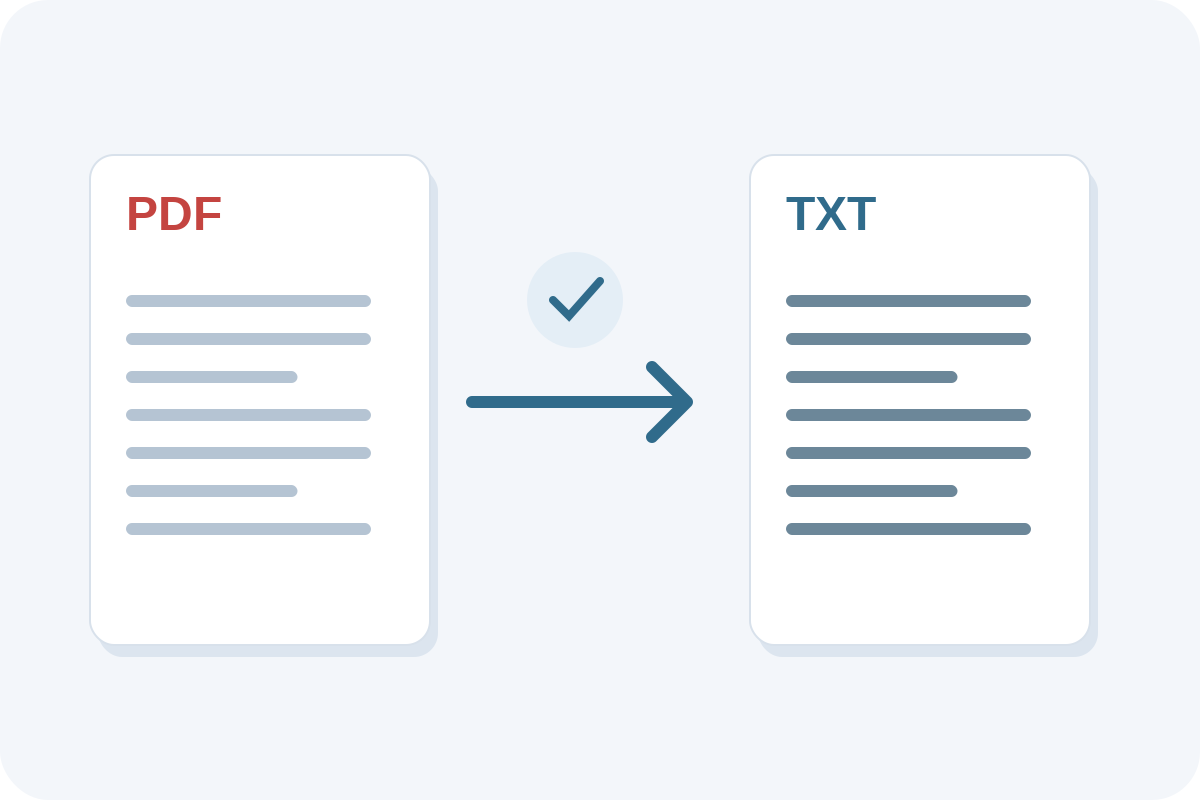
After you upload a PDF, PDFMall analyzes the document and processes its content through the shared text extraction and OCR workflow. Scanned pages require character recognition from their images. The resulting text is collected and exported as a .txt file.
TXT contains the document text, lines and paragraphs. The output may include page separators to help you compare it with the source. UTF-8 encoding supports accented characters and different writing systems. Open the file in Notepad, TextEdit or another UTF-8 text editor. Images, fonts, colors and table layout are not preserved as they appear in the PDF.
Extract PDF text with multilingual OCR
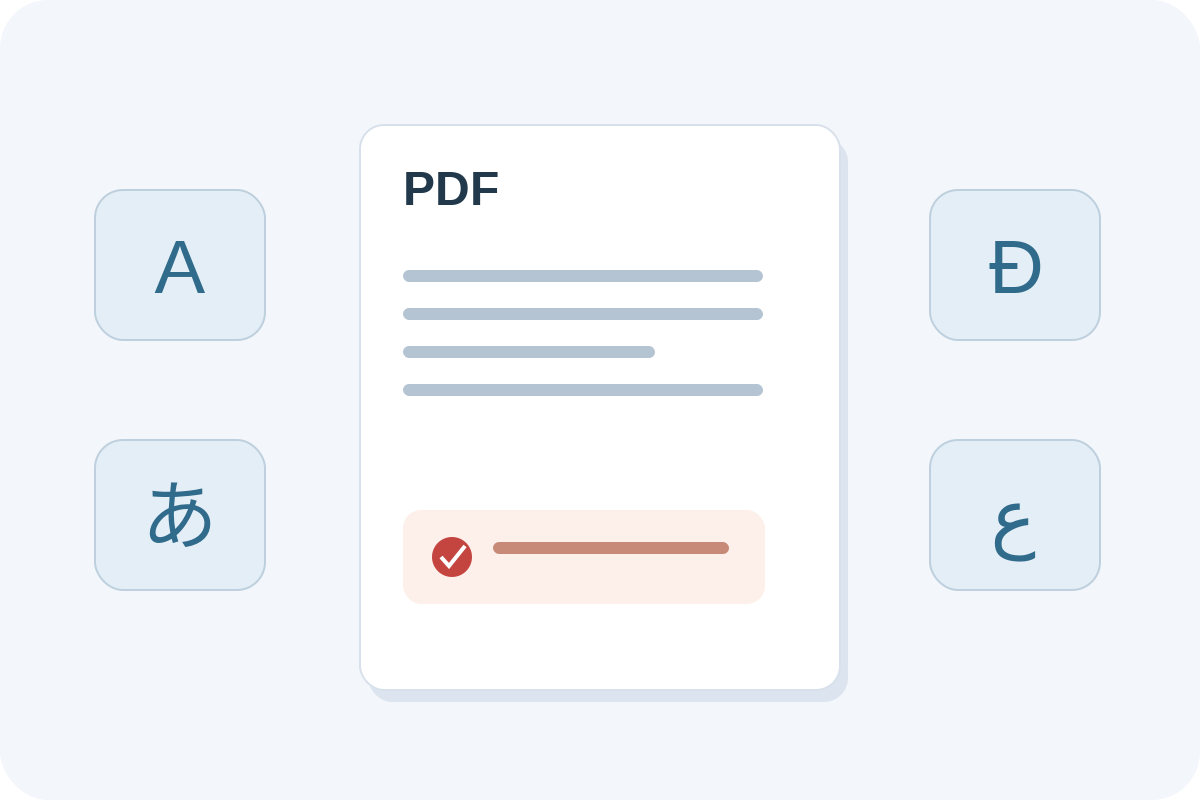
When you choose OCR mode: Automatic language detection is selected by default. If you know the document languages, choose the manual option and select between 1 and 8 languages actually present in the file. For a Vietnamese report containing English terminology, for example, select both Vietnamese and English.
Language selection helps guide recognition; it cannot restore strokes missing from a blurred scan. Check accents, names and similar-looking characters such as O/0 and I/l/1. OCR recognizes the languages in the source; it does not translate the document.
What can you do with extracted PDF text?
Copy a passage from a report into an email, search a long document for a keyword, save study notes or prepare text for indexing and content analysis. TXT removes presentation formatting, making the text convenient to use in other tools.
Choose PDF to Word when you need an editable document with more layout features. Choose PDF to Excel when you need cells, rows and columns for working with data. To keep the appearance of the original pages and add searchable text, use OCR PDF to create a searchable PDF instead.
How to convert PDF to TXT with PDFMall
Upload your PDF
Select PDF files or drag a document into the upload area. Check that you have chosen the right file before converting.
Conversion mode
No OCR: Extract only the text already embedded in the PDF. Text in scanned pages or images is not included. Selected by default. OCR: Extract existing text and recognize text in scanned pages or images. When you choose OCR mode: Keep automatic detection, or choose languages manually. Select at least one language when using the manual option.
Convert to TXT
Select Convert to TXT. The waiting screen shows the file, its status and progress reported by the service.
Download and review the text
Download the completed TXT file. Open it in a UTF-8 editor and compare important names, numbers and symbols with the original PDF.
PDF to TXT, Word, Excel or searchable PDF?
Choose the output for your next task. Changing the output format does not make a blurry source image clearer.
| Your next task | Suitable tool | What to check |
|---|---|---|
| Search, copy or edit the words | PDF to Text | Plain text does not preserve images or page layout. |
| Edit paragraphs and document formatting | PDF to Word | The converted layout may need adjustment. |
| Work with rows, columns and cells | PDF to Excel | Check cell placement and numeric values. |
| Keep PDF page appearance and search its text | OCR PDF | The added text layer can still contain recognition errors. |
| Read text from an image file | Image to Text | Use the image OCR tool for an image rather than a PDF. |
A real example: a bilingual scanned PDF exported as TXT
A functional check used a one-page synthetic scan containing English and Vietnamese text, with Vietnamese + English selected. This excerpt comes from the downloaded TXT. It demonstrates one sample document, not an accuracy rate for all PDFs.
PDF TO TEXT OCR TEST

Apple 12 Orange 34

Tiếng Việt: Chuyển PDF sang văn bản.
Open both files to compare words and accents. TXT keeps the recognized content, not the appearance of the PDF page.
Missing spaces, incorrect characters or square boxes: what to check
You cannot select or copy words in the PDF
The page may be a scanned image. Try OCR and choose the document languages. If the file restricts access, use a copy you are authorized to open.
Accents, letters or numbers are incorrect
Use a clearer scan if available, choose the actual document languages and convert again. Compare important positions with the source; do not change names or numbers simply because another word seems more plausible.
Words run together or paragraphs appear out of order
Check spacing and column order against the original. If you need tables or document layout, choose Word or Excel for that purpose and review the output.
The TXT shows square boxes or garbled characters
Open it using UTF-8 and a font that supports the document language. If the same character is wrong in several editors, the extraction or OCR content may be incorrect rather than just its display. Compare with the original before editing.
Help OCR read your document more clearly
Use a clear, complete scan without cropped text. Keep pages straight, lighting even and dark backgrounds away from character strokes.
Small or blurred text, tilted pages, closely spaced accents, formulas and multi-column layouts can lead to recognition errors or an unexpected reading order. If a clearer original is available, use it for another conversion.
Check details that need to be exact, including names, dates, product codes and amounts. OCR reduces manual retyping, but it cannot guarantee that every character in every document will be correct.
Frequently asked questions about PDF to Text
What file does PDF to Text produce?
The result is a UTF-8 .txt file containing text extracted or recognized from your PDF. You can search, copy and edit the content in a text editor.
Can I convert a scanned PDF to TXT?
Yes. OCR recognizes text in scanned pages. Image clarity, character size, language and document layout affect the accuracy of the result.
Does it support accented text and multiple languages?
Yes. Use automatic detection or choose between 1 and 8 languages from the available selector, such as Vietnamese and English. Compare difficult accents and characters with the original document.
Does PDF to TXT preserve tables and images?
TXT is plain text, so it does not retain images, fonts, colors or the cell structure of tables. Use PDF to Excel for tables you need to work with, or PDF to Word for an editable document layout.
How is PDF to Text different from OCR PDF?
PDF to Text exports the content as a TXT file. OCR PDF creates a PDF with a text layer for searching and copying while retaining the page appearance. Choose the tool that produces the file type you need.
Why does OCR miss accents or join words together?
Blur, small text, low contrast, closely spaced marks and complex layouts can cause recognition errors. Try a clearer scan, choose the correct languages and compare uncertain regions with the original PDF.
Can I use PDF to Text on a phone?
Yes. Open the page in a phone browser, select your PDF, choose the languages and download the TXT file after processing. The same workflow is available on a computer.
Does the tool translate my document?
No. OCR recognizes characters in the languages used by the document. The TXT output contains the recognized content; it is not automatically translated into another language.
Do I need conversion if I can already copy text from my PDF?
Not always. If you need only a short passage and the copied text is correct, you can use it directly. TXT export is useful when you want a separate text file for searching, storing or further processing.
Why does the TXT file show square boxes?
The font may lack a character, the file may have been opened with the wrong encoding, or the extraction or recognition may be incorrect. Try UTF-8 and a suitable font. If the issue remains, compare with the PDF instead of relying only on a font change.
 Remove pages